Rho 1012/1030 F Software
F Software
1 Basic functions
1.1 Installation
You can install the software either via the Durst FTP server or from a CD.
You must enter the license number after the software is started to be able to
use all the functions.
1.1.1 Installing software via the Durst FTP server
You can download software updates as an ISO file from the Durst FTP server.
Contact Durst customer service for information on download and
installation.
1.1.2 Installing software from CD
Insert printer software CD and follow the instructions on the screen.
1.1.3 Entering software license
✔ The software has been started
1. Press Setup > General.
2. Press Edit.
3. Enter license number in the Validation Code input field.
4. Press Save.
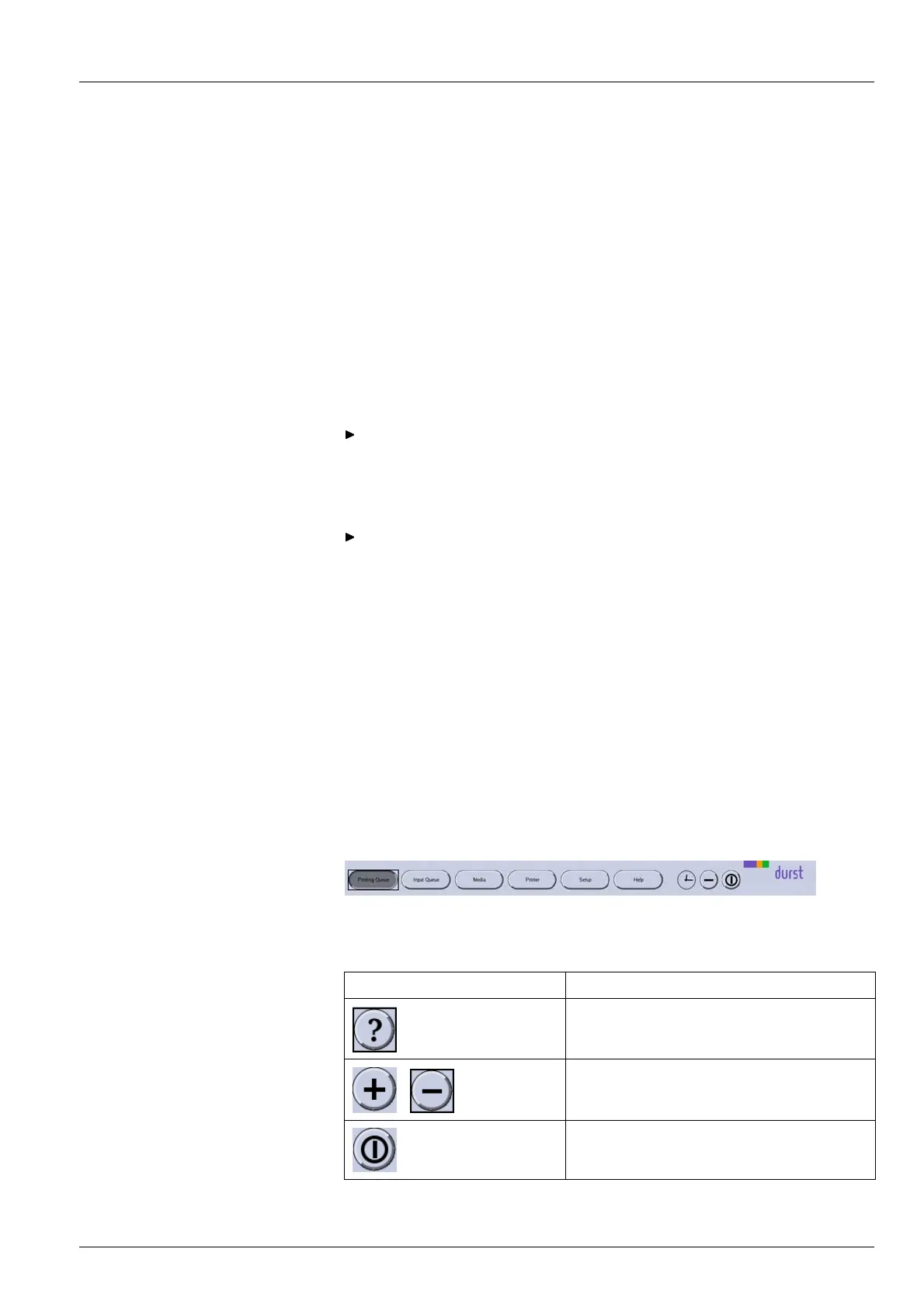
1.2 The menu bar
The menu bar is the starting point for all activities of the software. You can
see the current program function at all times.
Fig. 52 Menu bar
The menu bar contains the following dialog elements, among other things:
Item Function
Open operating instructions
/
Maximize/minim ize pro gram window
Exiting th e software
2004 – 2013 © Durst Phototechnik AG – www.durst-online.com , Rho 1012/10 30 , Issued 07/2013 95 / 147



 To Next Page