Rho 1012/1030 G Service
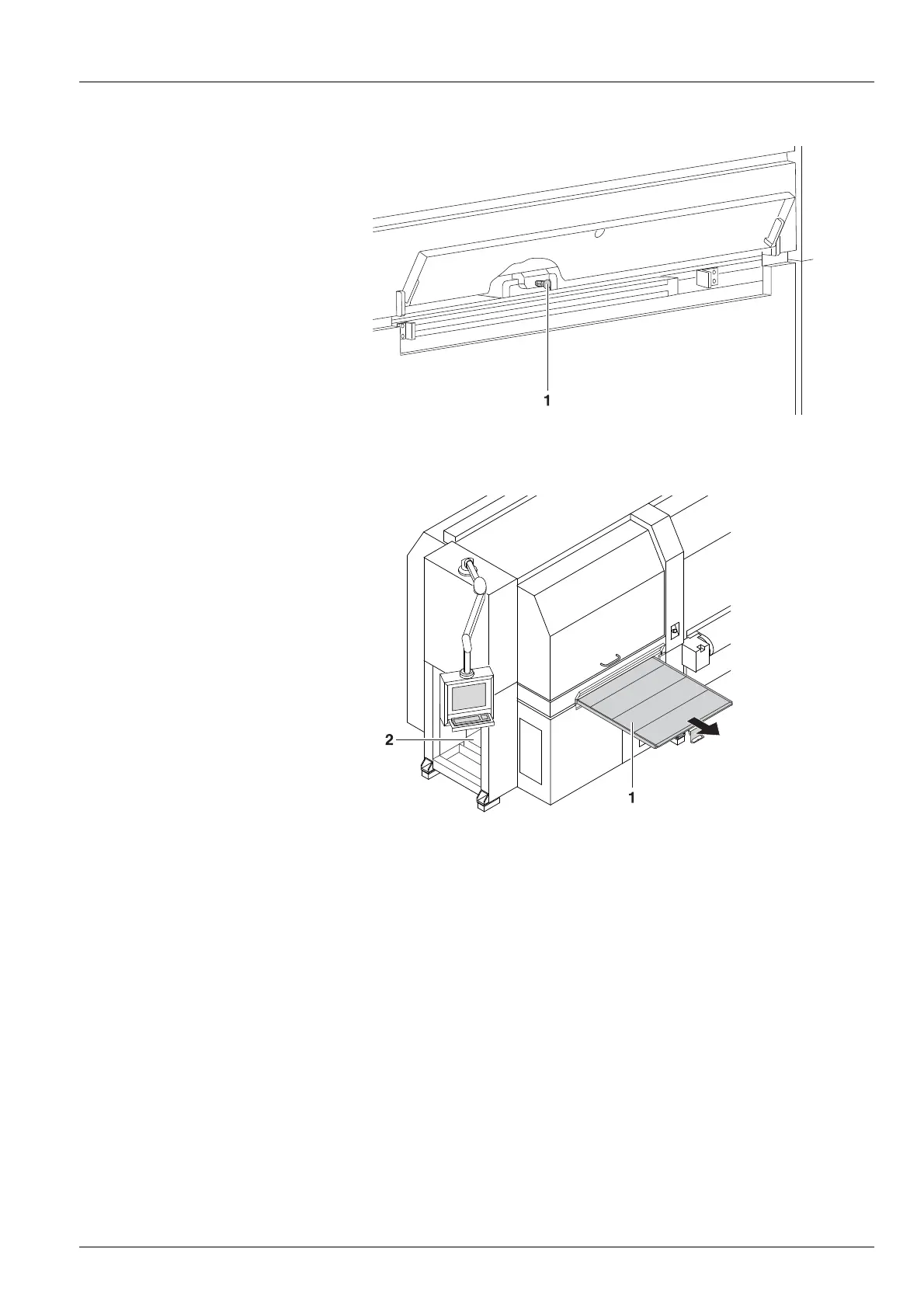
Fig. 89 Loosening the grip
4. Pull out the locking knob (1) and loosen the grip.
Fig. 90 Pulling out the light trap carrier
5. P ull out the light trap carrier (1) using the g rip .
6. O p en clea n ing acce ss point (2).
7. Carry out cleaning.
8. Push in light trap carrier.
12.5 Purge cycle
12.5.1 C arrying out the long purge cycle
1. Press the Printer button in the software.
2. Press the Purge tab.
2004 – 2013 © Durst Phototechnik AG – www.durst-online.com , Rho 1012/1030 , Issued 07/2013 133 / 147



 To Next Page