G Service Rho 1012/1030
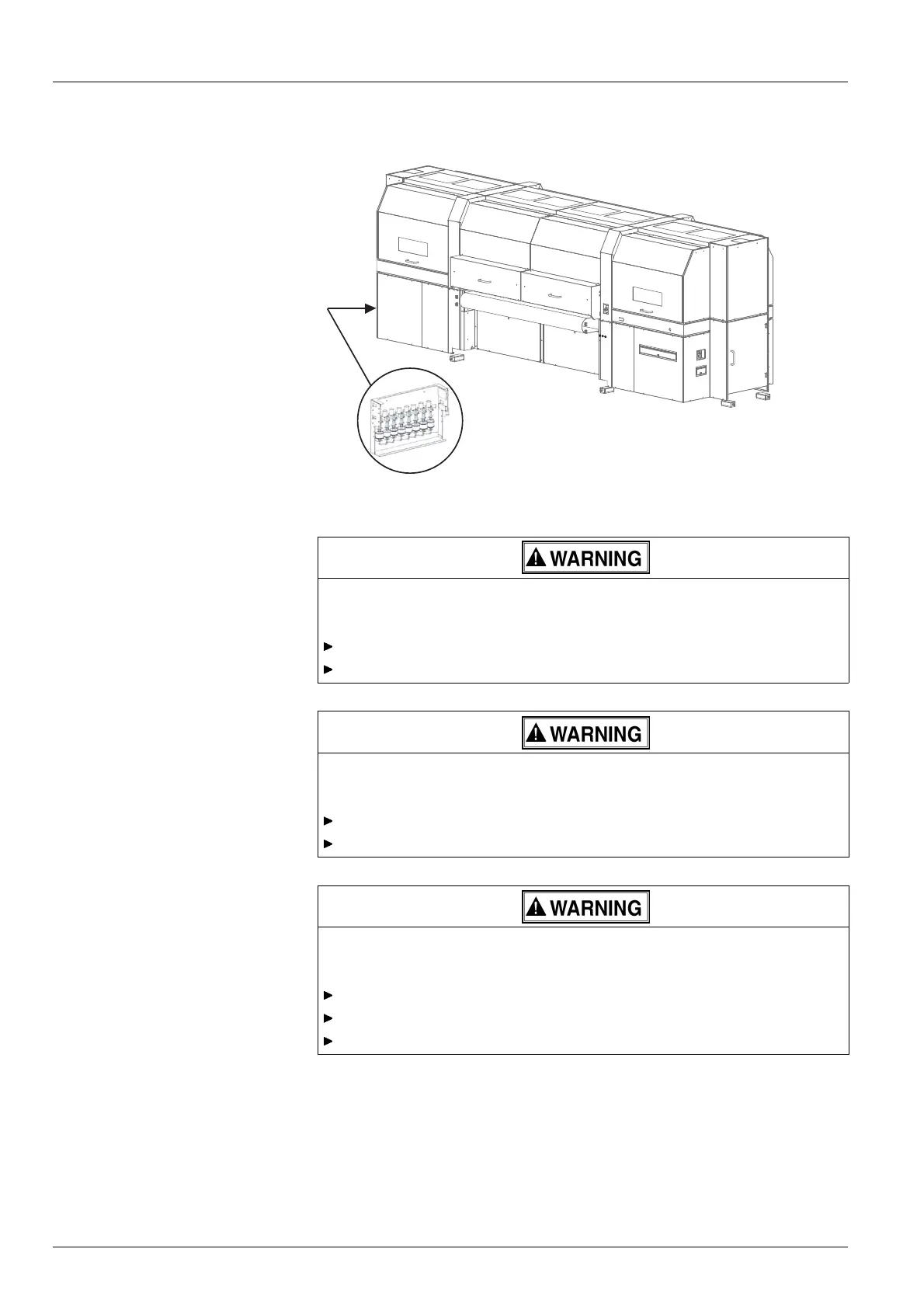
Fig. 83 Location of the main ink filters
Energized components!
Risk of death via electric shock
Switch off printer with the main switc h.
Securethemainswitchwithalock.
Starting ink pump!
Danger to health through emitted ink
Switch off printer with the main switc h.
Securethemainswitchwithalock.
Contact with in k !
Health hazard
Wear protective gloves.
Wear safety goggles.
Avoid allowing ink to come into contact with skin and eyes.
1. Switch off printer with the main switch.
2. Securethemainswitchwithalock.
3. Screw off cover plate.
4. Lay a cloth under the ink filter to catch any emitted ink.
128 / 147 2004 – 2013 © Durst Phototechnik AG – www.durst-online.com , Rho 101 2/103 0, Issued 07/20 13



 To Next Page