Rho 1012/1030 G Service
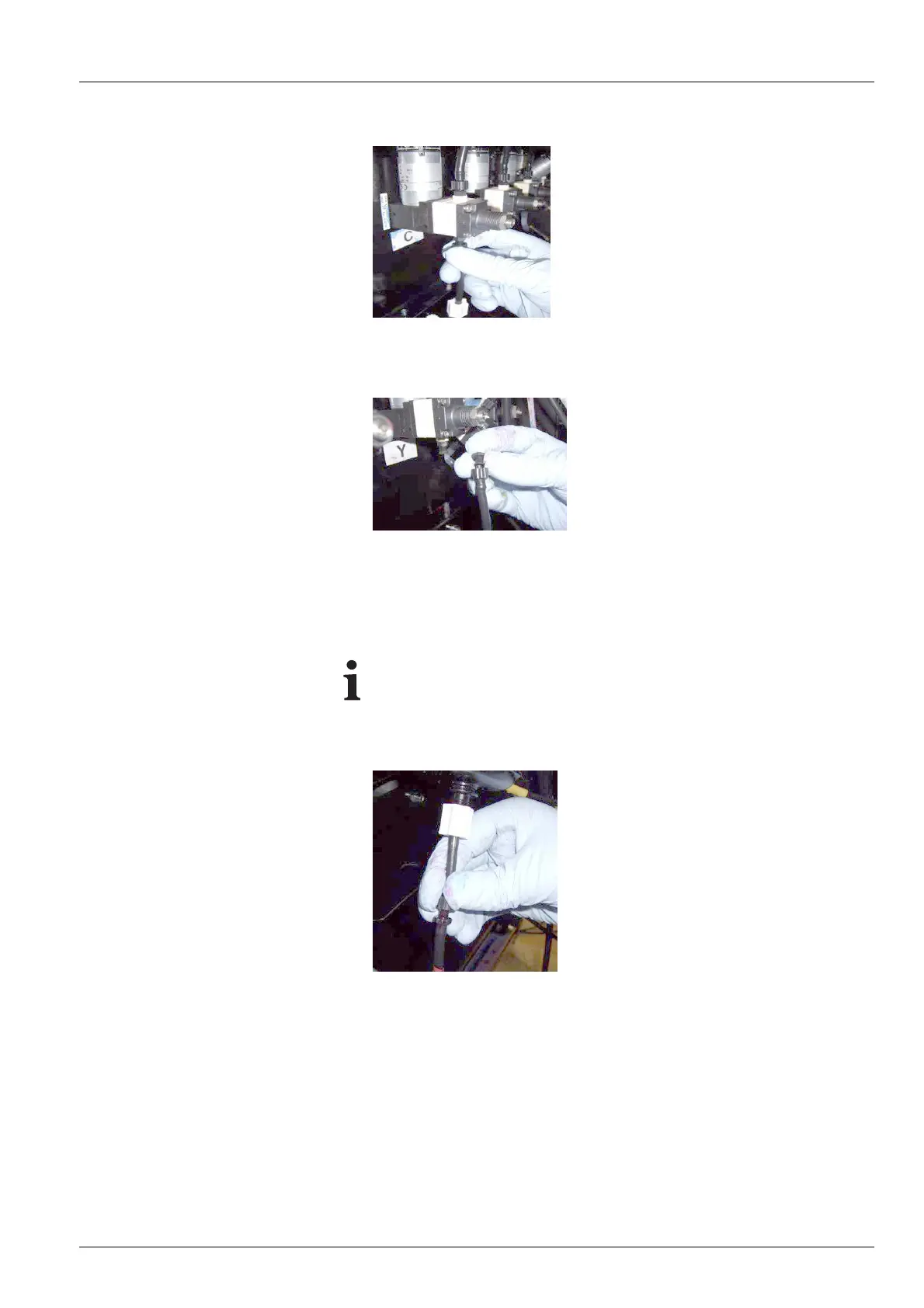
Fig. 84 Opening top fitting
5. Screw off fitting of top connection and detach hose of the ink filter.
Fig. 85 Closing ink filte r
6. Close ink filter with fitting.
7. To prevent ink from flowing fro m t he ink filter when removing ink , swivel
ink filter with the top down.
Whenscrewingoffthebottomfitting, ink may flow from the bottom
connection line.
8. Screw off fitting on the bottom connect
ion and carefully remove ink filter.
Fig. 86 Inserting new ink
filter
9. Connect new ink filter at bottom and top connections.
10. Remove the clot
h.
11. Screw on cover plate.
12. Dispos e of us ed ink filters according to local regulations.
2004 – 2013 © Durst Phototechnik AG – www.durst-online.com , Rho 1012/1030 , Issued 07/2013 129 / 147



 To Next Page