Autopilot Servo Installation, Configuration, and Calibration
10-24 SkyView System Installation Guide - Revision K
Adjust roll servo torque and/or sensitivity values as needed
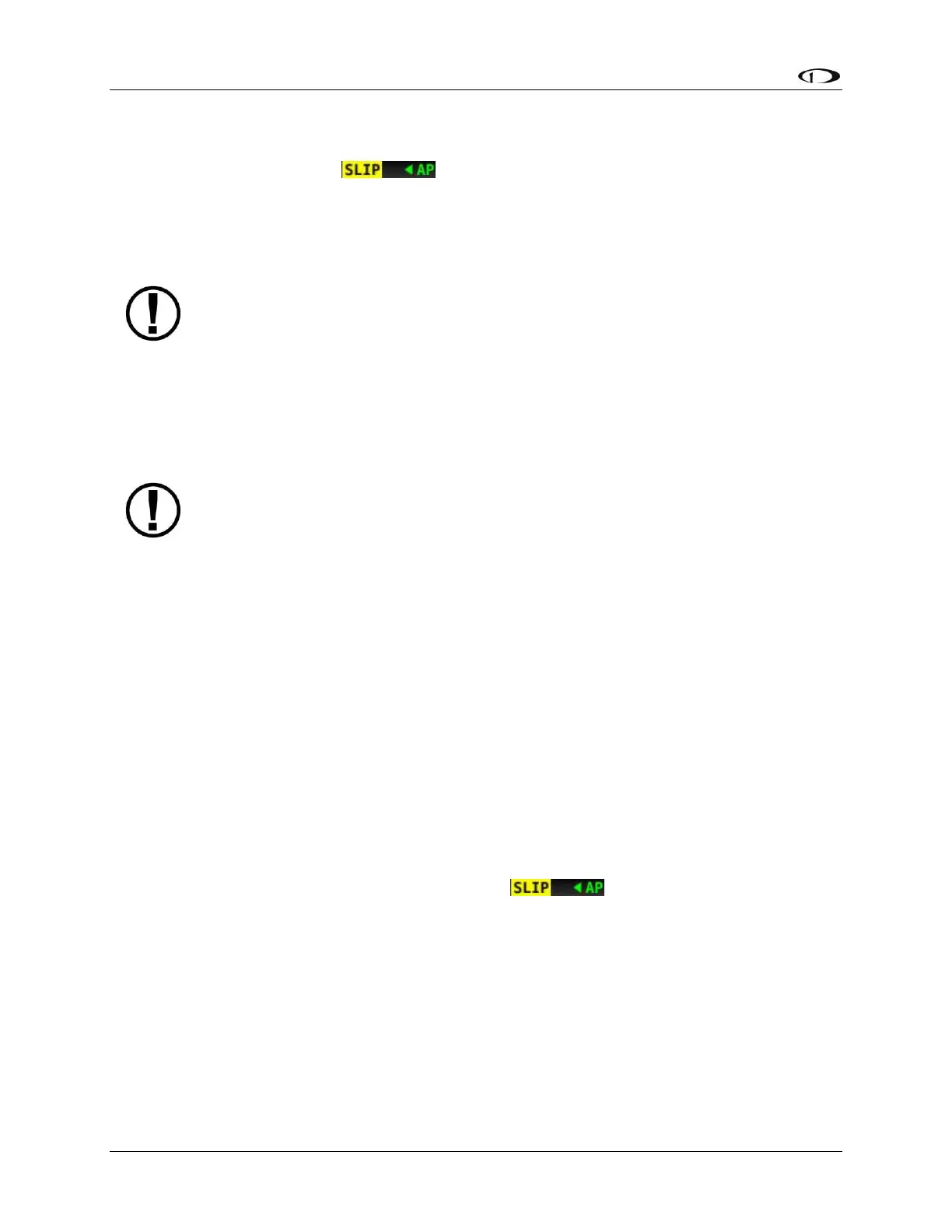
Observe the autopilot status indicator on the Top Bar while the autopilot flies. If the roll axis
indicator frequently looks like , it is an indication that the roll servo is slipping and
the torque needs to be increased. Occasional slips due to turbulence are acceptable.
If necessary, adjust the torque percentage on the Roll Axis Torque Adjust Page (SETUP MENU >
AUTOPILOT SETUP > ROLL AXIS > TORQUE).
If you have adjusted the roll servo torque to 100% and are still seeing frequent
slips, you may need to try a higher strength servo (e.g., if you have an SV32
installed, try swapping for an SV42).
After verifying that the torque percentage is set appropriately, watch closely for autopilot
wandering around the target track. The autopilot should keep the triangle of the track bug
closely aligned with the small, magenta ground track triangle.
If excessive wandering is observed, increase the sensitivity level on the Roll Axis
Sensitivity Adjust Page (SETUP MENU > AUTOPILOT SETUP > ROLL AXIS >
SENSITIVITY). If the autopilot control seems twitchy or aggressive, decrease the
sensitivity. All adjustments of sensitivity should be done in increments of 1 or 2,
allowing you to notice subtle changes in control.
Change the heading bug 90 degrees from the current heading
Change the heading bug to 90 degrees to the left or right of current heading.
1. Configure a joystick to control the heading bug as enumerated in the How to Enter the
Joystick Function Menu Section of this guide. The label above the joystick should read
(HDG).
2. Turn the joystick either way until the track bug reads 90 degrees to the left or right of
current heading.
3. As soon as the track bug is changed, the autopilot begins changing the aircraft’s
direction to follow.
Verify roll torque and sensitivity settings during turn(s)
During an autopilot-controlled turn, observe the autopilot status indicator on the Top Bar as
you did earlier. If excessive slipping is observed (i.e., ), then increase the roll servo’s
torque percentage.
Repeat the 90 degree autopilot-controlled turns and torque adjustments until the autopilot roll
axis indicator does not display a slip indication.
Continue performing autopilot-controlled turns and observe the overall behavior of the aircraft.
If the aircraft wallows, or rolls out of turns slowly as it reaches the target heading, that is an
indication that the roll servo sensitivity needs to be increased. If, upon reaching the target
heading, the stick twitches excessively, that is an indication that the Roll Servo SENSITIVITY
needs to be decreased.



 To Next Page