SV-D700 / SV-D1000 Installation and Configuration
SkyView System Installation Guide - Revision K 4-9
1. Navigate to the CONFIGURE… Page (SETUP MENU > SYSTEM SETUP > NETWORK SETUP
> CONFIGURE…).
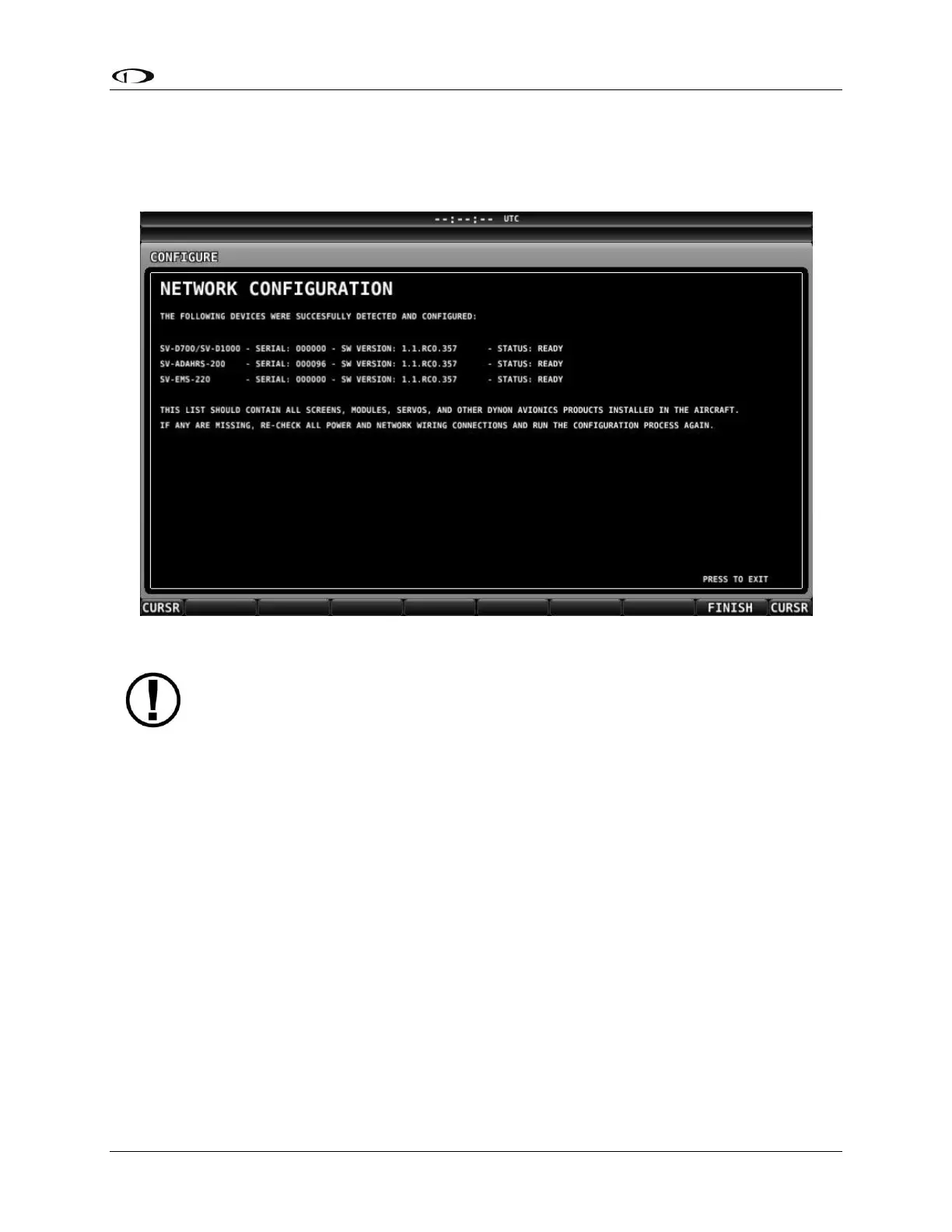
2. Press DETECT. A successful network configuration yields the screen in Figure 19.
3. Press FINISH to close the screen and return to the Network Setup Menu.
Figure 19–Successful SkyView Network Configuration Screen
If the SkyView network is successfully configured, but firmware versions on
equipment are not synchronized, you will see a screen that is similar to Figure 20.



 To Next Page