OPERATION
3-30 25364 Issue 8 March 2018
File
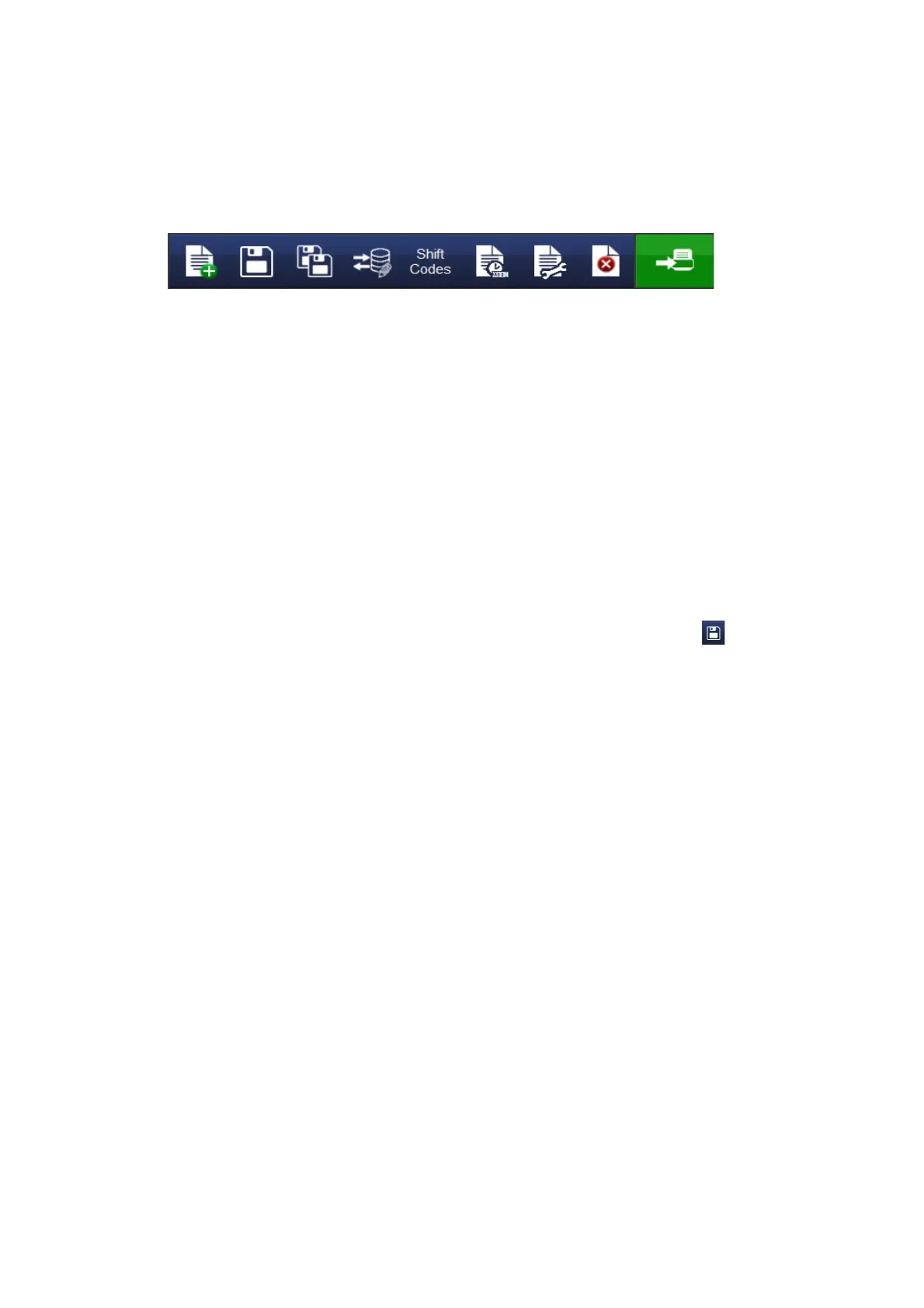
At the File Menu screen, the user can select from the following Message
Options:
(1) (2) (3) (4) (5) (6) (7) (8) (9)
(1) Create new message
(2) Save message
(3) Save as a new message
(4) Add or edit a connection to a database
(5) Add new Shift Code table
(6) View/edit variable properties
(7) View/edit the message properties
(8) Delete item from message
(9) Send to print
Save Message
Once the message has been created/changed, select the Save Button
to save the message. Enter the message name required and select the
message store if appropriate.



 To Next Page