OPERATION
3-10 25364 Issue 8 March 2018
Messages
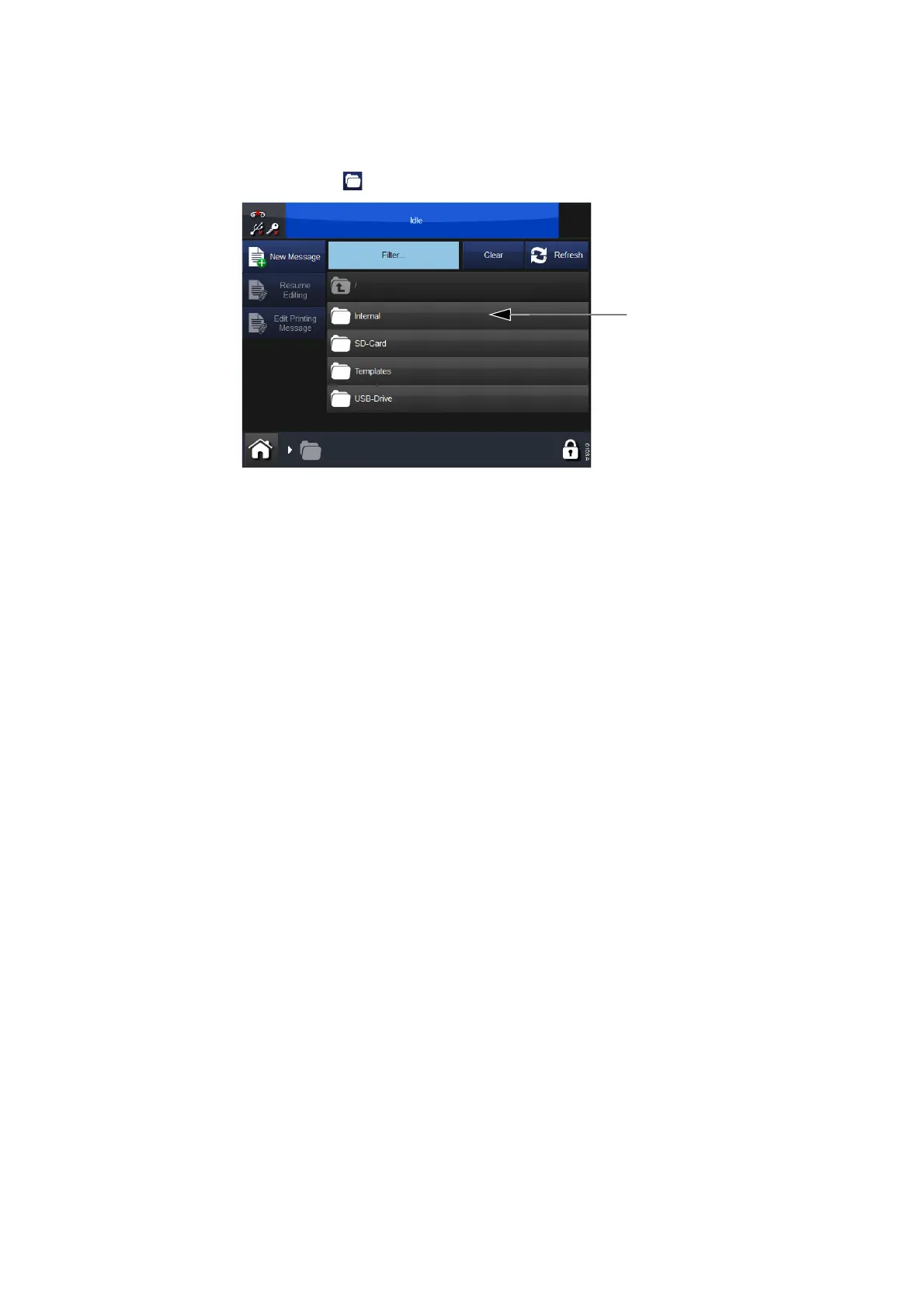
Selecting the Messages button will open the messages screen:
In the screen above, the message store called Internal and a list of
messages it contains are displayed. Select any saved message from within
a message store or from the list of messages. You can then edit, preview,
cancel or send the message to print.
To edit a message while it is printing, go to Home Screen > Messages and
select Edit Printing Message.



 To Next Page