OPERATION
25364 Issue 8 March 2018 3-31
SELECTING AN EXISTING MESSAGE
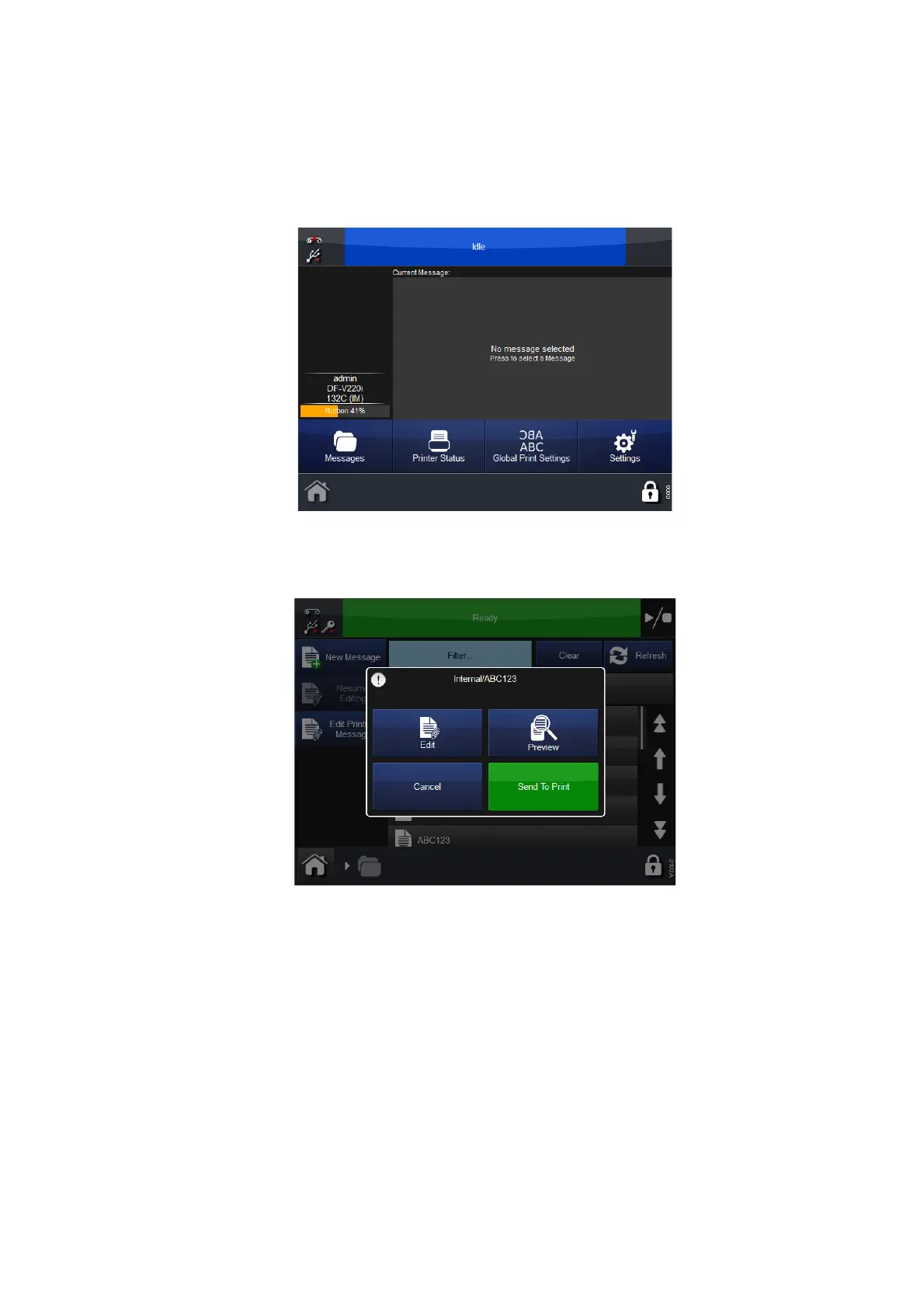
Where no message is selected, no message will be displayed in the Home
screen:
Selecting the Messages button will open the Message Store or stores.
Select the required store and then the required message from the list. The
following screen will display:
Choose to Edit, Preview, Send to Print or Cancel.
To change the selected message, select Messages, then open the required
message store and select the required message. The screen as shown
previously will display, select Send to Print. The printer will revert to the
Home screen and the selected message will be displayed.
Edit
To edit an existing message:
(1) Select Messages a
nd select the Message Store required.
(2) From the list of messages that appears, select the message to edit.



 To Next Page