DESCRIPTION AND INSTALLATION
25364 Issue 8 March 2018 2-37
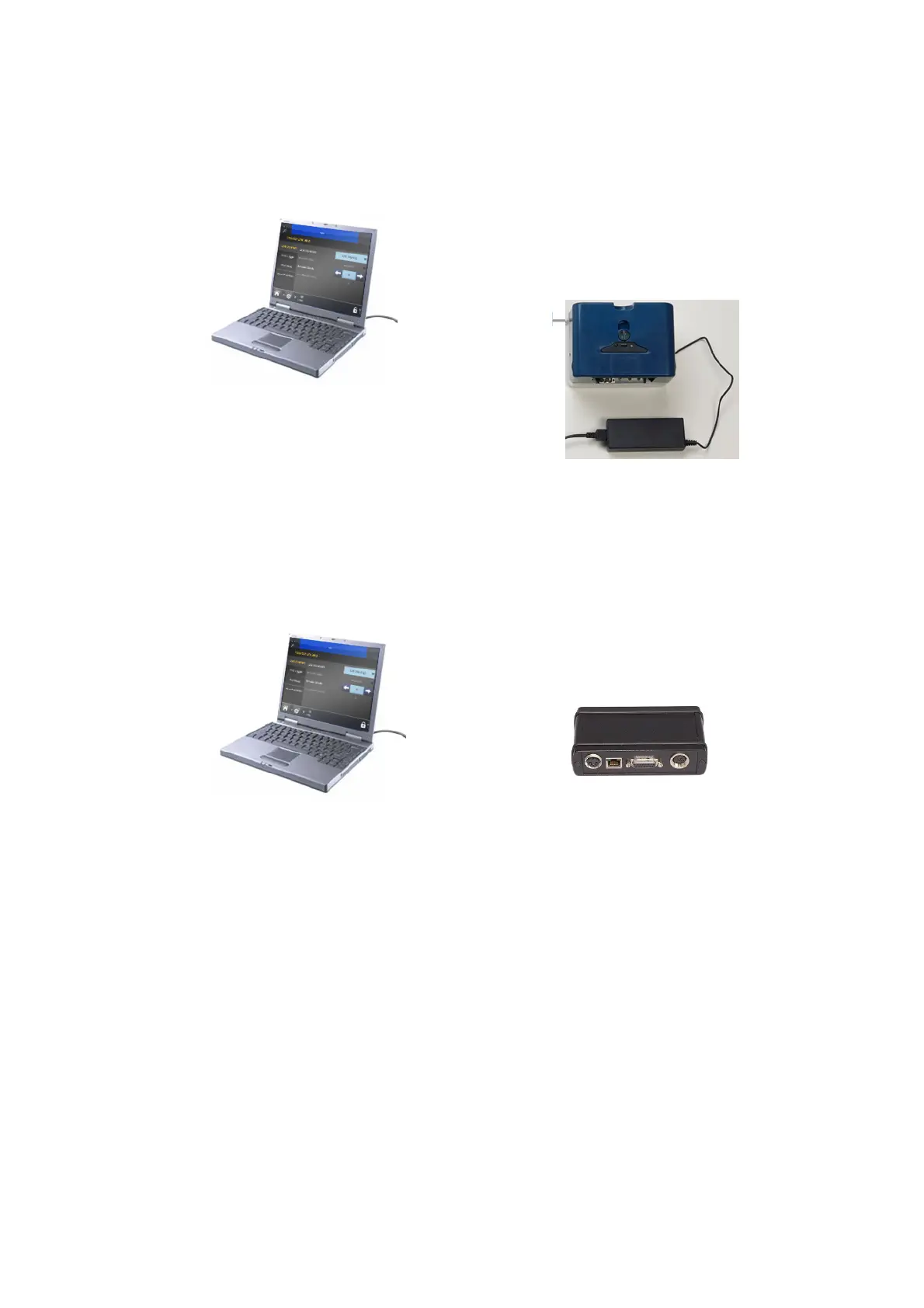
PC or Touchscreen to One Printer
Compact 32d, 32c and 53c
Note: Initially, ensure both printer and PC are DHCP enabled. Then, if
required, set the IP settings for the printer and PC/Touchscreen.
Communicator II
To connect a Touchscreen, see “Connectivity - Communicator II” on
page 2-34.



 To Next Page