DESCRIPTION AND INSTALLATION
2-58 25364 Issue 8 March 2018
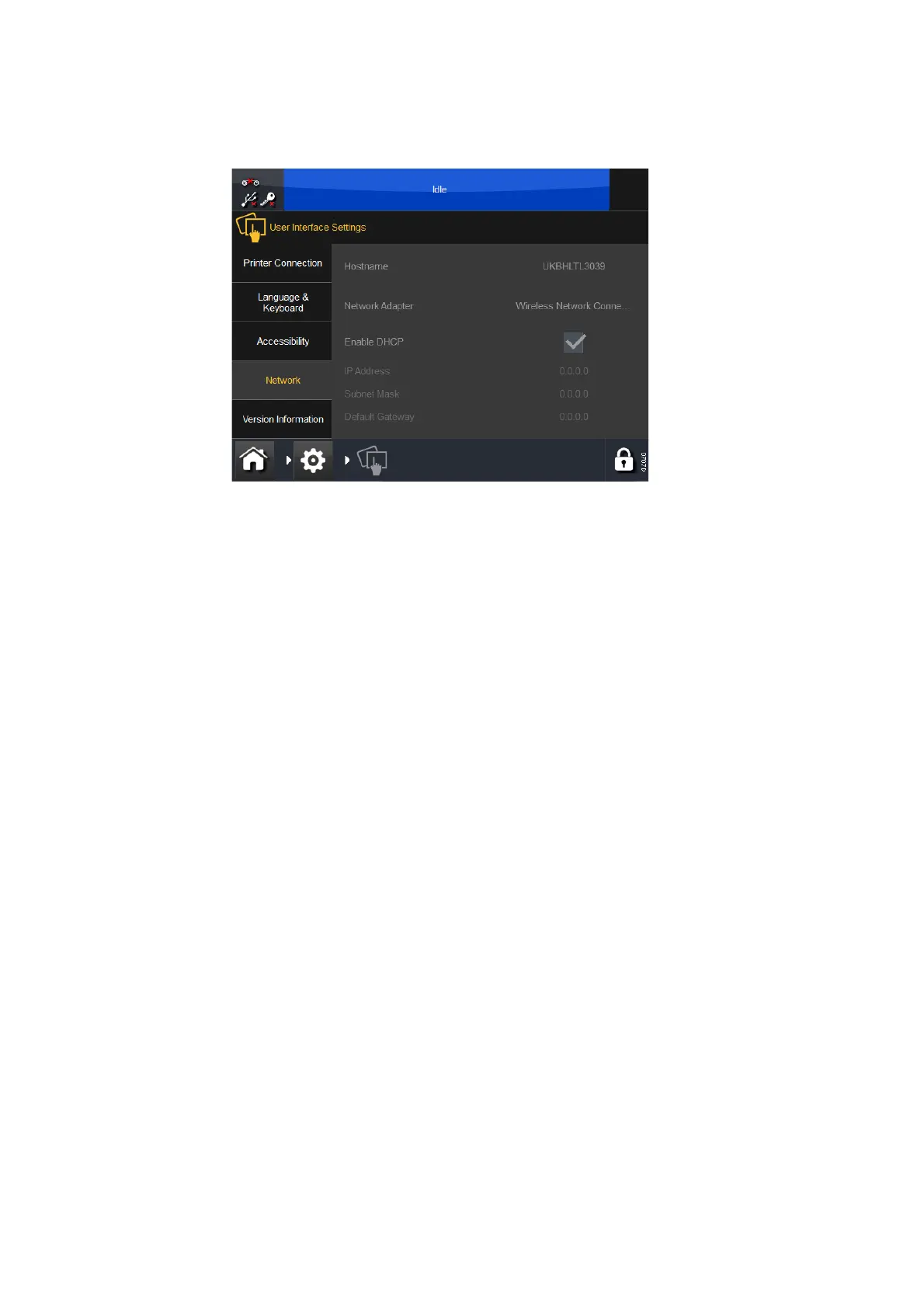
Network
Set up the network settings for the Compact Touchscreen / Touchscreen.
The IP address of the device can be changed manually or automatically.
When connected to a network, always manually assign one IP address to
the printer and another IP address to the Compact Touchscreen. While
automatic assignment of IP addresses may seem simpler, some
complications are associated with this approach. For example:
• When a printer or a Compact Touchscr
een is assigned an IP address
by the network it will use this address until powered down. However,
when the device is powered up again, there is no guarantee that it will
get the same IP address. If a PC-based interface running a standard
browser such as Internet Explorer is used, re-establishing a connection
is not straightforward.
• Activating automatic IP address as
signment (Enable DHCP) may
change the range of each device such that they can no longer connect.
Version Information
This tab displays version information for the Compact Touchscreen /
Touchscreen.



 To Next Page