OPERATION
25364 Issue 8 March 2018 3-11
NEW MESSAGE
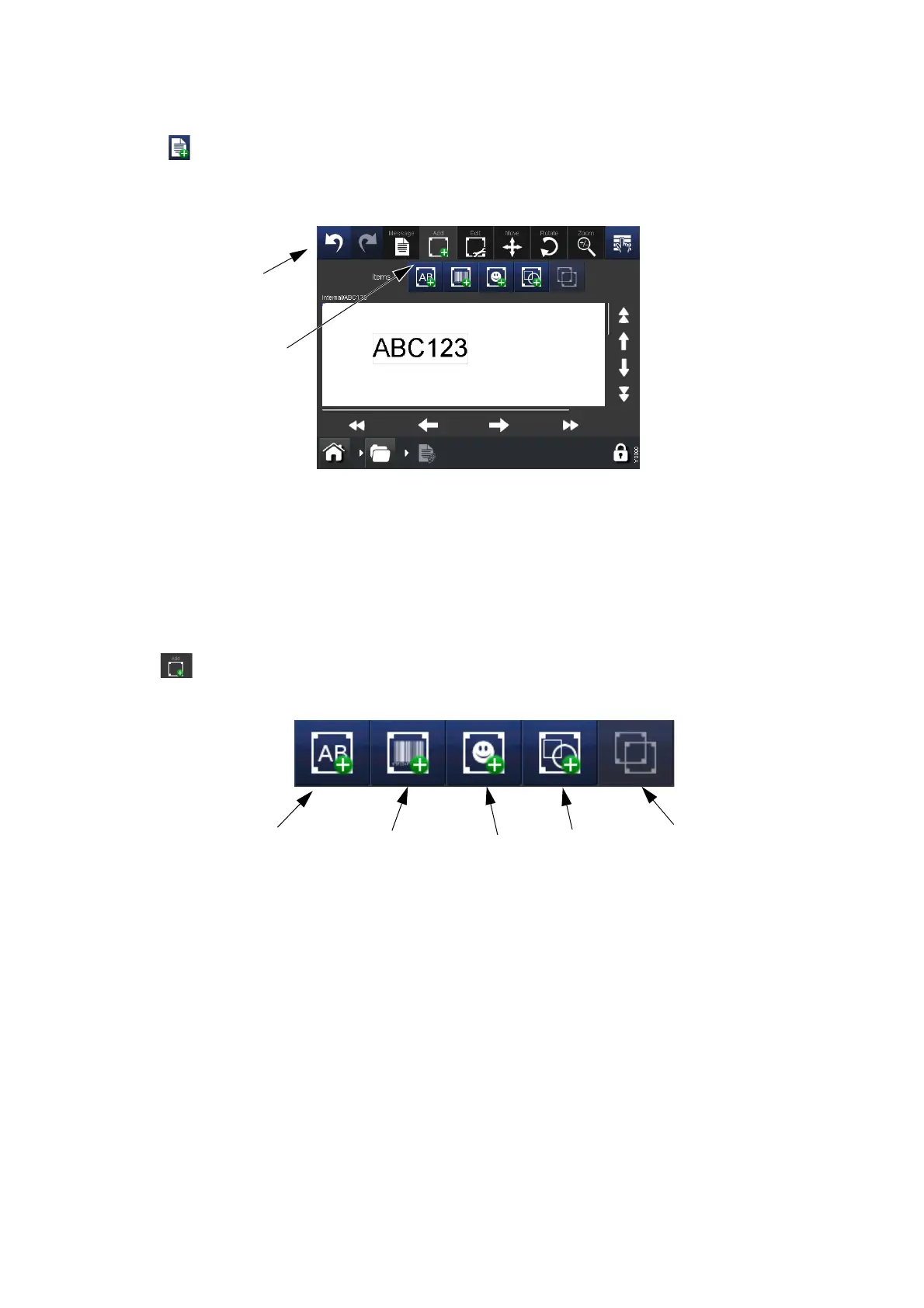
Select Messages > New Message to open the Message Editor - note that
for new messages, the default menu will be Add:
Notes: (1) The Undo/Redo buttons can be used at any stage of the
message creation or editing process to undo or redo the
previous action.
(2) To see a brief description of a bu
tton, long-press the button.
(3) It is possible to select the message area to locate the cursor -
adding
an item will then place the item at the cursor point.
Add
Add various items into the message.
Text,
Text Variable
(Clocks, etc.)
Barcode,
Barcode Variable
Line/Shape
Image
Items Available to Add into a Message
Clone Item
Notes: (1) When an icon is greyed out, its function is not available from
that screen.
(2) Long-press an item within the message
to open its properties
menu.



 To Next Page