MAINTENANCE, SERVICE AND FAULT FINDING
4-30 25364 Issue 8 March 2018
Restore
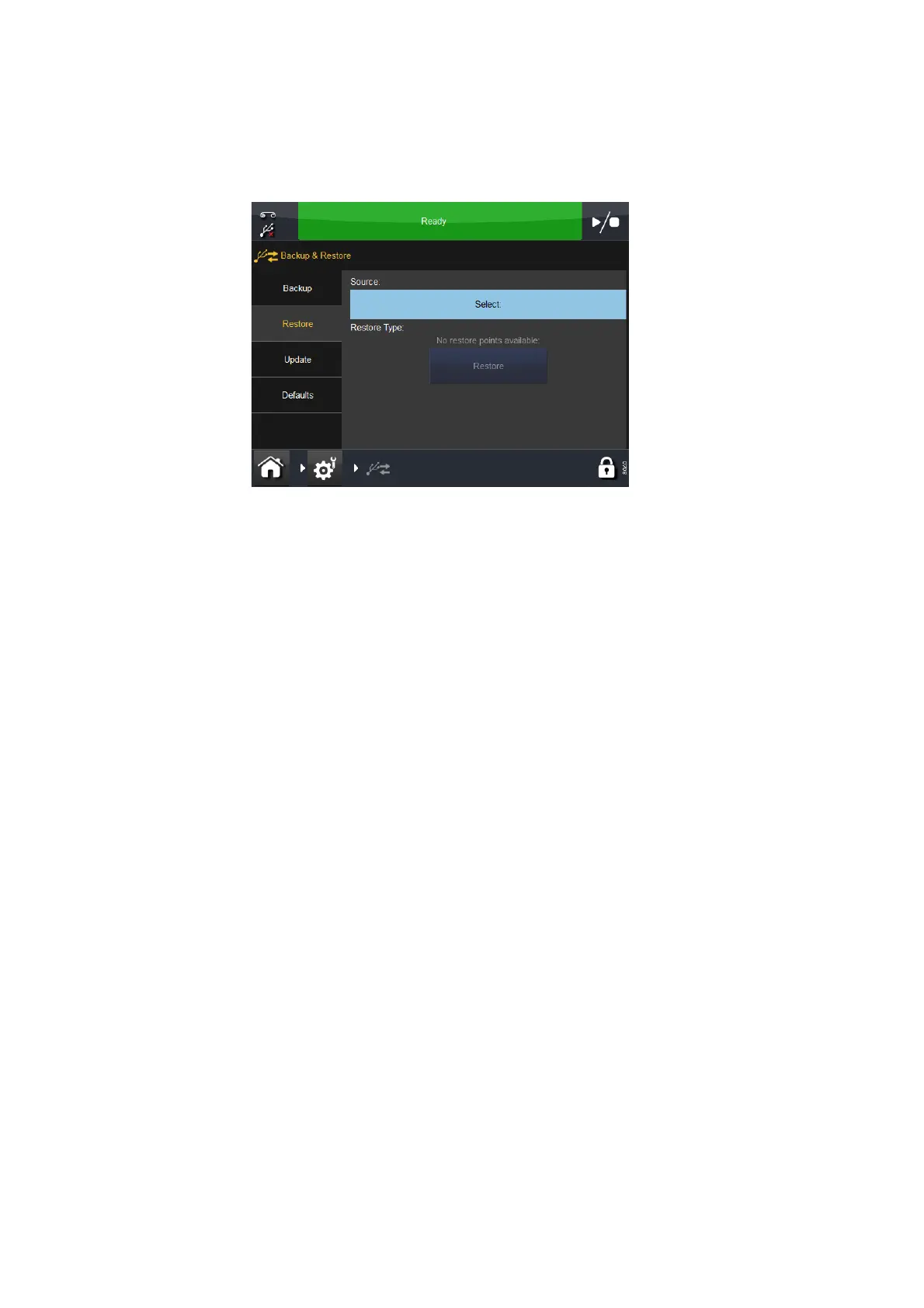
The Restore tab screen follows:
From the Restore tab:
• Select the Source
• Select an available Restore Type and select the Restore button.
Update
From the Update tab, if updates are found on this screen, you can manually
restart the update.
Defaults
Select the Defaults tab to reset the defaults.
To load defaults:
(1) Select a value from the list.
(2) When the Load Defaults screen appe
ars, review the list of default
values that will be loaded and select either Cancel or OK.



 To Next Page