OPERATION
25364 Issue 8 March 2018 3-55
SECURITY MANAGEMENT
Security management allows users and groups to be setup and access
levels set accordingly. To access the Security Management menu, from the
Home Screen long-press the user / printer ID area or go to
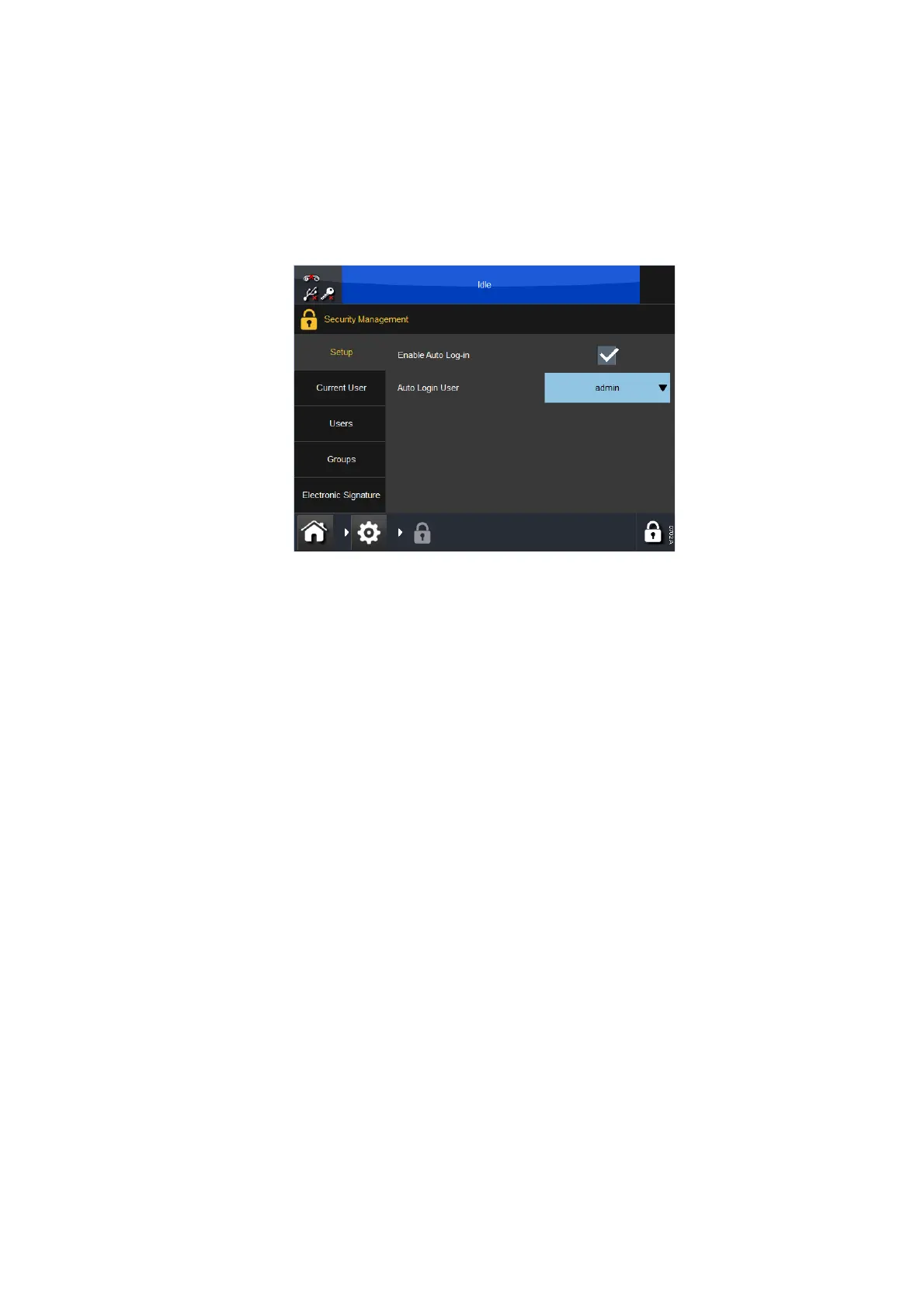
Settings > Security:
Setup
This screen configures the printer’s Auto Log in feature.
Select the Enable Auto Log-in check box and no password will be required
to control the printer via Touchscreen or other Ethernet connected devices.
The Auto Login User drop down menu defines which user will be logged in.
Current User
This screen displays the user that is currently logged in. The current user
can change the password or log out from this screen.
Users
Create and manage users.
To add a new user, select Add new user and enter Username, Full Name,
Password and Group - select Save.



 To Next Page