MAINTENANCE, SERVICE AND FAULT FINDING
25364 Issue 8 March 2018 4-9
Communicator II
WARNING: Ensure printer is switched off and disconnected
from the power supply before following this
pr
ocedure.
Remove the ribbon cassette from the
printer by pulling the handle to
release the cassette. Remove the unit
and set aside.
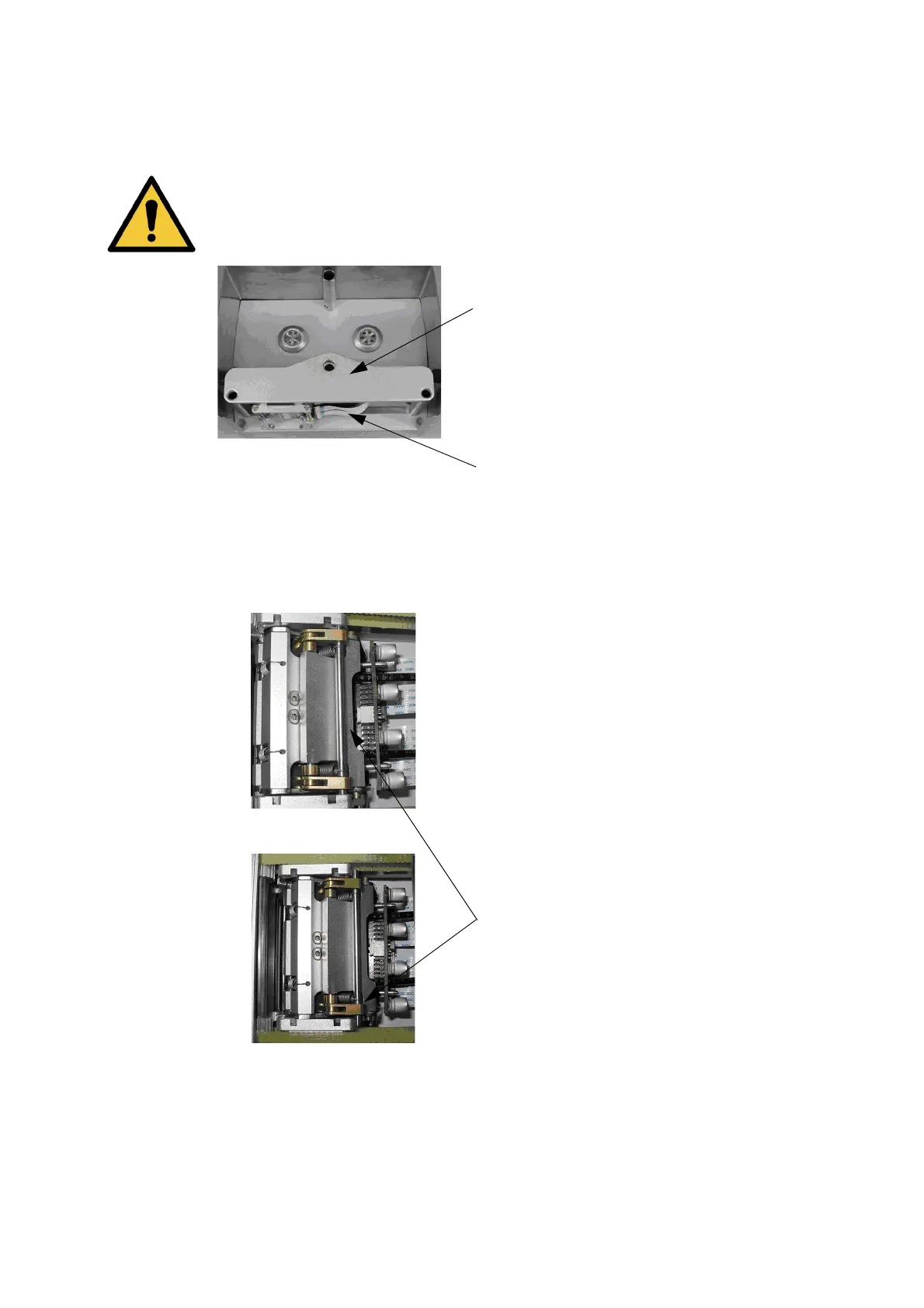
Remove the print head housing cover
by
unscrewing the retaining screw
and set aside.
Slide the print head sledge to the left
as far as it w
ill go (RH version) to
allow easy access to the print head
assembly.
Release the print head assembly by
moving this bar as shown to allow the
print head to swivel freely allowing
better access during replacement.



 To Next Page