MAINTENANCE, SERVICE AND FAULT FINDING
25364 Issue 8 March 2018 4-27
Changing from Default Dancing Arm Spring Positions
Dancing arm spring positions may need to be changed from the default
positions in the following conditions only:
• If using 22mm wide R1 Grade ribbon, the
ribbon tension must be
reduced by changing the rewind dancing arm spring to position 6 and
the unwind dancing arm spring to position 4. If the ribbon tension is
not reduced, ribbon breakage may occur
• If the printer is used in temperatur
es above 30°C with WR1 ribbon, it
may be necessary to increase the rewind tension to ensure the ribbon
separates correctly from the substrate. Increased noise and the ribbon
sticking to the substrate are indicators that the ribbon is not separating
correctly. To correct the problem, increase the rewind tension one
position at a time until the problem is resolved.
Compact 32c / 53c Printer
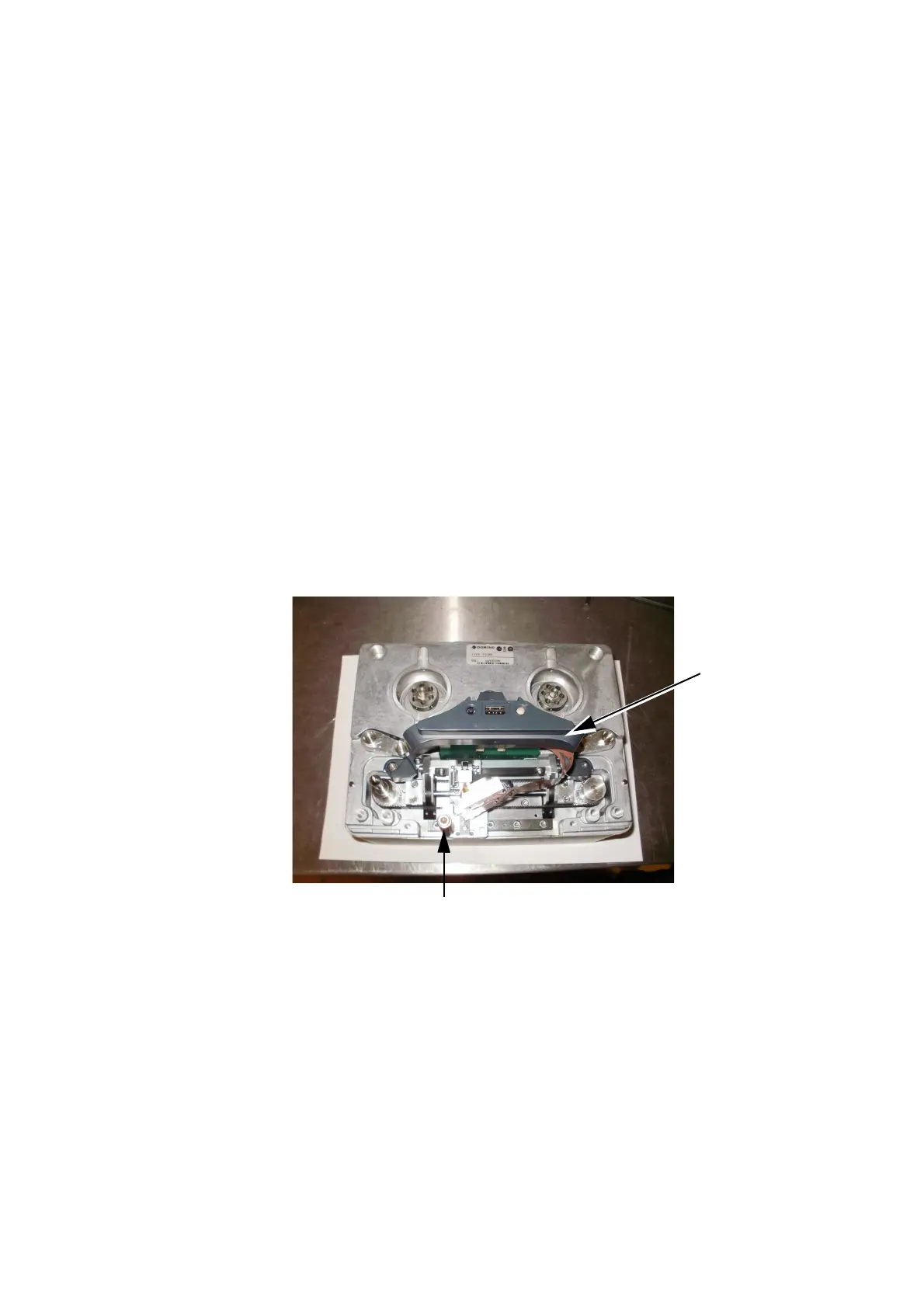
The procedure for changing a Compact 32c / 53c printer from a right-
handed set-up to a left-handed set-up or vice versa is in two parts:
(a) Printer conversion
(b) Cassette conversion
(a) Printer Conversion
(1) Power off the machine.
(2) Remove the bridge cover.
(3) Remove the print head.
(4) Move the peel roller to the alternate position.
(5) Install the print head into the opposite connector.
(6) At the back of the printer, disconnect the IM stepper motor and the
ca
pstan stepper motor.



 To Next Page