MAINTENANCE, SERVICE AND FAULT FINDING
25364 Issue 8 March 2018 4-7
REPLACING THE PRINT HEAD
Compact 32d, 32c and 53c
Notes: (1) This procedure is applicable for all printer variants, although the
32mm print head appears in the following photographs.
(2) Tool required: 2.5mm Allen key.
WARNING:
Ensure printer is switched off and disconnected
from the power supply before following this
pr
ocedure.
Note: Removal of the printer
from the bracket may be
necessary to ease this
process.
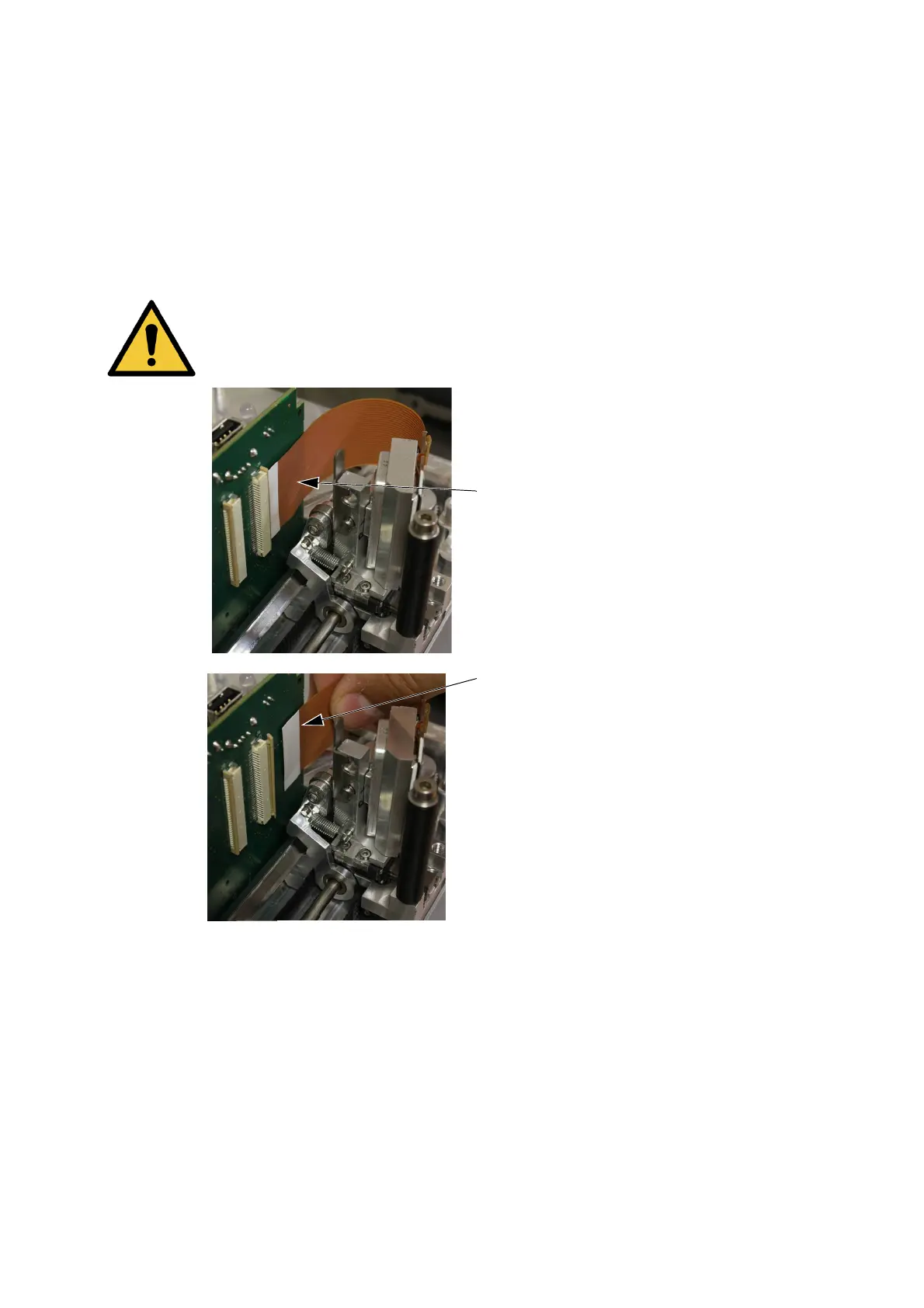
Disconnect the head cable by gently
ope
ning the connector.
Remove the head cable out of the
conn
ector.



 To Next Page