OPERATION
3-6 25364 Issue 8 March 2018
HOME SCREEN MENUS
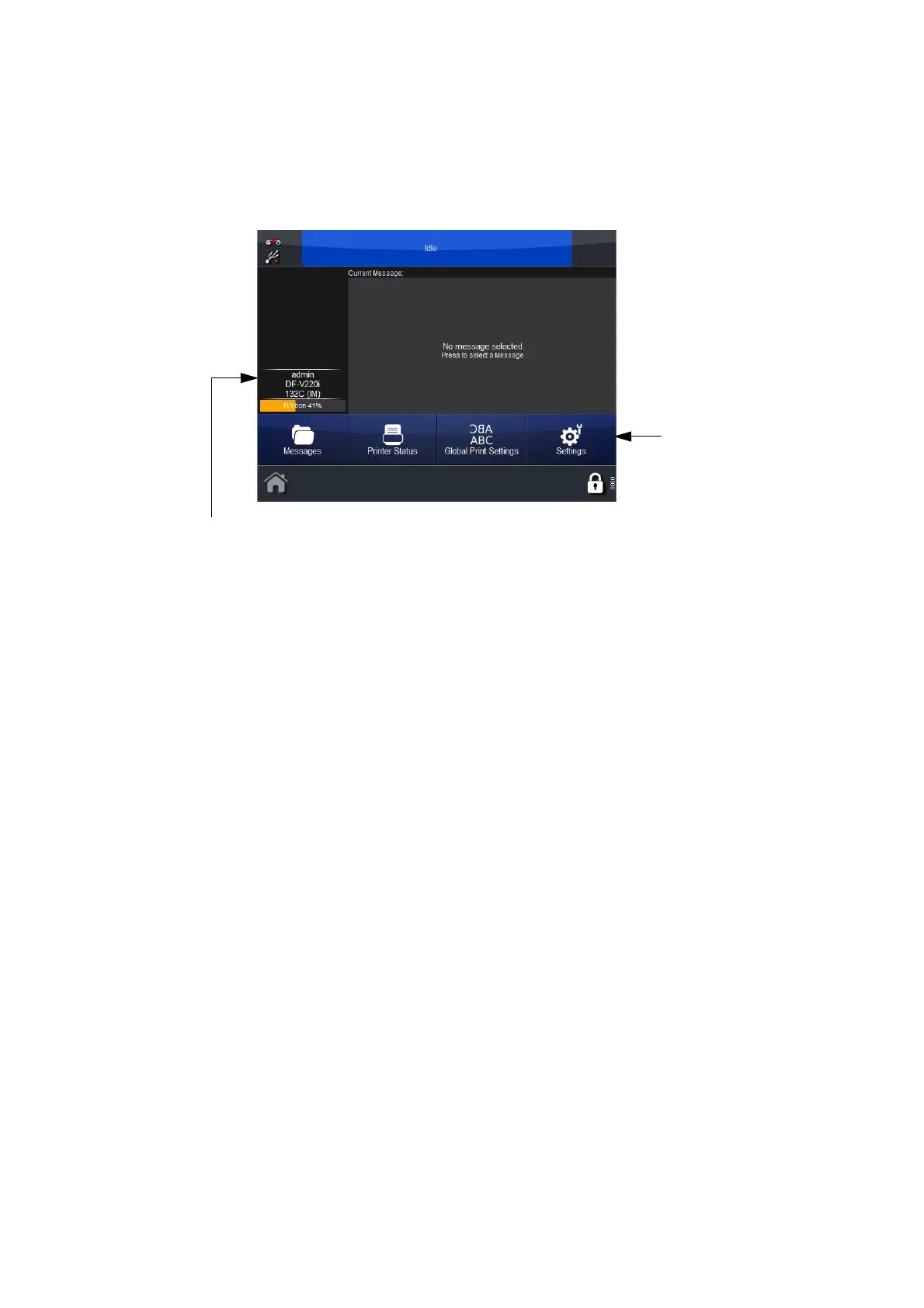
The default Home Screen Menus are Messages, Printer Status, Global Print
Settings and Settings, as shown below:
Home
Screen
Menus
Long-press to
Access Security
Management
It is possible to configure the third button (‘Global Print Settings’ in the
example above):
•Go to Se
ttings and long-press the desired Menu
• At the prompt ‘Would you like thi
s button to appear on the Home
screen?’, select OK to confirm or Cancel.



 To Next Page