MAINTENANCE, SERVICE AND FAULT FINDING
4-32 25364 Issue 8 March 2018
Procedure
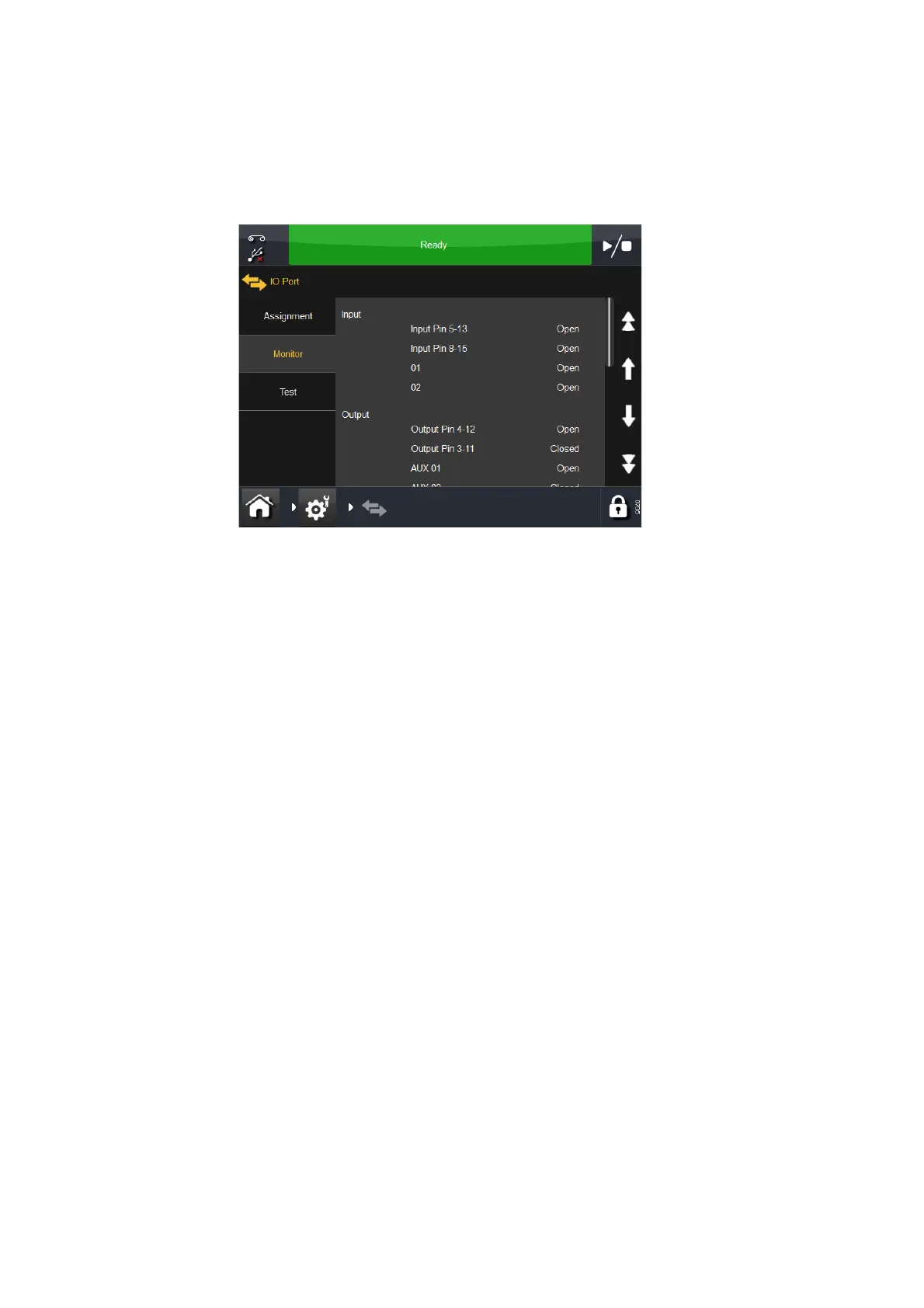
To access the menu that assists in testing the printer, select Settings > IO
Port > Monitor. The following screen will display:
Scroll down to Sensor and observe the display readings obtained.
Note: All sensors are Hall Effect devices.
The values obtained are as follows:
0 = No value read
1-99 = Background noise
100-1000 = Working range
1024 = Saturated reading
Note: The Ribbon Alarm sensor must be above 400 when the dancing
arm is i
n the topmost position.
Arm 'Sensors' - Remove the cover to gain access to the dancing arms,
with the power switched on.
Physically move one dancing arm at a time and observe the readings on the
screen.
The ribbon alarm sensor must activate when the dancing arm is in the
upper position.
See also “Arm 1 (Left and Right)” on page 4-31.



 To Next Page