MAINTENANCE, SERVICE AND FAULT FINDING
4-34 25364 Issue 8 March 2018
Ribbon Alarm Left and Right - The ribbon alarm is activated if the
dancing arm reaches the magnetic sensor. To manually activate the sensor,
place a magnet in front of the sensor and verify that the sensor is activated.
Home Sensor (Left, Middle and Right) - This detects the position of
the print head carrier. See “Home ‘Sensors’” on page 4-33.
User Interface Menu
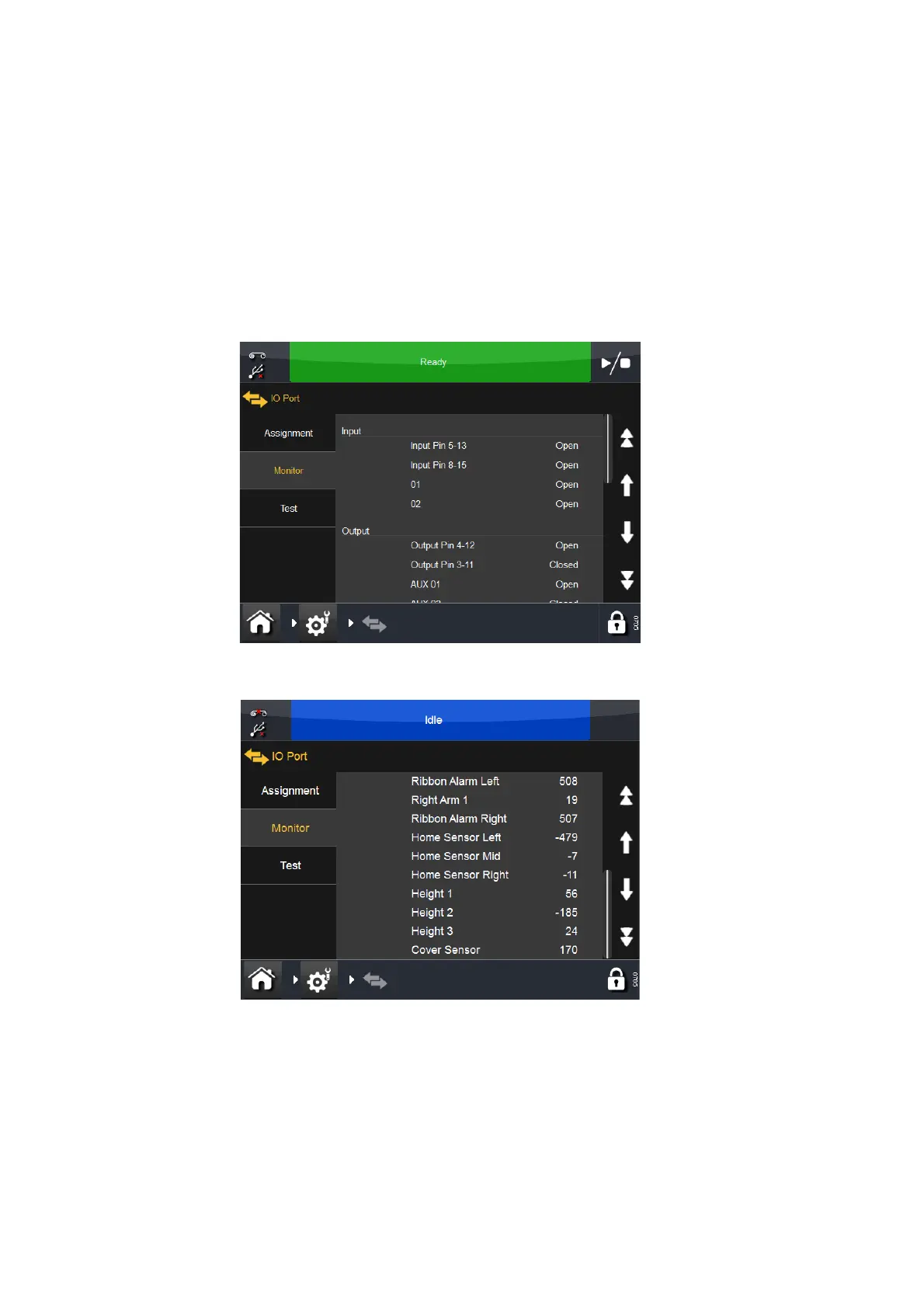
To access the menu that assists in testing the printer, select Settings > IO
Port > Monitor. The following screen will display:
Scroll down to view the second screen:



 To Next Page