DESCRIPTION AND INSTALLATION
25364 Issue 8 March 2018 2-51
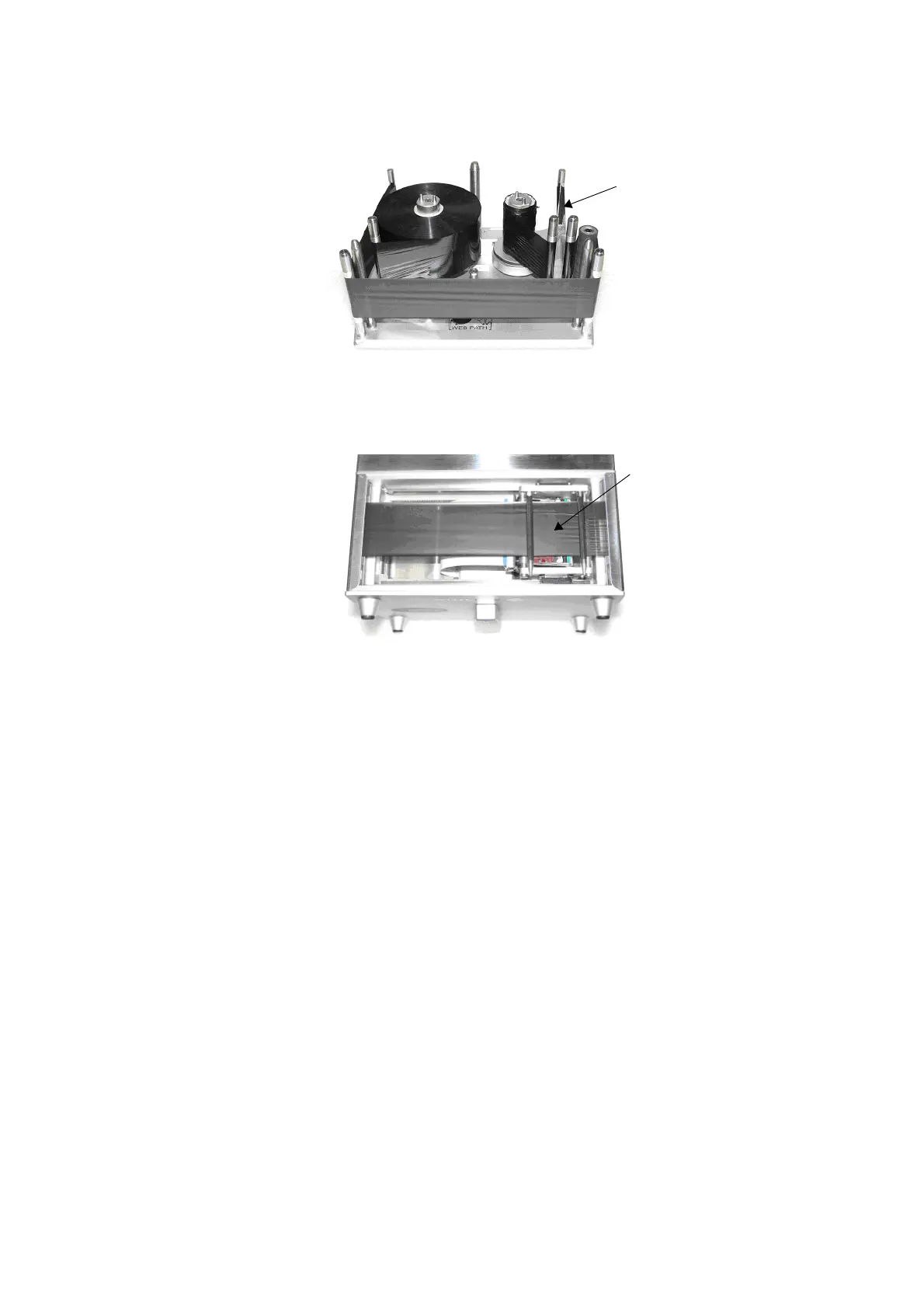
Cassette with Ribbon Shown Correctly Threaded
Ensure the ribbon is
tensioned before the
cassette is inserted
into the printer
Ensure the ribbon
is tensioned and
under the bottom
guide rollers as
shown.
Set Up Printer - Final Steps (Compact 32d, 32c
and 53c)
CAUTIONS: (1) The printer must be calibrated before installing it on
the production line. See below.
(2) In dusty environments, it may be beneficial to fit a
V-Series P
ositive Air Kit (P/N EAS002970).
Calibrating the Printer
CAUTION: When calibrating, the print head must be able to
extend fully, please ensure enough space is allowed
to perform this function. (In CM, the print head
position parameter must be set to allow this, in IM,
the printing surface should be moved from under
the printer. If neither is possible, remove the printer
from the bracket).
Calibrate at the printer operating temperature. Go to Settings > P
roduction
Line Setup > Head Functions and select Calibrate.



 To Next Page