DESCRIPTION AND INSTALLATION
25364 Issue 8 March 2018 2-23
Example Connections
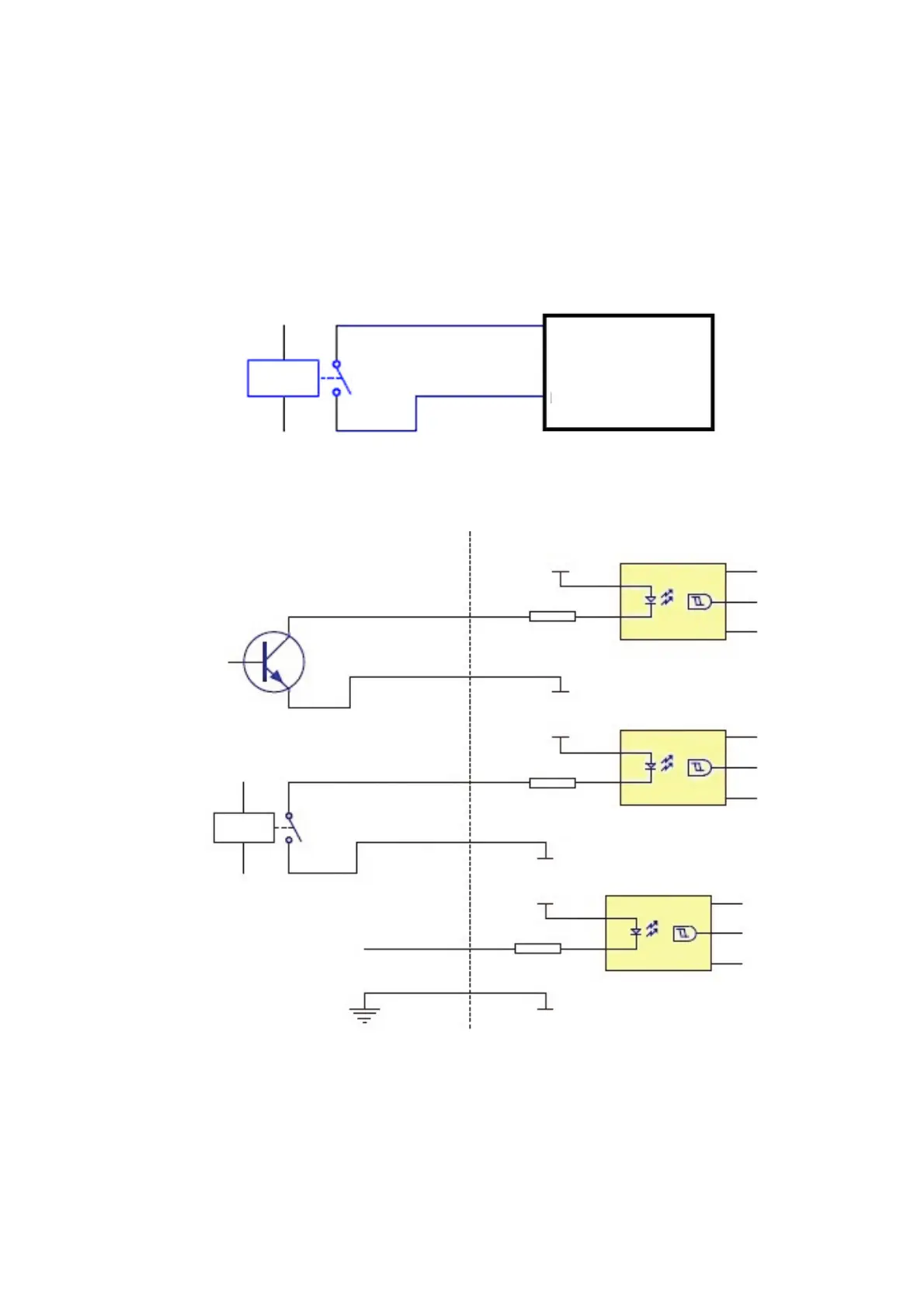
Start Signal
Using volt-free contacts - The start signal is the trigger for the printer to
start the printing process. The signal must be a minimum of 50ms duration.
The connection is made using pins 5 and 13 of the I/O connector, as shown
in the following diagram:
Pin 5 (Yellow)
Pin 13 (Black / White)
Printer
Relay
Alternative Start Signal
Yellow 5
Black / White
Yellow
Black / White
Yellow
Black / White
5
5
13
13
13
VCC_ISO
VCC_ISO
VCC_ISO
GND_ISO
GND_ISO
GND_ISO
U4
U4
U4
H11L1M
H11L1M
H11L1M
Relay
R15
R15
R15
1K
1K
1K
Start signal
Start signal
Start signal
1
1
1
2
2
2
6
6
6
4
4
4
5
5
5
Open Collector / open Drain
Output from PLC
Logic Signal 5V - 24V
Logic level: low < 0.5V
Logic level: high > 5V



 To Next Page