MAINTENANCE, SERVICE AND FAULT FINDING
4-24 25364 Issue 8 March 2018
CHANGING PRINTER CONFIGURATION
Compact 32d, 32c and 53c
This procedure details how to change a right-handed printer set-up to a
left-handed printer set-up or vice versa.
Notes: (1) Parts required for non-cassette printer: EDP003942 Rehanding
Ribbon
Path Labels (10 LH and 10 RH)
(2) Parts required for cassette printer: EDP003941 Rehanding
Ribbon
Path Labels (10 LH and 10 RH)
(3) Tools required: 2.5, 3mm and 4mm Allen keys, 5mm spanner,
TX20 T
orx driver, 5.5 nut spanner, long-nosed pliers.
Compact 32d Printer
(1) Power off the machine.
(2) Remove the bridge cover.
(3) Remove the print head.
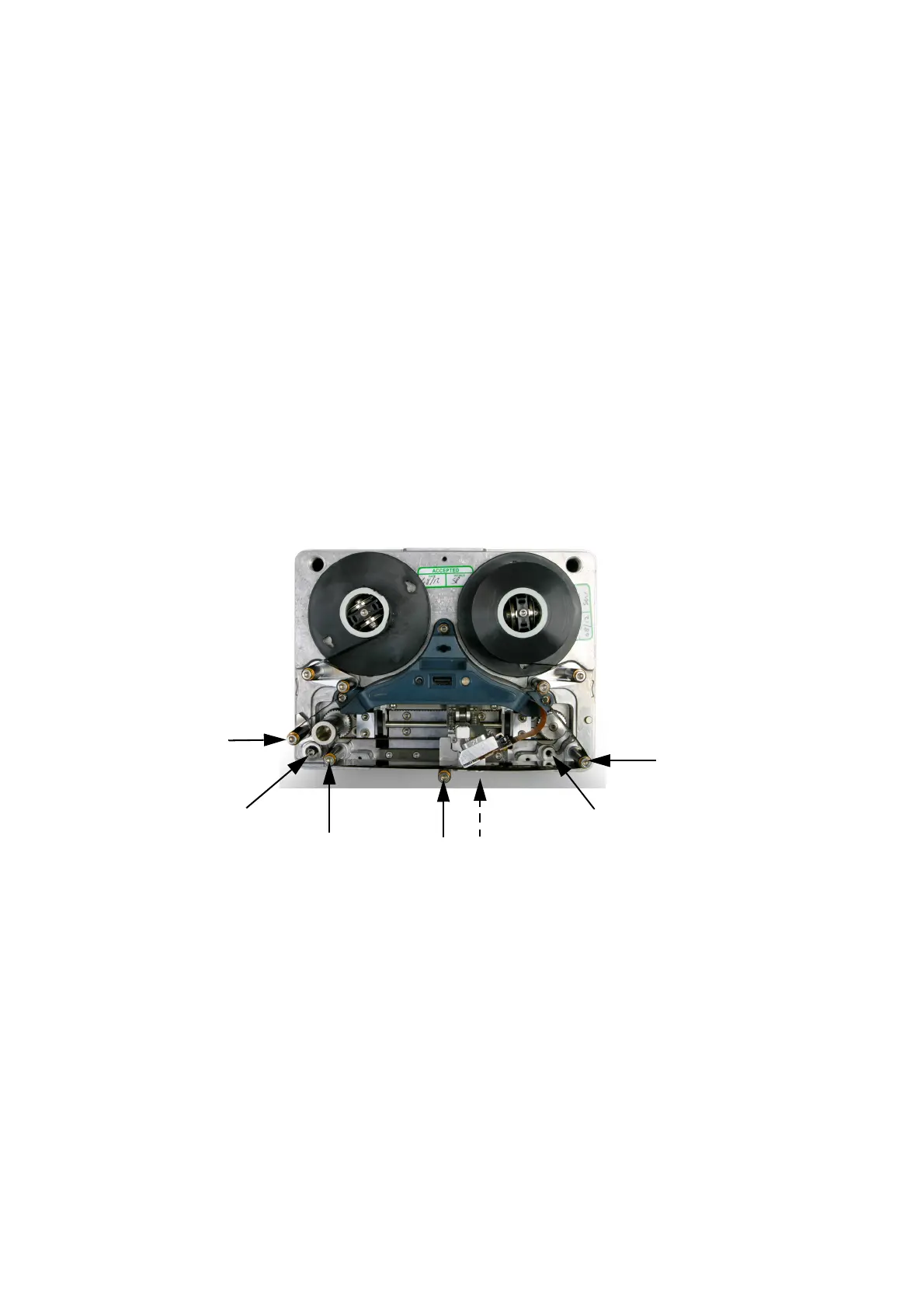
Guide
Roller
(on
Bracket)
Peel
Roller
Inner
Threaded
Hole
Outer
Guide
Roller
Bracket
(Outer
Threaded
Hole)
Inner
Guide
Roller
(4) Move the peel roller to the alternate position.
(5) Move the outer guide roller to the inner threaded hole.
(6) Move the bracket and guide roller to the outer threaded hole on the
other side.
(7) Move the inner guide roller to the outer threaded hole.
(8) Install the print head into the opposite connector.
(9) Re-space the gap between the spindles and base pla
te, using 4mm
or 5mm Allen key.



 To Next Page