MAINTENANCE, SERVICE AND FAULT FINDING
25364 Issue 8 March 2018 4-23
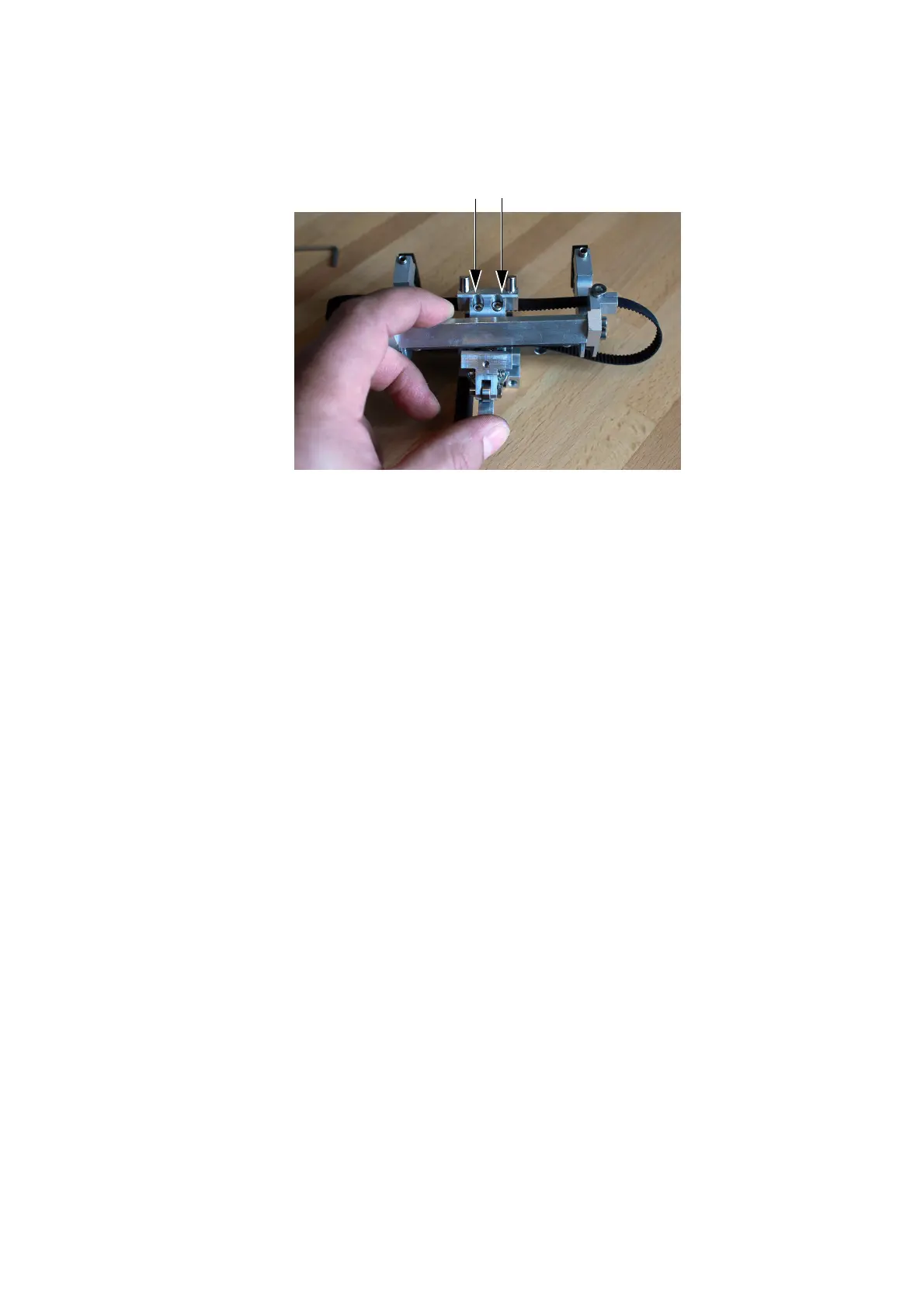
(3) Lift the print head mounting arm to expose the two screws.
(4) Loosen the two belt clamp screws.
(5) Remove the belt.
(6) Fit the new belt.
(7) Tighten the belt clamp screws.
(8) Refit the actuator assembly onto the printer.
(9) Replace the bridge cover and calibrate the printer.



 To Next Page