MAINTENANCE, SERVICE AND FAULT FINDING
25364 Issue 8 March 2018 4-29
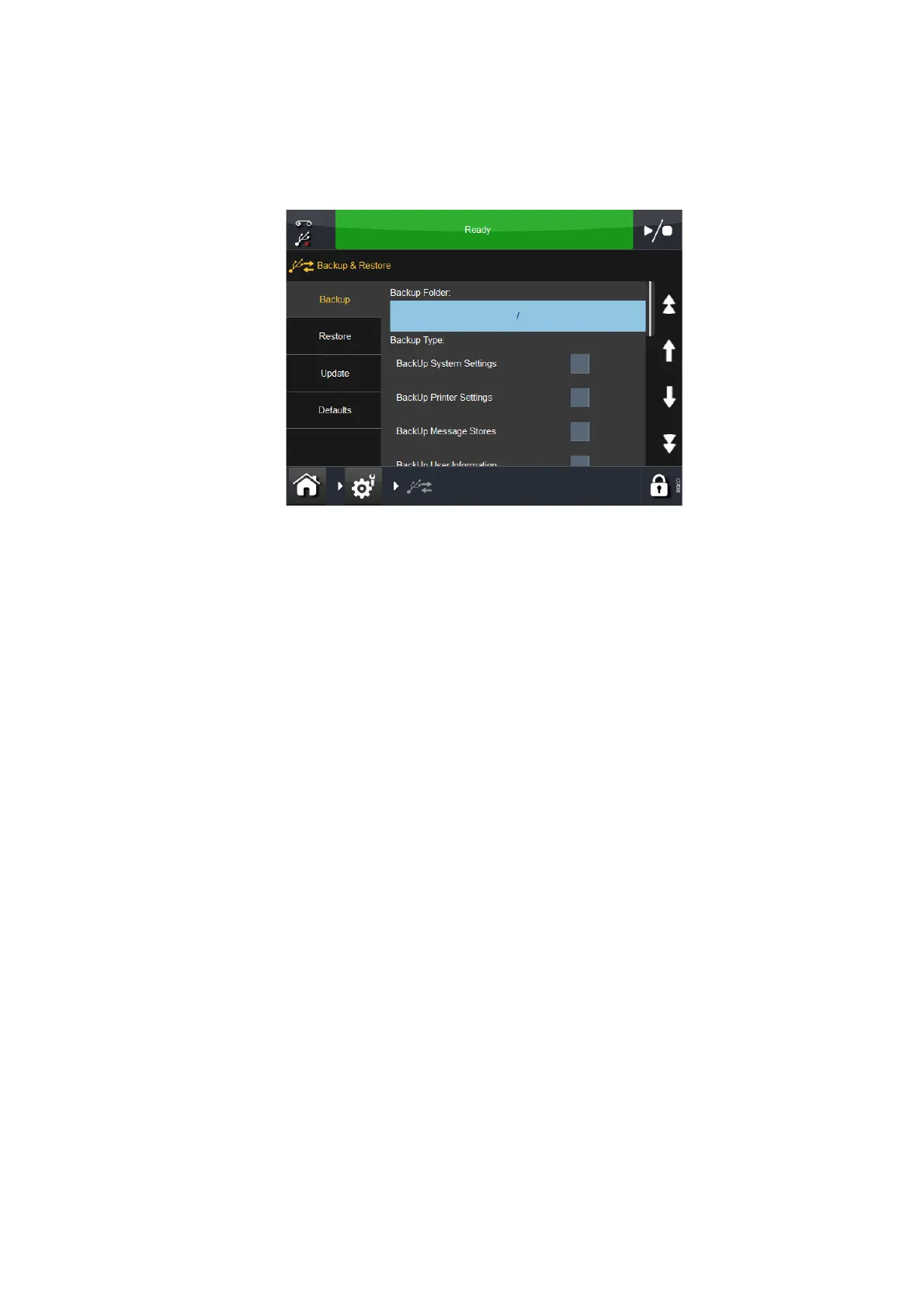
BACK-UP & RESTORE
Go to Settings > Backup & Restore:
Backup
On the Backup tab screen:
(1) Review and note the list of back-up types that are required.
(2) Go to Se
ttings > Security > Electronic Signature and view / edit / add
Electronic Signatures so that the list matches that of the desired
back-up types. For information regarding Electronic Signatures, see
“Electronic Signature” on page 3-56.
(3) Go to Settings >
Backup & Restore and select:
(a) The Backup Folder
(b) The Backup Type(s) as appropriate
(c) Export All Settings as appropriate
(d) The Migrate option(s) as appropriate
(e) The Backup button.
(4) At the prompt(s) for the Electronic S
ignature(s), enter the Name and
Password for the selected option(s).
(5) Select OK. A messa
ge box appears when the back-up is complete.



 To Next Page