DESCRIPTION AND INSTALLATION
25364 Issue 8 March 2018 2-61
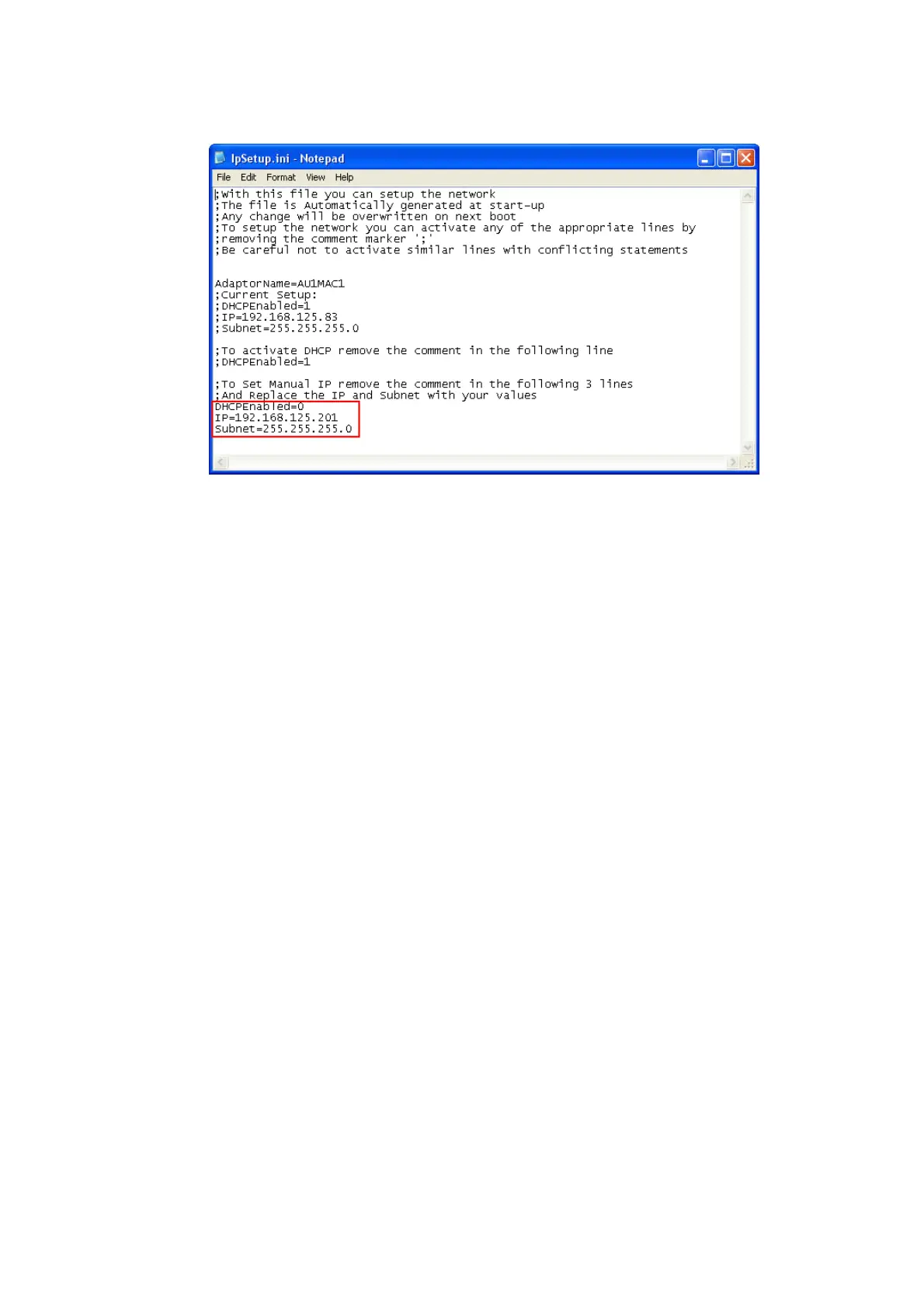
(4) Save the file.
(5) Copy the file back onto the device in the ‘\Flash Disk’.
(6) Remove USB cable and reboot printer.
Changing the IP Address
for the Compact Touchscreen / Touchscreen
Note: User interface settings must be unlocked before starting this
procedure see “Unlock User Interface Settings” on page 2-57.
To change the IP address of the Compact T
ouchscreen / Touchscreen when
it is running from an external PSU:
(1) Select Setti
ngs > User Interface > Network
(2) Select the Hostname.
(3) Untick the Enable DHCP tickbox.
(4) Change the IP Address, which changes immediately.
Note: For Compact 32d, 32c and 53c only: If the default server IP
address of the Compact T
ouchscreen is changed, the user will
be unable to reconnect to the printer via USB using the
Compact Touchscreen. See the following section.



 To Next Page