DESCRIPTION AND INSTALLATION
25364 Issue 8 March 2018 2-39
The Printer Slaves tab enables the user to:
• Add Printer Slave
• Select a reference name for the printer in the Name field
• Enter the IP address of the printer to be the slave printer
Enable communication to the slave by ticking the tickbox - if left unticked,
t
he slave setting will remain inactive.
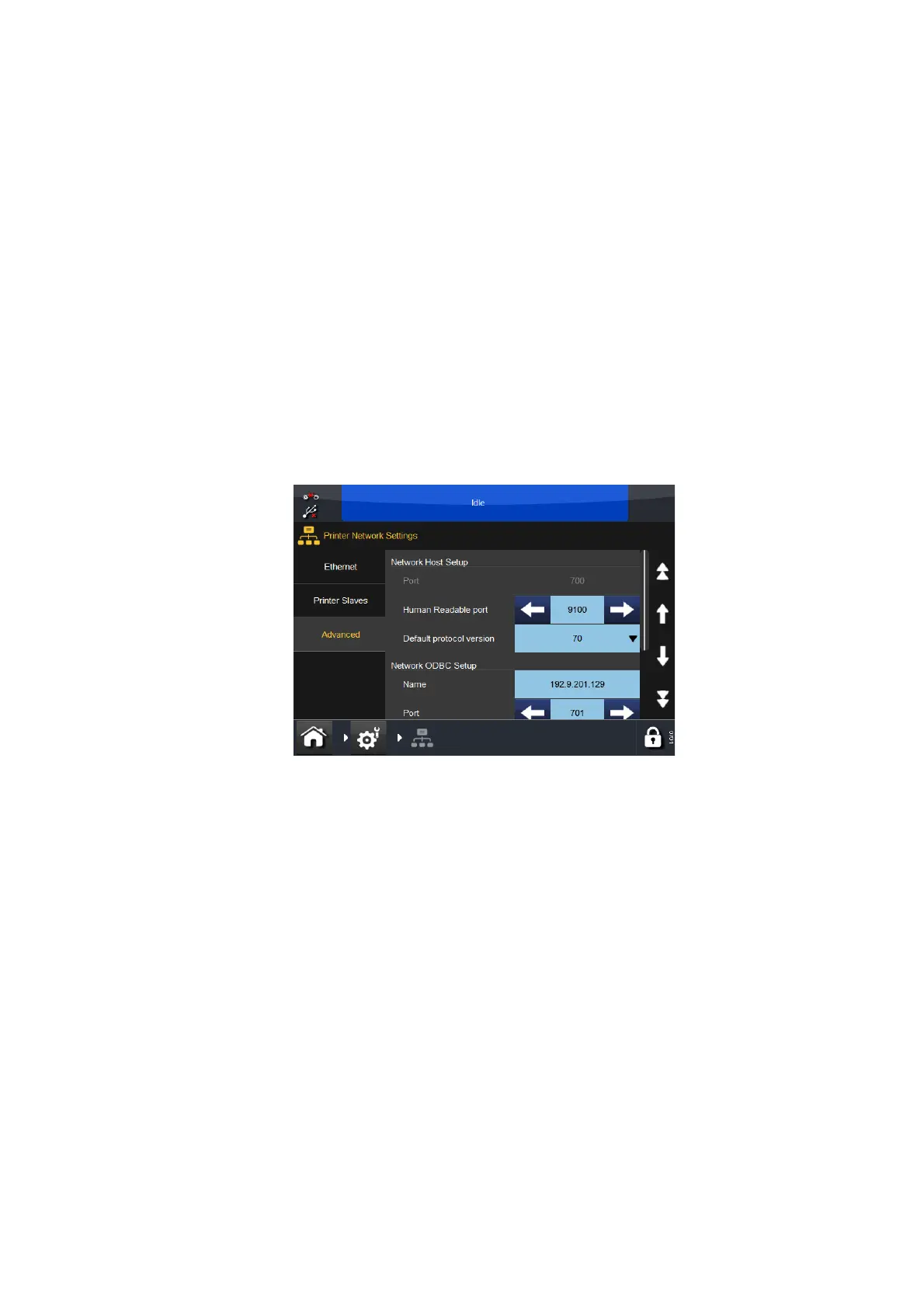
Advanced
It is possible to access a remote database, this allows data such as product
name, barcodes, etc. to be retrieved and used within messages.
Name: Enter the IP address or host name of the PC or Server where the
database is located.
Port: Enter the port location at which the ODBC resides (normally 701).
ODBC Active: Tick or untick the box as appropriate.
Note: Requires ODBC server software, this is available from Easyprint.



 To Next Page