OPERATION
25364 Issue 8 March 2018 3-33
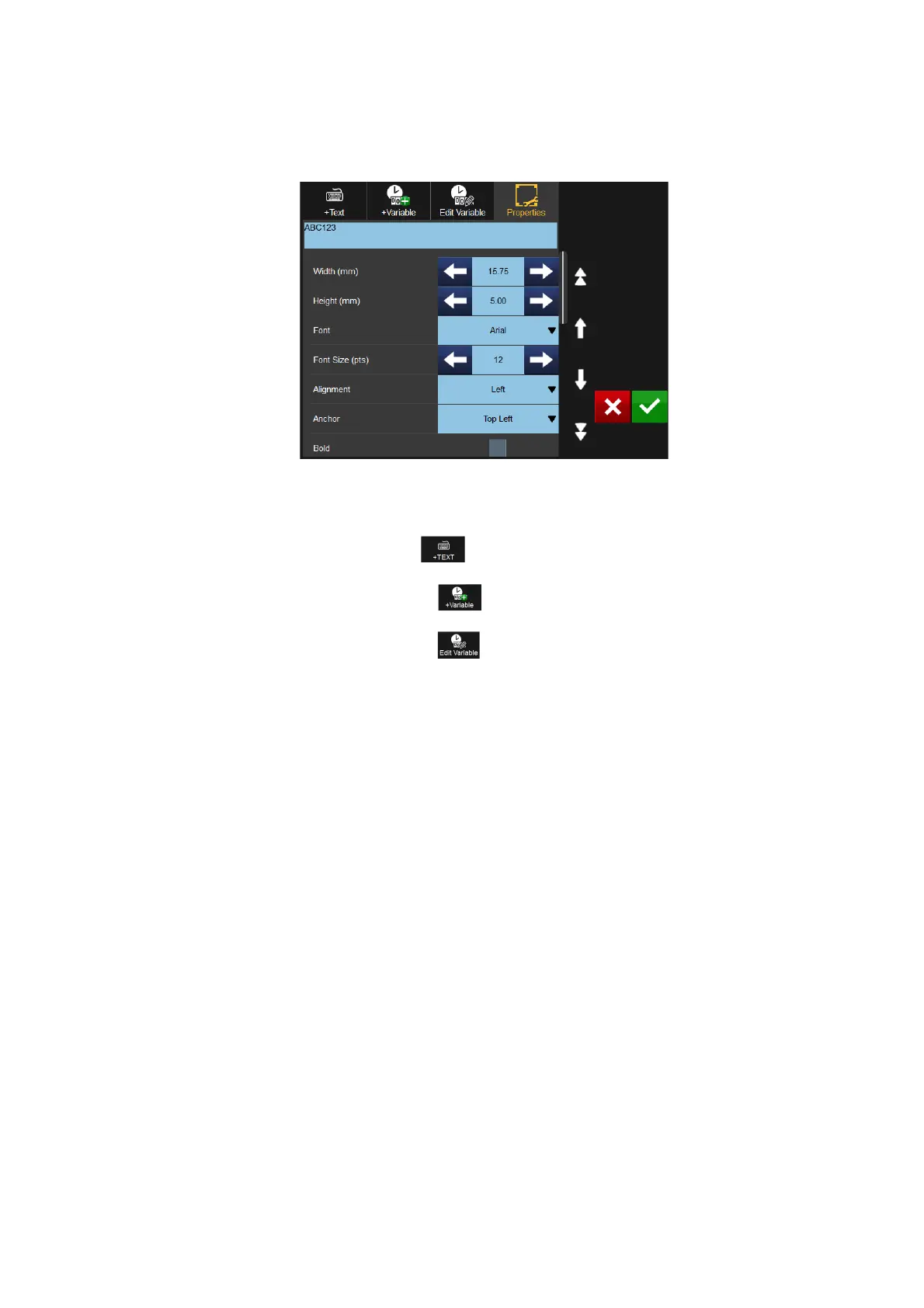
To edit the content within an item, select the item and select the More
button. The following screen will display:
Note: The above screen will differ slightly for Barcode items.
The Properties area will be open as default.
Dimensions and location details
can be changed, as well as rotation, font and italicisation.
Select the Add Text button to open the keyboard and amend the
content.
Select the Add Variable button to add a variable into the item - either
select from the list or create a new variable.
Select the Edit Variable button to edit or remove variables within the
item.



 To Next Page