OPERATION
3-36 25364 Issue 8 March 2018
where the FADING technology cannot be used. It is recommended to
experiment with this feature when installing the printer.
The printer and the print head cannot be overloaded in any way by entering
high values in this menu, but if increasing the Ribbon Economy, reduce the
contrast and head pressure settings accordingly, thus increasing the
lifetime of the print head.
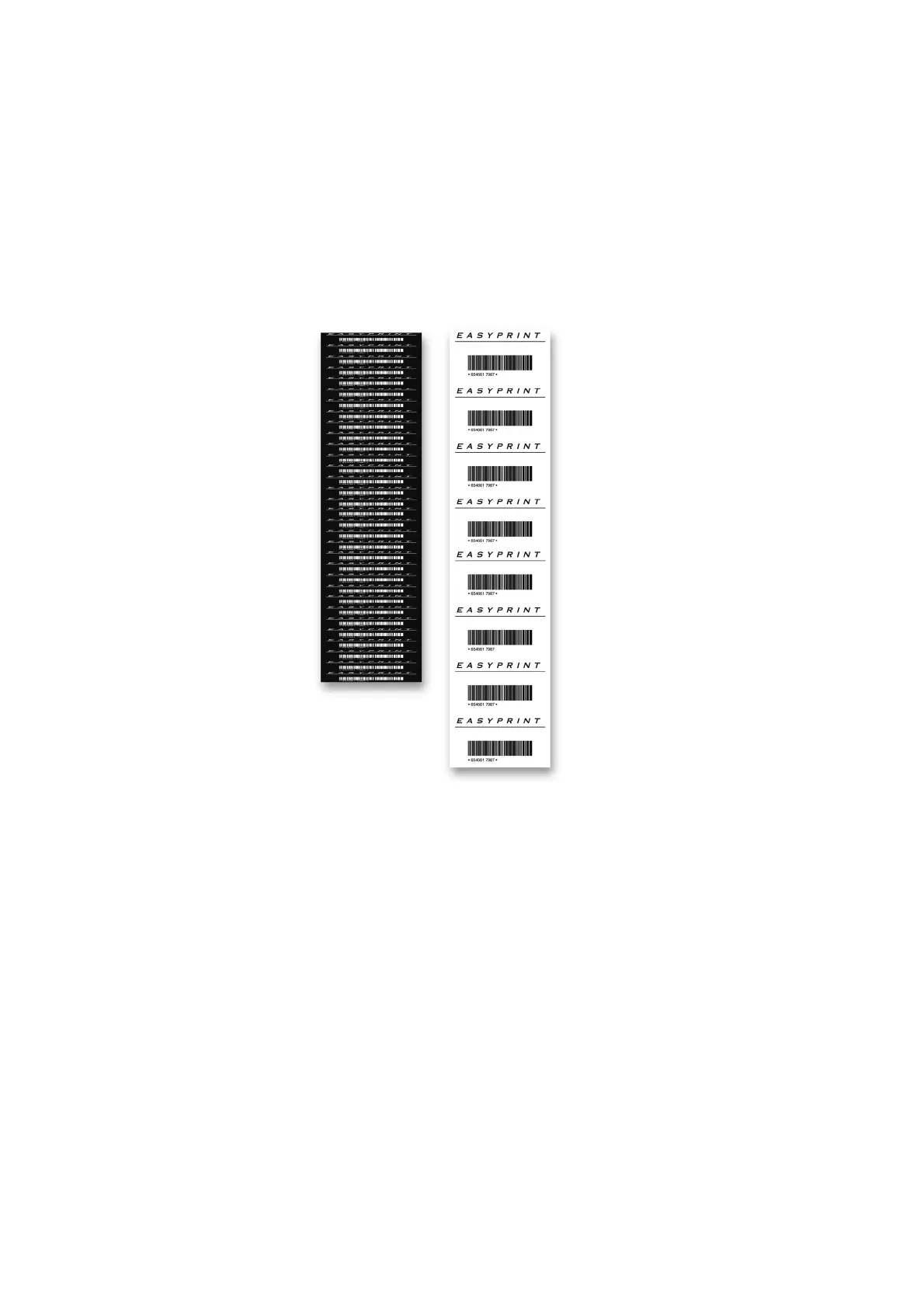
An example of what a used ribbon and the actual print looks like if a value
of 60% has been entered in Ribbon Economy:
Ribbon Economy set to 60%
Note: A high head pressure will cause the web to drag the ribbon (due
to friction) and can cause a “flopping” noise. If this occurs, lower
pressure accordingly.



 To Next Page