MAINTENANCE, SERVICE AND FAULT FINDING
4-36 25364 Issue 8 March 2018
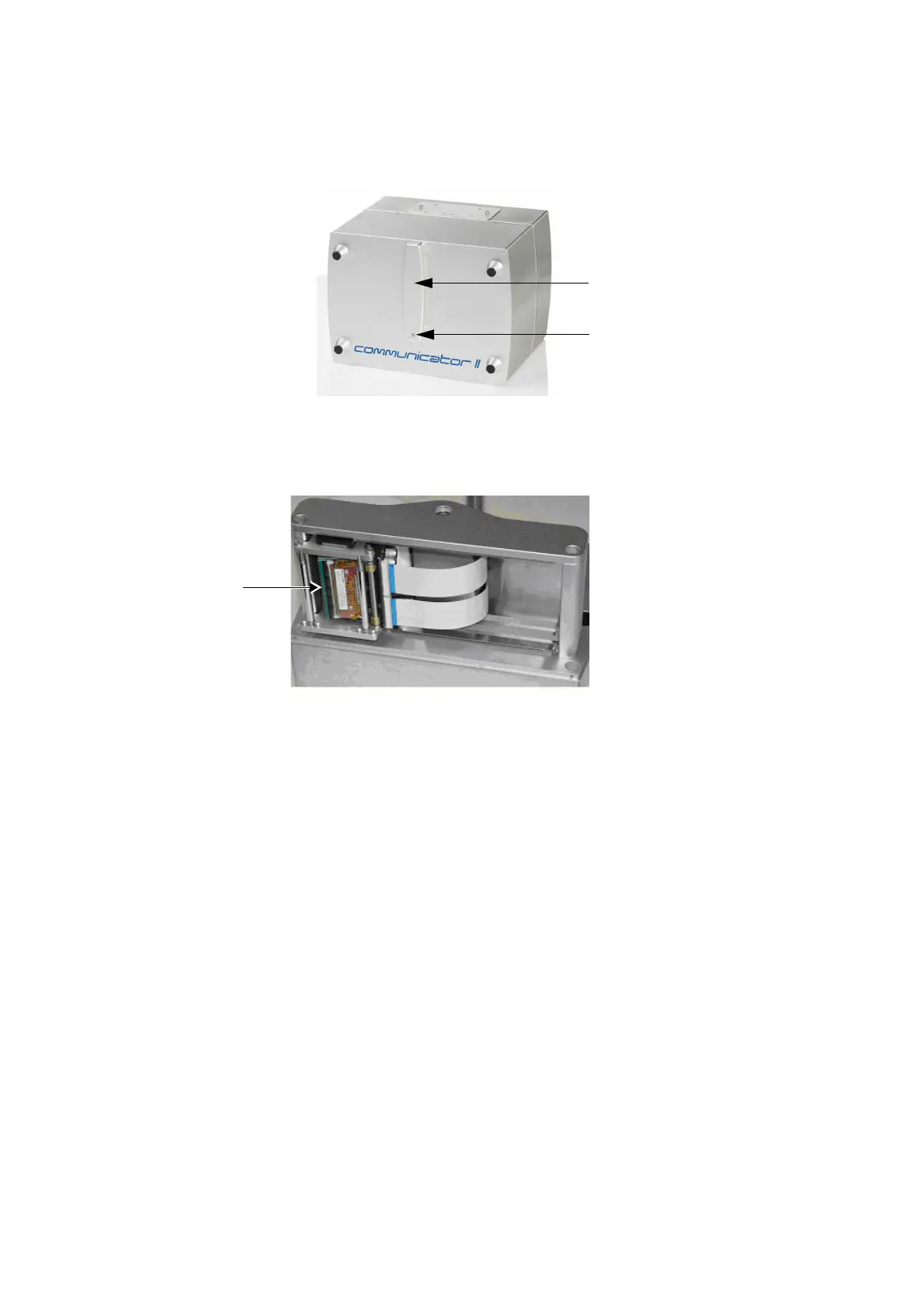
Printer Open ‘Sensor’ - Open and close the cassette to activate the
sensor (photocell) and observe indication.
Cassette
Handle
Status
LED
Home ‘Sensors’ - To test the home sensor, remove the cassette. Move
the print head carrier (sledge) slowly and gently from one side to the other
while observing the sensor readings on the screen.
Print Head
assembly
(Sledge)
See “Home Sensor (Left, Middle and Right)” on page 4-31.



 To Next Page