7
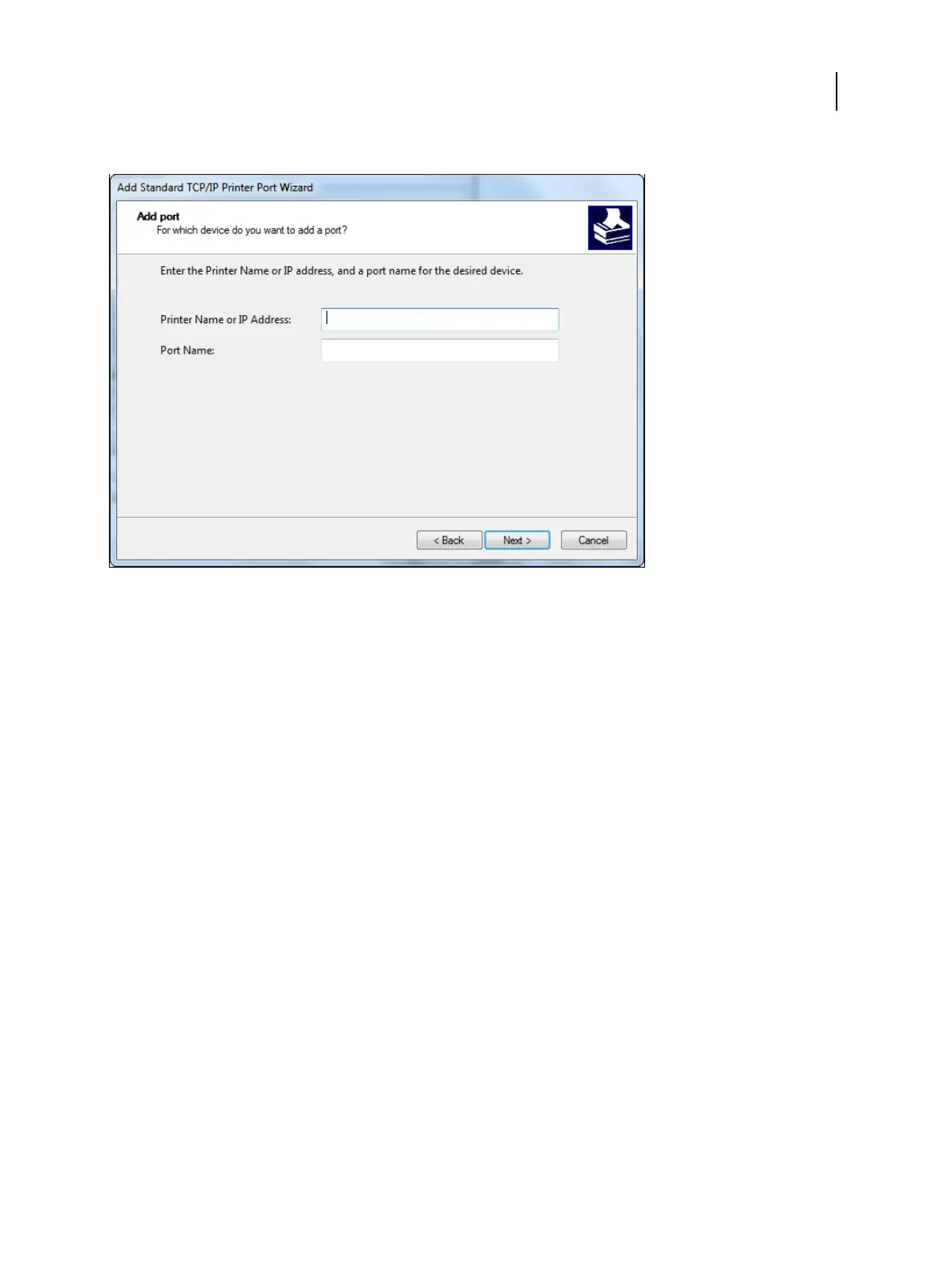
Type the Fiery ES IP address.
8 Click Next.
9 Click Finish to close the Add Standard TCP/IP Printer Port Wizard dialog box, and then click Close in the Printer
Ports dialog box.
To change the default setting, proceed to step 10.
If you do not want to change the default setting, the setting is now completed.
Note: Port 9100 was set as the default setting in Install and complete the print connection for Windows on page
12.
Printing
Windows for Fiery ES
20



 To Next Page