Chapter 2: Product description
EST3X Technical Reference Manual 19
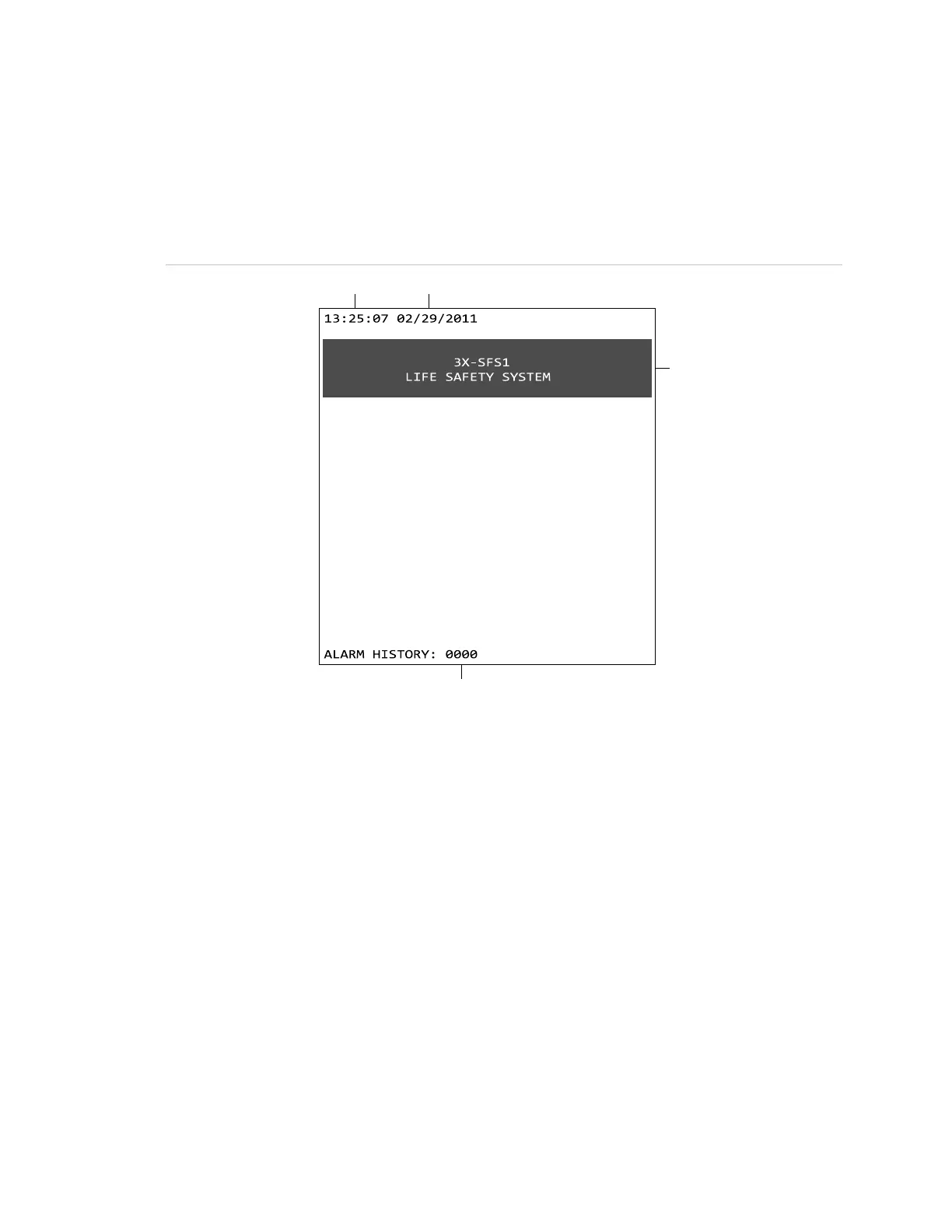
System normal screen
System normal means that the life safety system is in a normal or startup state.
In this state, the LCD screen is clear of any event messages. Only the time, date,
custom banner (if programmed), and Alarm History are displayed.
Figure 4: System-normal LCD screen
(1) Time
(2) Date
(3) Custom banner message
(4) Number of times the panel has gone into alarm
System off-normal
System off-normal means the control panel has entered an alarm, disabled, or
test state. In this state, event messages display on the screen that provide
information about the events. Up to eight event messages can be displayed on
the screen: seven in the event message section of the screen and one in the
“Most Recent Event” section.
Note: The off-normal screen (event message screen) only displays when events
are activated. It does not display when events are restored.



 To Next Page