Chapter 3: Operating instructions
68 EST3X Technical Reference Manual
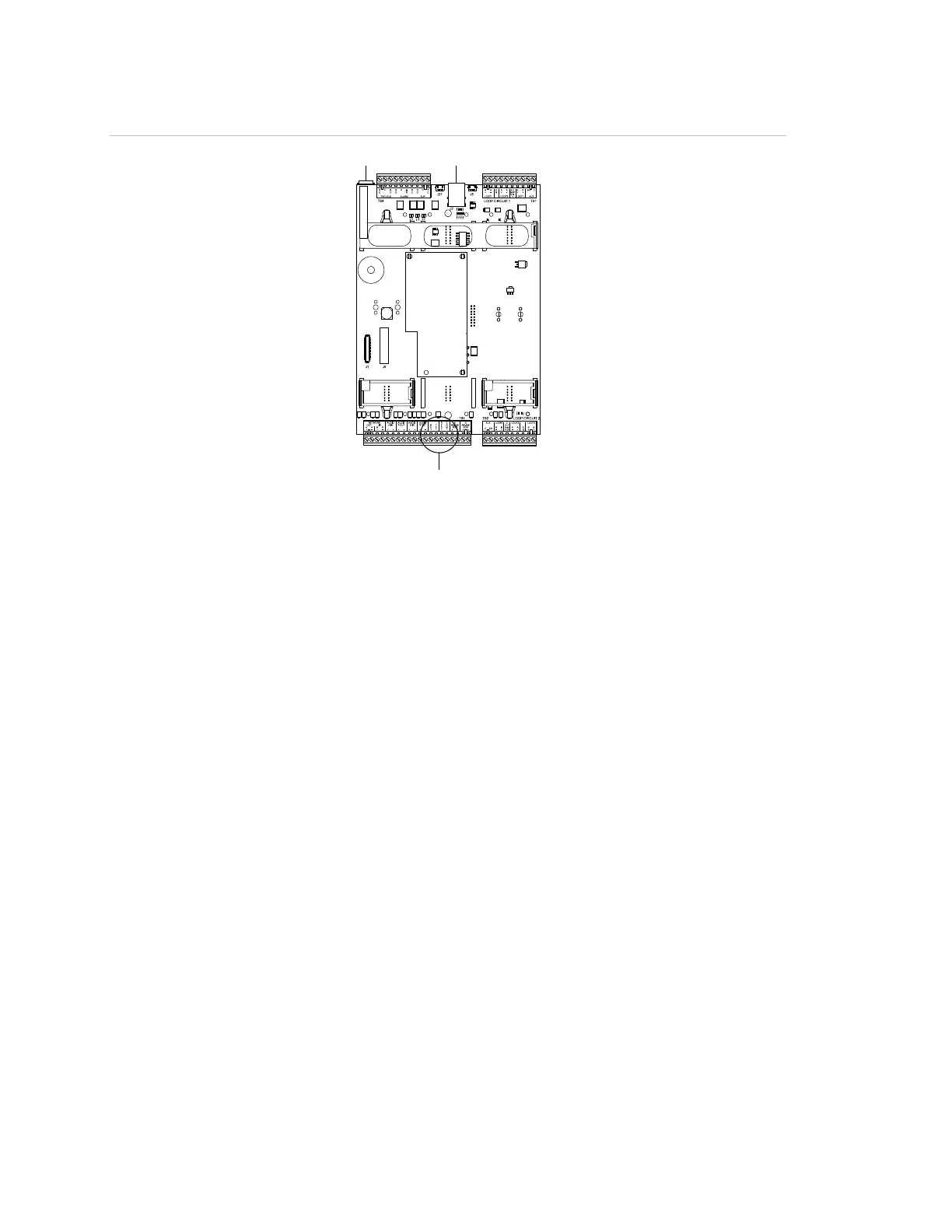
Figure 9: Download-connectors on the SFS1-CPU
(1) RJ-11 modular jack
(2) RJ-45 Ethernet cable jack
(3) RS-232 terminal block
Ethernet download
For downloading the project database via a TCP/IP Ethernet connection, the
SFS1-CPU is locked by default to disallow unauthorized database changes. Use
the Remote Write Unlock command on the Activate Menu to allow the download.
Notes
• An Ethernet adapter card must be installed to download the database using a
TCP/IP Ethernet connection.
• Activating and restoring the Remote Write Unlock command does not affect
downloading the project database over the RS-232 connection.
• A Remote Write Unlocked event appears in the Monitor Queue and the
buzzer sounds when the panel is unlocked. Both are restored to normal after
the panel is restored to its default setting.
• The unlock command times out after 15 minutes.
To download the project database using an Ethernet connection:
1. Connect one end of a Cat 5 or Cat 5e standard Ethernet cable to the RJ-45
jack on the SFS1-CPU. See Figure 9.
2. Connect the other end of the cable to the RJ-45 jack on the computer with the
project database.



 To Next Page