Chapter 3: Operating instructions
EST3X Technical Reference Manual 77
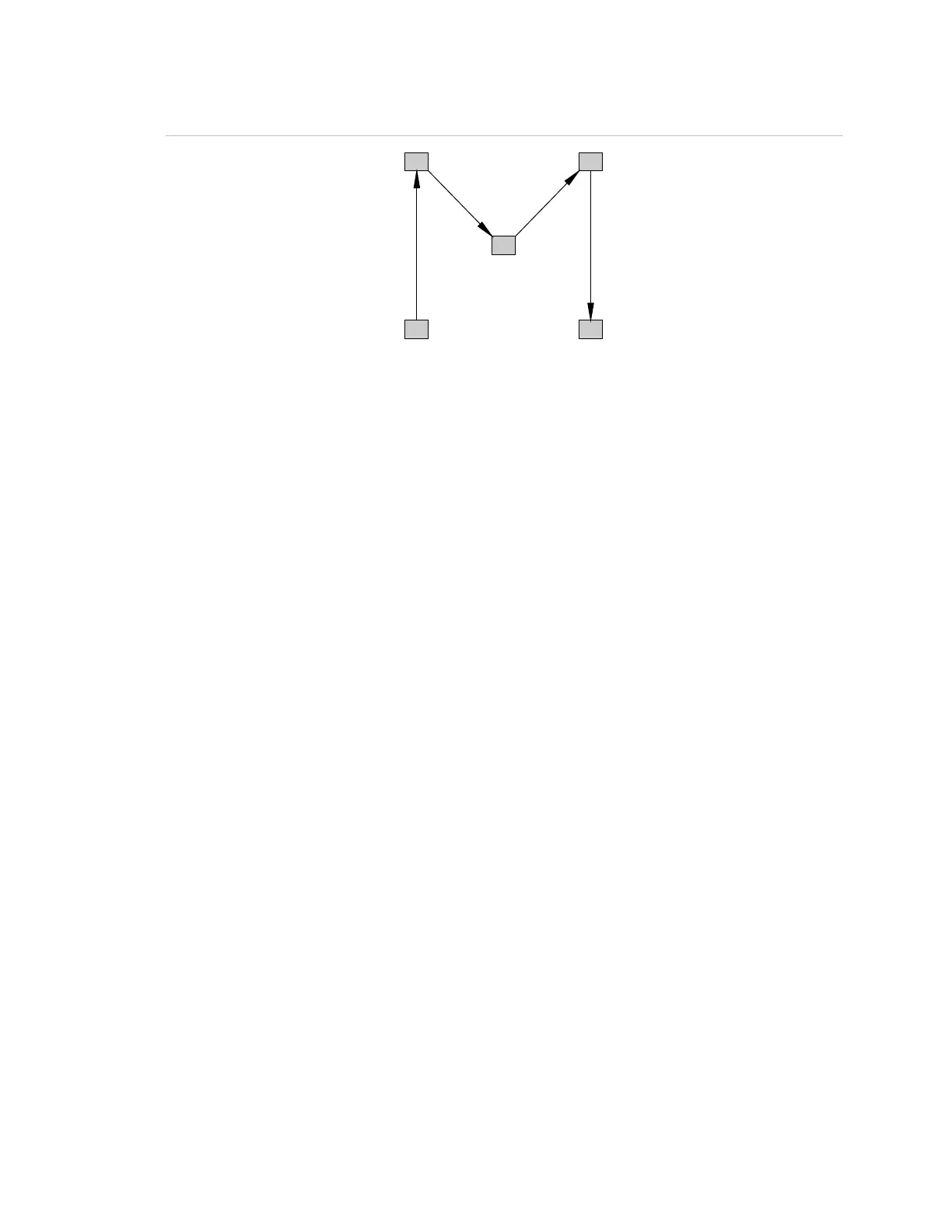
Figure 12: Sample Guard Patrol route assignment
2) 7 to 10 minutes
5) 10 to 15 minutes
Starting a guard’s tour
Activating a Guard Patrol group starts the system’s early, late, and out of
sequence sensing mechanisms. If a station reports in early, late, or out of
sequence, the guard patrol sensing mechanisms stop and the tour is ended.
There are three ways to start a guard patrol tour:
• Issue the Activate command for the for the Guard Patrol group from the
control panel.
• Press a control-display module button that was programmed to turn on the
Guard Patrol group. Refer to the 3-SDU help for configuration instructions.
• Trigger a device attached to the first station in a route
To start a guard patrol from the Activate Menu:
1. Access the Main Menu, and then click Activate.
2. Click Guard Patrol Route, and then click the desired route.
3. Enter your access level password.
Ending a guard’s tour
A guard patrol tour is automatically ended when all stations on the route have
been successfully operated within the allowable time period and in the proper
sequence.



 To Next Page