EasyManua.ls Logo

evertz 3025SW - Up;Down Timer Configuration

evertz 3025SW
208 pages
Print Icon
To Next Page IconTo Next Page
To Previous Page IconTo Previous Page
Loading...
3025SW Master Control Switching & Channel Branding
Page 174 Revision 1.0
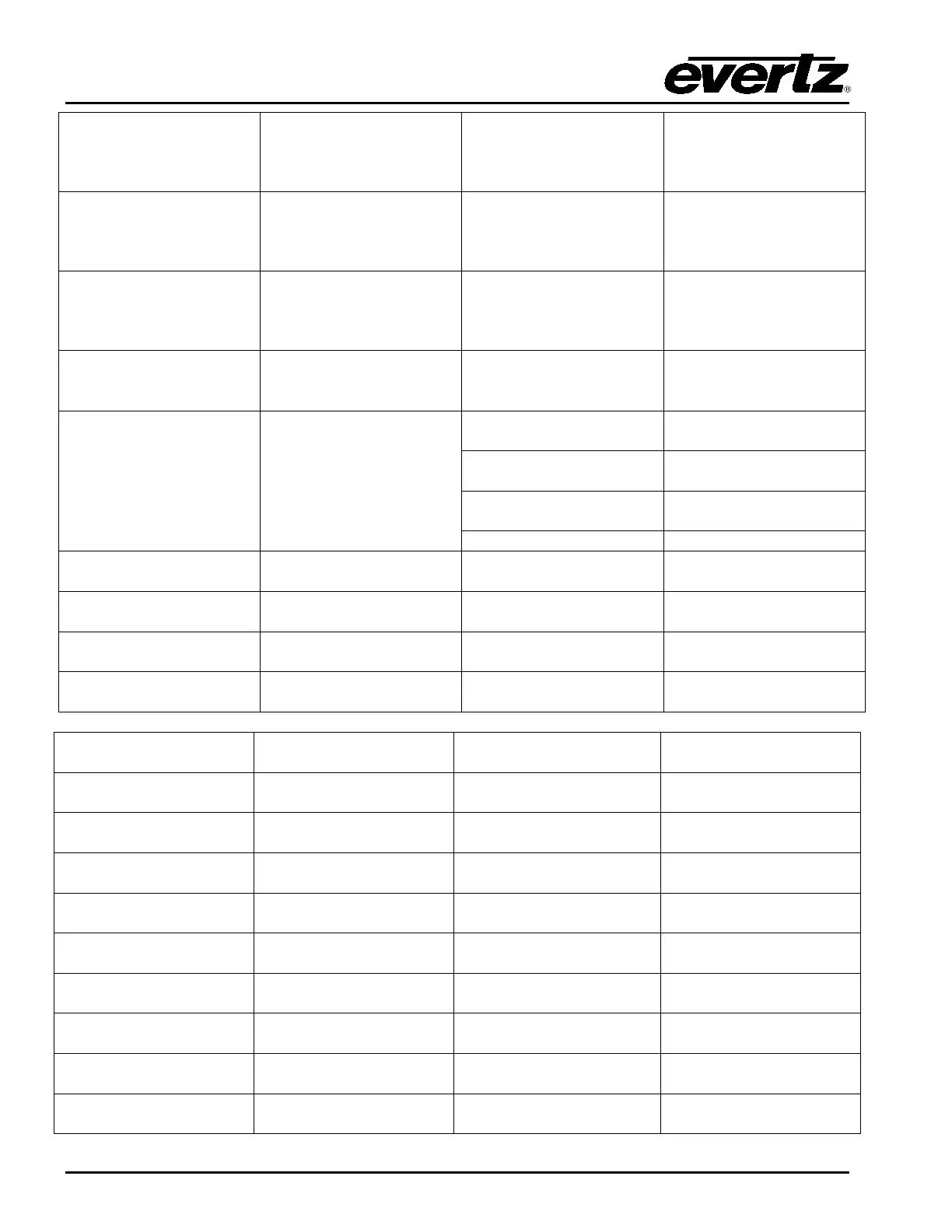
Latch Gain Control
All or Selected Bus
Select the audio
channels that will be
affected by latch gain
adjustments.
Note: Multiple channels
can be selected.
Latch Gain Adjust Up
All or Selected Bus
Adjust the selected
channels gain up.
Note: Either adjust
discretely or to the
lowest value of all
selected channels.
Latch Gain Adjust
Down
All or Selected Bus
Adjust the selected
channels gain down.
Note: Either adjust
discretely or to the
lowest value of all
selected channels.
Display Channel Gain
Selected Bus & Channel
Display the current input
gain of the audio
channel.
N/A
Discrete Audio Default
All or Selected Bus
All Settings
Both Gain and Shuffle
settings back to default.
Gain
Only Gain back to
default.
Shuffle
Only Shuffle back to
default.
Phase
Not Supported.
Program Audio Gain
Up
Selected Pair or
Selected Group
Adjust the audio input
gain up.
N/A
Program Audio Gain
Down
Selected Pair or
Selected Group
Adjust the audio input
gain down.
N/A
Preset Audio Gain
Up
Selected Pair or
Selected Group
Adjust the audio input
gain up.
N/A
Preset Audio Gain
Down
Selected Pair or
Selected Group
Adjust the audio input
gain down.
N/A
EMG Audio Gain
Up
Selected Pair or
Selected Group
Adjust the audio input
gain up.
N/A
EMG Audio Gain
Down
Selected Pair or
Selected Group
Adjust the audio input
gain down.
N/A
Program Ratio Up
(EMC)
N/A
Adjust the program audio
ratio up.
Note: Only applies when
a VO is applied.
Program Ratio Down
(EMC)
N/A
Adjust the program audio
ratio down.
Note: Only applies when
a VO is applied.
Preset Ratio Up
(EMC)
N/A
Adjust the preset audio
ratio up.
Note: Only applies when
a VO is applied.
Preset Ratio Down
(EMC)
N/A
Adjust the preset audio
ratio down.
Note: Only applies when
a VO is applied.
Voiceover1RatioUp
(EMC)
N/A
Adjust VO1 ratio up.
N/A
Voiceover1RatioDown
(EMC)
N/A
Adjust VO1 ratio down.
N/A
Voiceover2RatioUp
(EMC)
N/A
Adjust VO2 ratio up.
N/A
Voiceover2RatioDown
(EMC)
N/A
Adjust VO2 ratio down.
N/A

Table of Contents

Related product manuals