Setting Up Copper Tests
Copper and G.fast/VDSL2/ADSL2+ Multi-play Test Set 95
FED Control
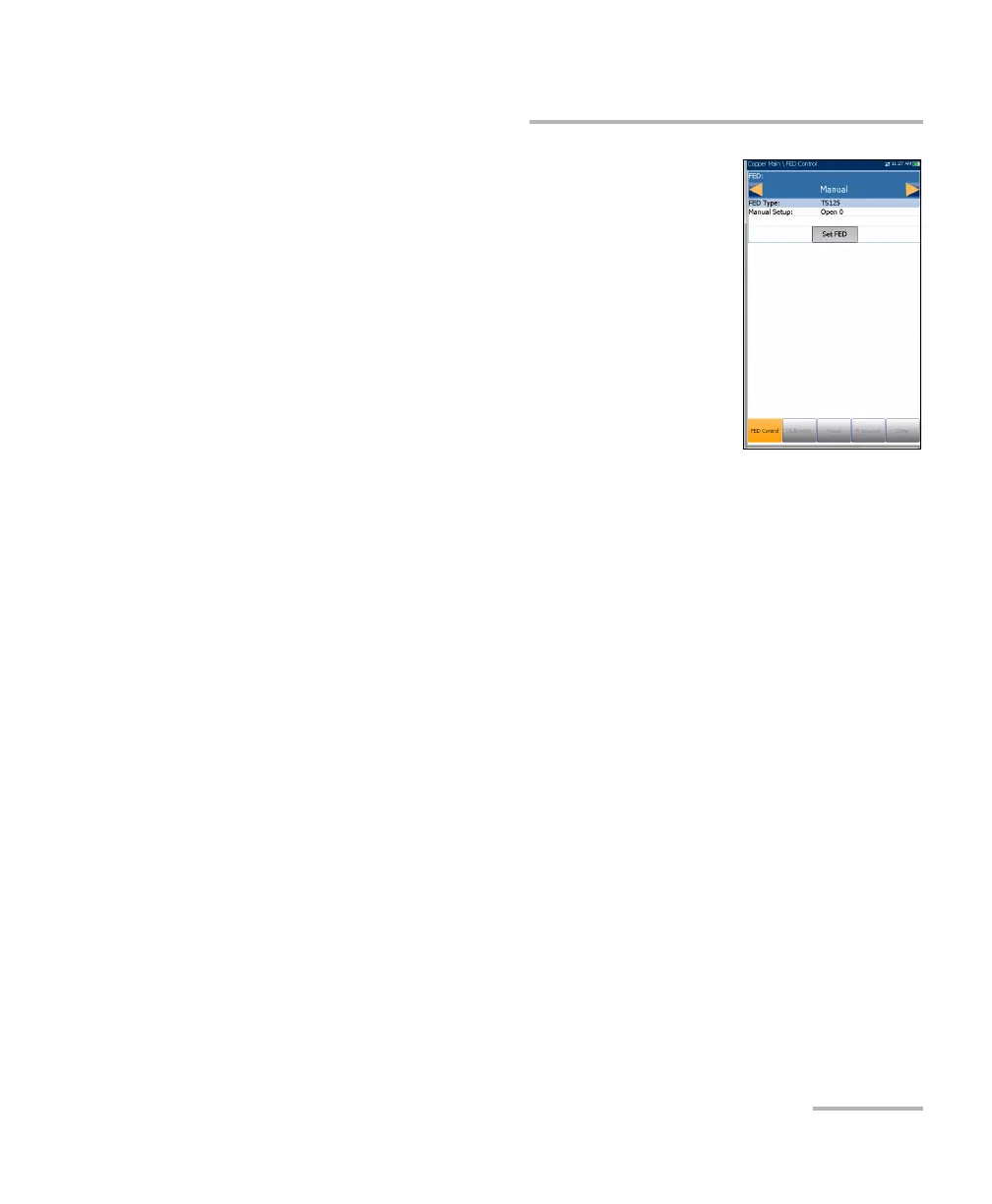
If Manual is selected, the FED Type is set to TS125
by default. When FED is Manual, you can set the
FED to a desired state independently from the one
defined currently in the FED setup for a particular
test. This state will be kept indefinitely until you
set the FED to another one, change the mode to
Auto, or disable the FED. The Manual state of the
FED Control is not saved in the profile and is only
kept for the time of the current session. If you
leave the copper application, at next startup FED
will be set to the value saved in the profile:
Disabled or Auto.
Manual Setup includes 5 options:
Open 0
T-R/A-B Shorted 1
T-R-G/A-B-E Shorted 2
Pass Through/Exchange Connect 3 (default)
ID Tone 4
Set FED button activates the state defined in the Manual Setup
control.
Test Status displays a communication with FED status message.
FED Factory Default button allows you to restore the factory defaults
for the following:
Single Test defaults sets the default FED state values for all the
individual tests, except Auto Test.
User Auto Test defaults sets the default FED state values for Auto
Test.
All these options sets the default FED state values for all tests.













 To Next Page