Multimeter Tests
Copper and G.fast/VDSL2/ADSL2+ Multi-play Test Set 129
Resistance
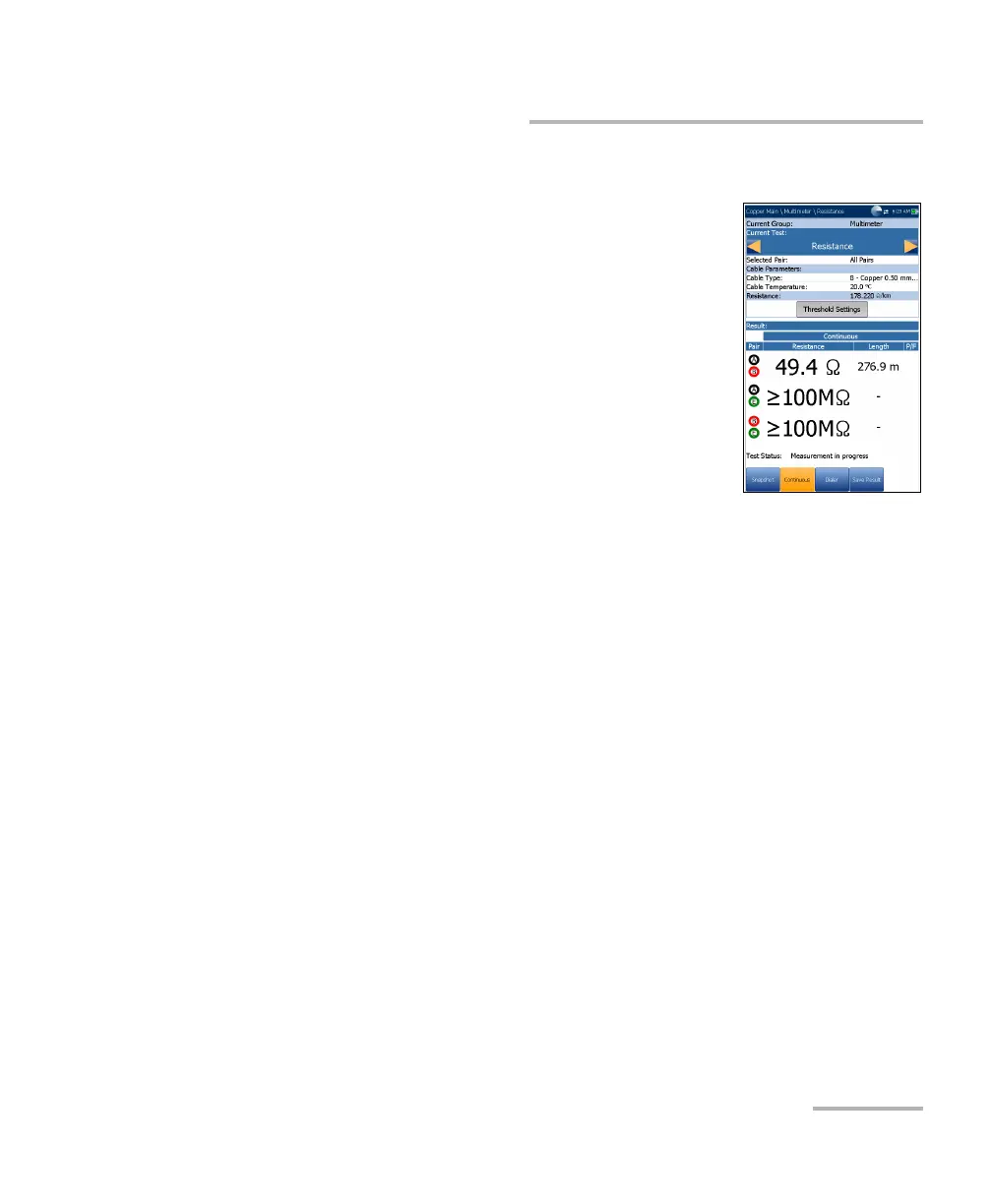
Continuous
The Continuous function measures each pair,
displaying and updating results in real time, until you
stop the test. The last valid results then remain
displayed. In Continuous mode, significant changes
or fluctuations in the values can indicate wet faults or
intermittent metallic faults (swinging faults), or other
foreign voltages on the pair. (Sometimes ground
signals can influence a pair through a ground fault.)
Current Group is the current test group name, for
example Multimeter.
Current Test displays the test being measured.
When FED is Enabled, the FED icon and numeric state are displayed
beside the Current Test.
Here you can switch to another test from the given list. However, this
action will terminate the ongoing measurement test.
Selected Pair allows you to select All Pairs or a single wire pair for
measurement.
Cable Parameters:
Cable Type displays the ID, Cable Name and Fill, and allows you to
select an entry (with its associated parameters) from the current
Cable Book, to use for testing. The selection is not saved when
leaving the test. The current Cable Book entry is shown by default.
Cable Temperature is the temperature in either °F or °C of the
cable under test.
Resistance displays the resistance per length value of the selected
Cable Type. The value is updated when Cable Temperature/Type
change.
Threshold Settings button opens a new page that allows you to set the
resistance thresholds for each pair.













 To Next Page