Multimeter Tests
Copper and G.fast/VDSL2/ADSL2+ Multi-play Test Set 149
Stressed Balance
To access Pair Detective from Multimeter tests:
1. Press
to return to the Copper Main menu.
2. Highlight Pair Detective and press
to launch the test.
3. Open the far end, and see that faults are identified.
4. Check the Pair Detective TDR to locate identified faults.
If corrosion is identified, it may be difficult to locate with the TDR. To
confirm, run the Resistive Balance test.
To access the Resistive Balance test:
1. Press
to return to the Multimeter menu.
2. Highlight Resistive Balance and press
to launch the test.
It does first require a T-R-G/A-B-Earth short at the far end. This will
confirm if ohms on one side are higher than the other and there is a
one-sided high-resistive fault. If the ohms on the faulted side measure
< 20 M ohms, use the RFL Single/Separate Good Pair method
(depending on available spare pairs) to try to locate the corrosion. See
RFL on page 281 for more help on using this test.
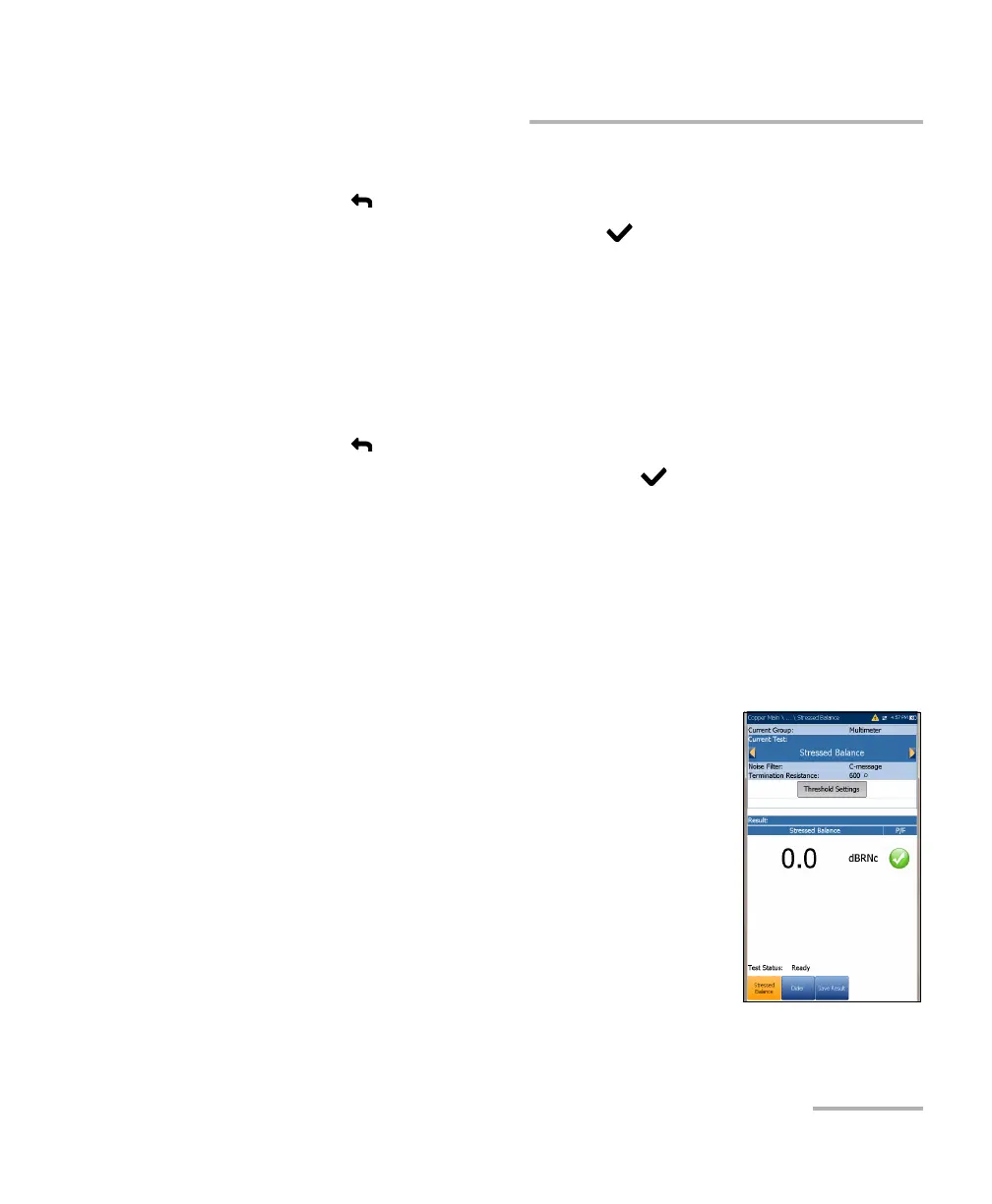
The Stressed Balance parameters are as follows:
Current Group is the current test group name, for
example Multimeter.
Current Test displays the test being measured.
Here you can switch to another Multimeter test
from the given list. However, this action will
terminate the ongoing measurement test.
Noise Filter is a fixed value set to C-message.
Termination Resistance is a read-only value of
600
Ω.
Threshold Settings button opens a new page that
allows you to set the Stressed Balance Threshold for the test.













 To Next Page