SmartR™ Features
156 MAX-635G
Pair Detective
Isolation results also display a five-level indicator of the measured
isolation/leakage resistance.
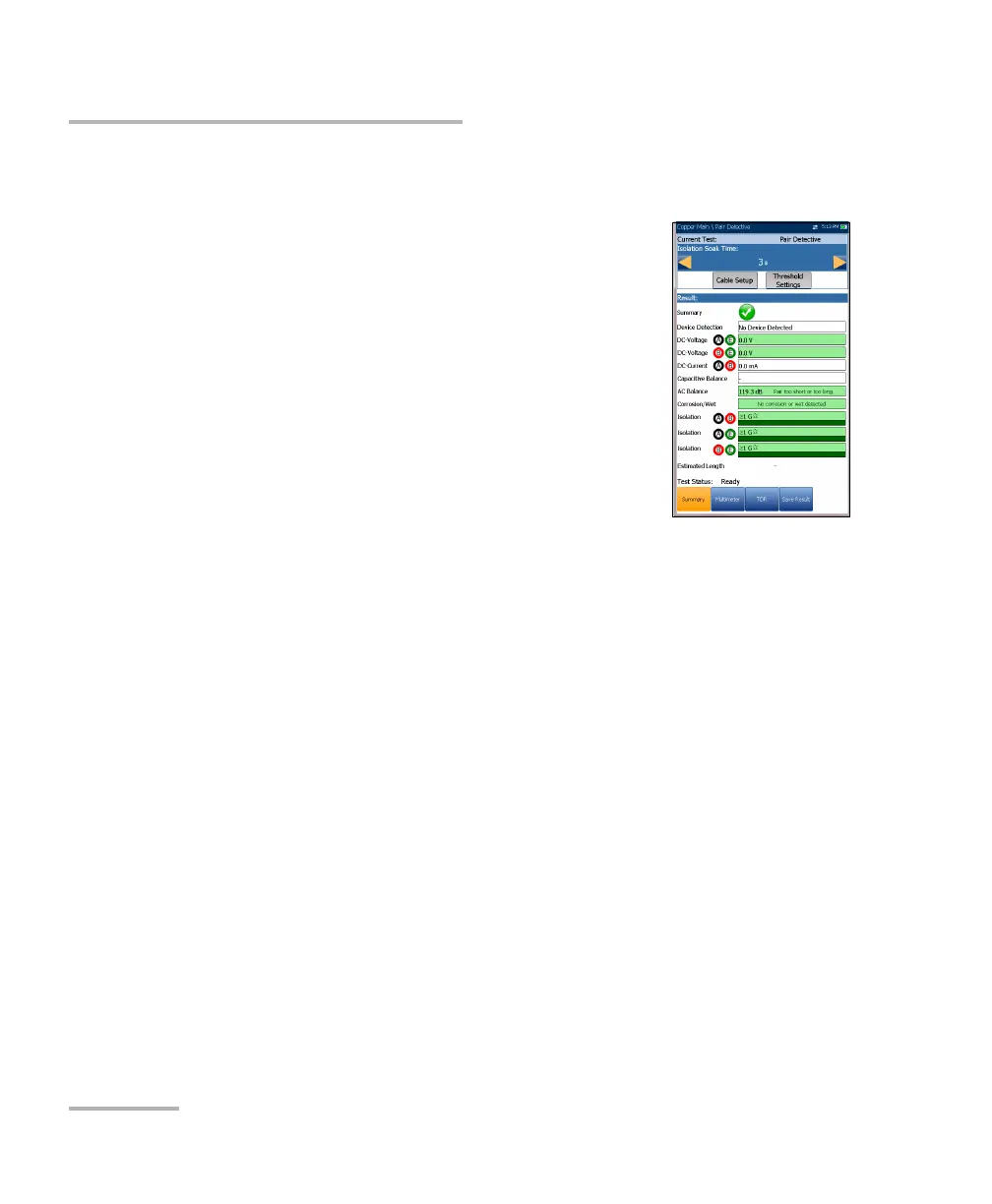
The Summary page allows you to set the following
parameters:
Isolation Soak Time sets a soak period of time
from 1 to 60 seconds for the Isolation test. Default
is 5 s. If your unit has the HIVOLT (high voltage)
software option configured, the Soak Voltage
parameter values are extended up to 500 V
maximum. Default is inherited from Multimeter
Isolation test.
Note: The application of higher voltage over time tends to
dry-up moisture. Some faults may appear to disappear
after a soak period, but only the moisture has disappeared. The fault
remains and moisture will likely return at a later time. Therefore, do not
extend the soak time unless testing insulation resistivity (PIC, paper, etc.).
Cable Setup button opens a new page that allows you to set the Cable
Parameters for the test.
Threshold Settings button opens a new page that allows you to set the
threshold parameters. They control when Pair Detective identifies a
fault, such as 4 VDC for a battery fault. You can also modify when Pair
Detective identifies a high-resistive versus normal fault by changing the
threshold parameters.
Note: Individual test parameters can be modified by accessing their respective
test pages.
To select the parameter values:
1. Press the up/down arrow keys to highlight the desired parameter.
2. Press the left/right arrow keys to view and select the options.
OR













 To Next Page