SmartR™ Features
160 MAX-635G
Pair Detective
TDR
TDR is included to help locate faults identified on the summary screen,
and runs every time Pair Detective runs. It remains running and allows you
to control and edit the TDR test. It runs continuously after the one-minute
test cycle is completed using the setup parameters from the initial cycle of
the Pair Detective test. After saving the results, the Pair Detective results
will contain the Estimated Length value as found for the initial cycle of the
Pair Detective test. But you may continue to use the TDR test to further
locate faults on the line.
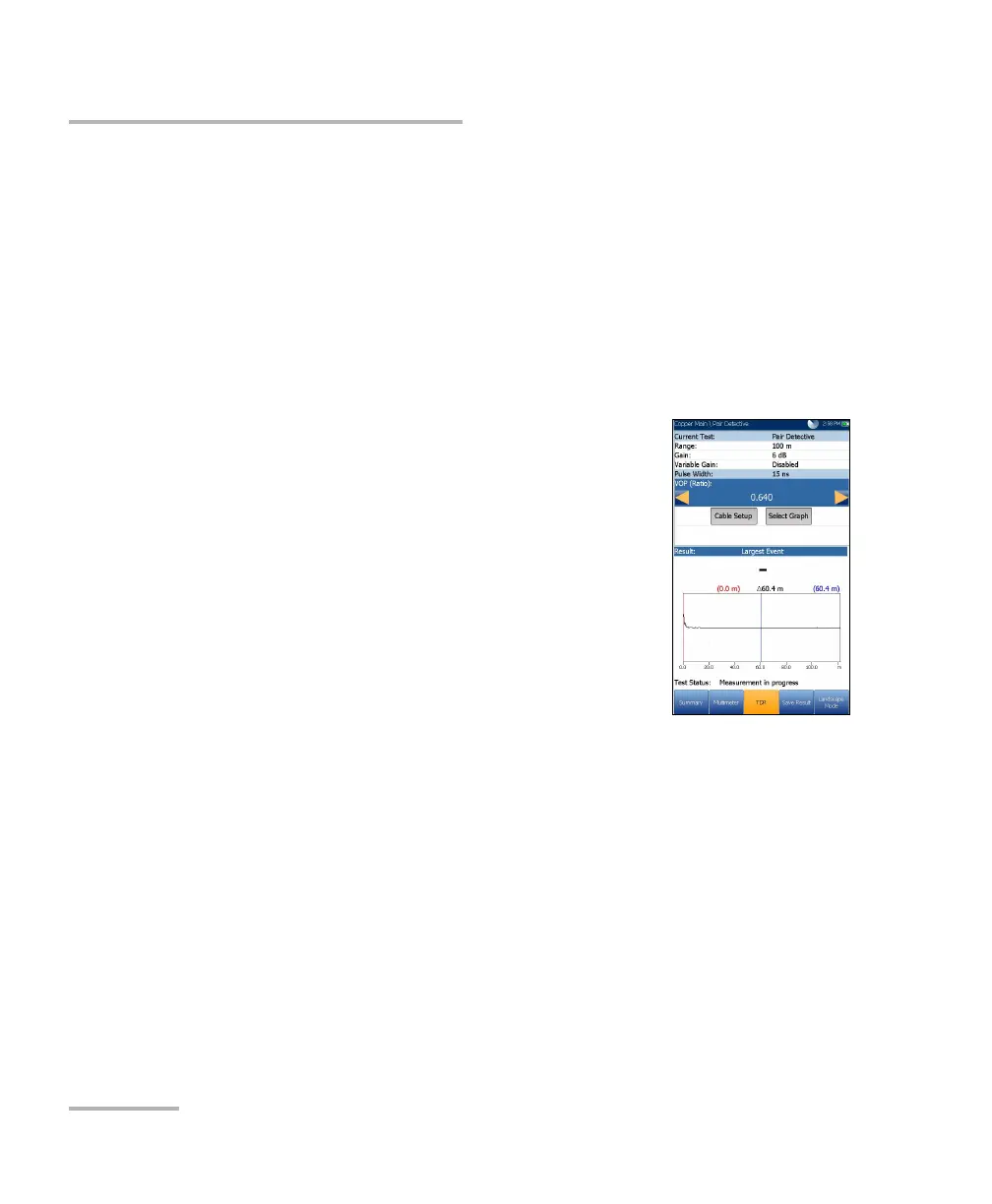
The TDR test displays the line trace and is
continuously on and ready to use. It displays and
updates results in real time, in either Portrait or
Landscape Mode (recommended), until you stop the
test. The last valid results then remain displayed.
Current Test displays the test being measured.
Range allows you to set the range from the given
list.
Gain allows you select the gain test parameter
from the given list.
The previous 2 parameters have 2 modes of operation:
Auto is the default mode upon loading the test page. TDR
automatically optimizes the test parameters and scans each band
individually looking for one Largest Event in each band (if any).
Range and Gain are updated to reflect optimized TDR settings.
Once results are displayed, TDR switches to manual mode. The
test keeps running until you press Start/Stop.
Manual mode allows you set the test parameters to be used as
inputs for the TDR measurements.
Note: If either of the above 2 test parameters are set to Auto, respective
parameter values will be updated by TDR test.













 To Next Page