SmartR™ Features
Copper and G.fast/VDSL2/ADSL2+ Multi-play Test Set 163
Pair Detective
Parameters displays a small strip window listing the following
values: Range and Gain, and Pulse Width. They can be edited or
viewed as described in Portrait Mode (above).
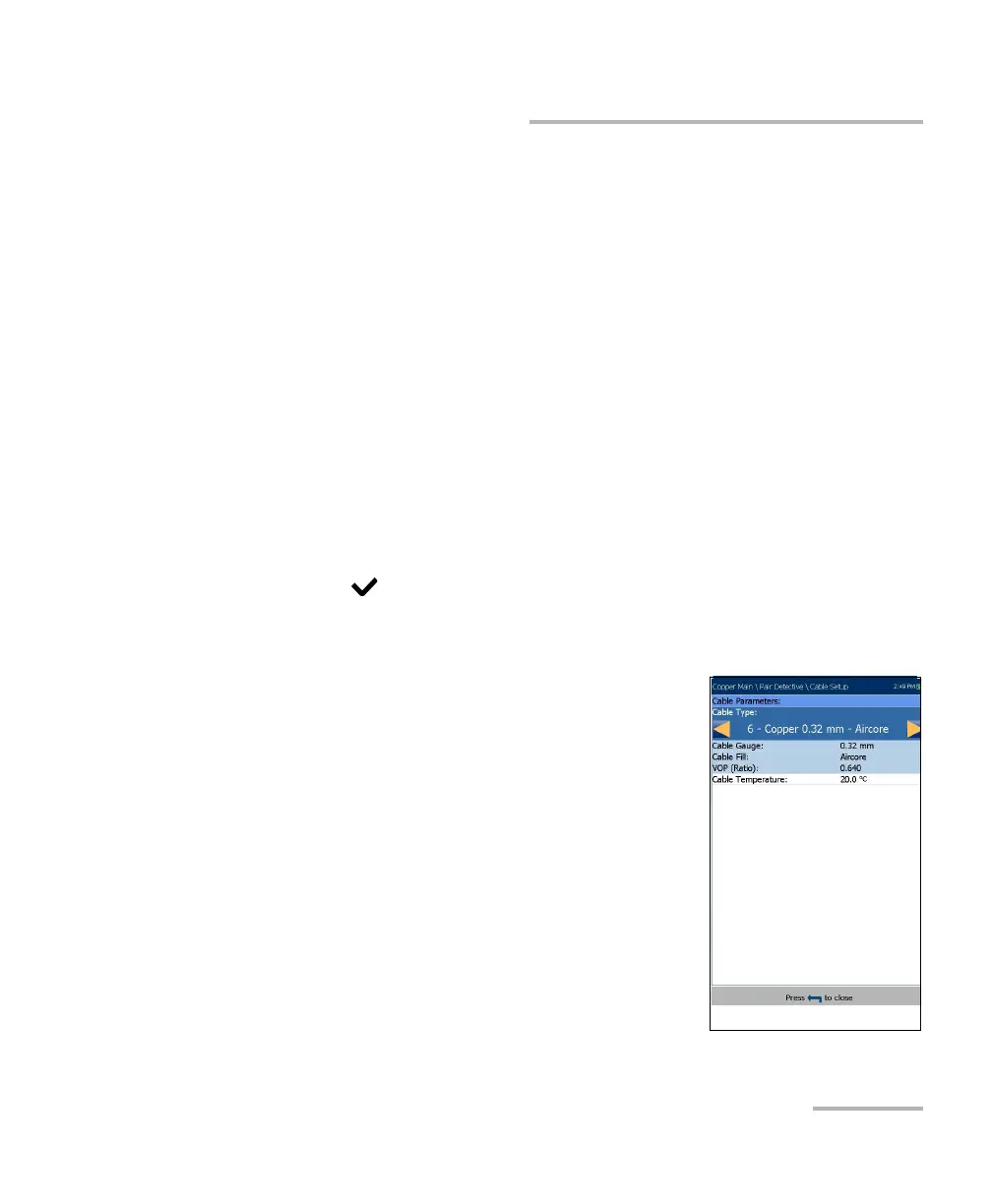
Cable Setup displays a small strip window when selected allowing
you to change the Cable Type and Cable Temperature. You can
also view the Cable Gauge and Cable Fill entries which were
setup in Cable Book, and VOP. For more information, see Pair
Detective Cable Setup on page 157.
To select the parameter values in Landscape Mode:
1. Press the desired function key.
2. For Parameters and Cable Setup, press the up/down arrow keys to
highlight the desired parameter.
3. Press the left/right arrow keys to view, select the options, or
increase/decrease values.
4. Press to confirm the value.
TDR Cable Setup
The Cable Setup page is the same as previously
described. Please see Pair Detective Cable Setup
on page 157 for more information.













 To Next Page