SmartR™ Features
170 MAX-635G
FaultMapper
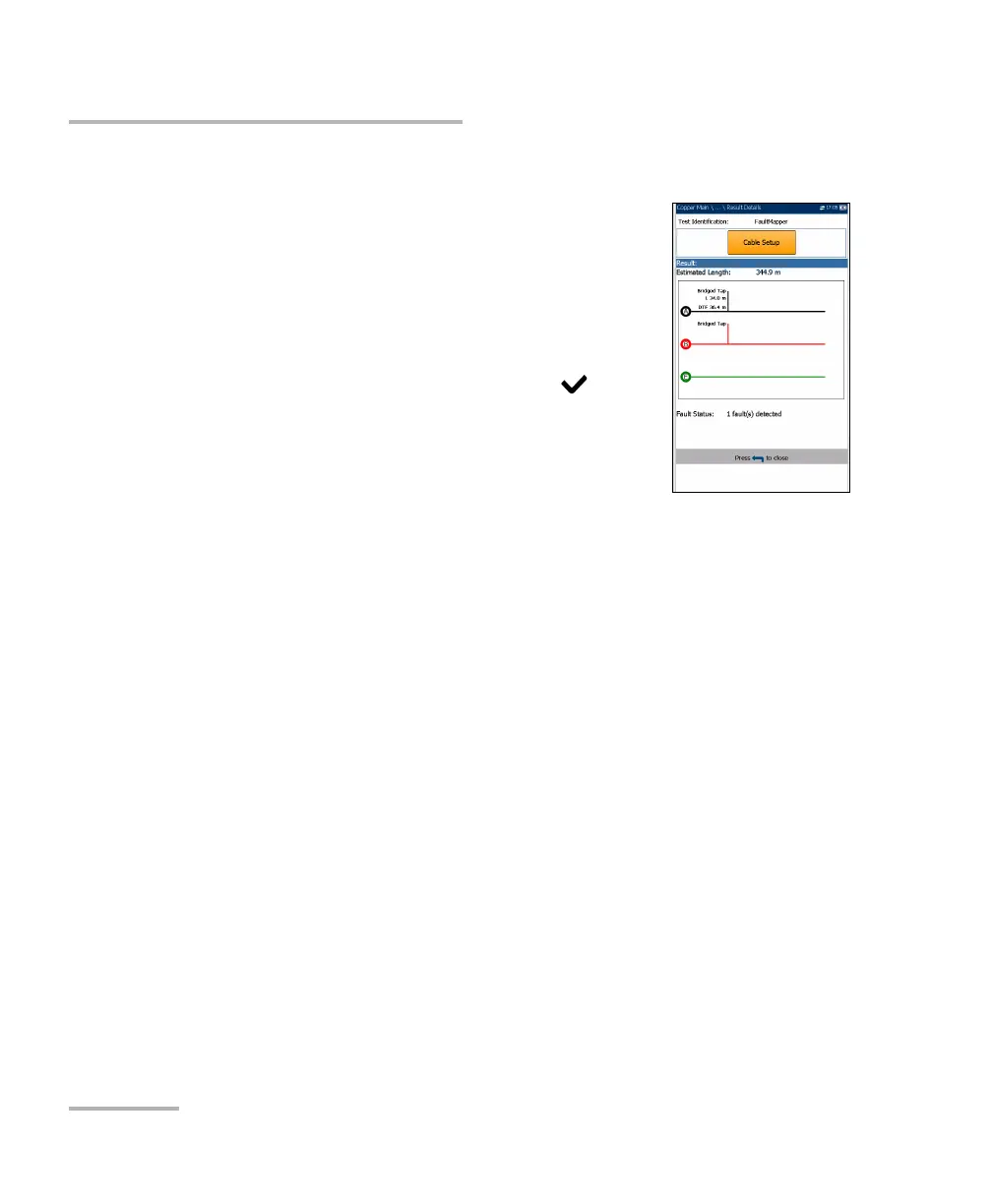
FaultMapper Result Details
The Result Details read-only page displays the test
results in text and graphical format.
Test Identification is the name of the test, for
example FaultMapper.
Cable Setup button opens a new page displaying
the cable parameters of the test. Use the left/right
arrows to select the button and press to open
the page.
Result displays the cable fault details.
Note: When running FaultMapper with a strap at the far end
of the pair, and there is a T-G/A-E fault, the strap may also cause
FaultMapper to display a R-G/B-E short. In such cases, the resistance shown
is the resistance that would be measured using a multimeter.
Estimated Length displays the cable length when the cable is open.
Fault Status displays the number of faults detected (or No fault
detected) after running the test.













 To Next Page