Noise Tests
188 MAX-635G
WB PSD Noise
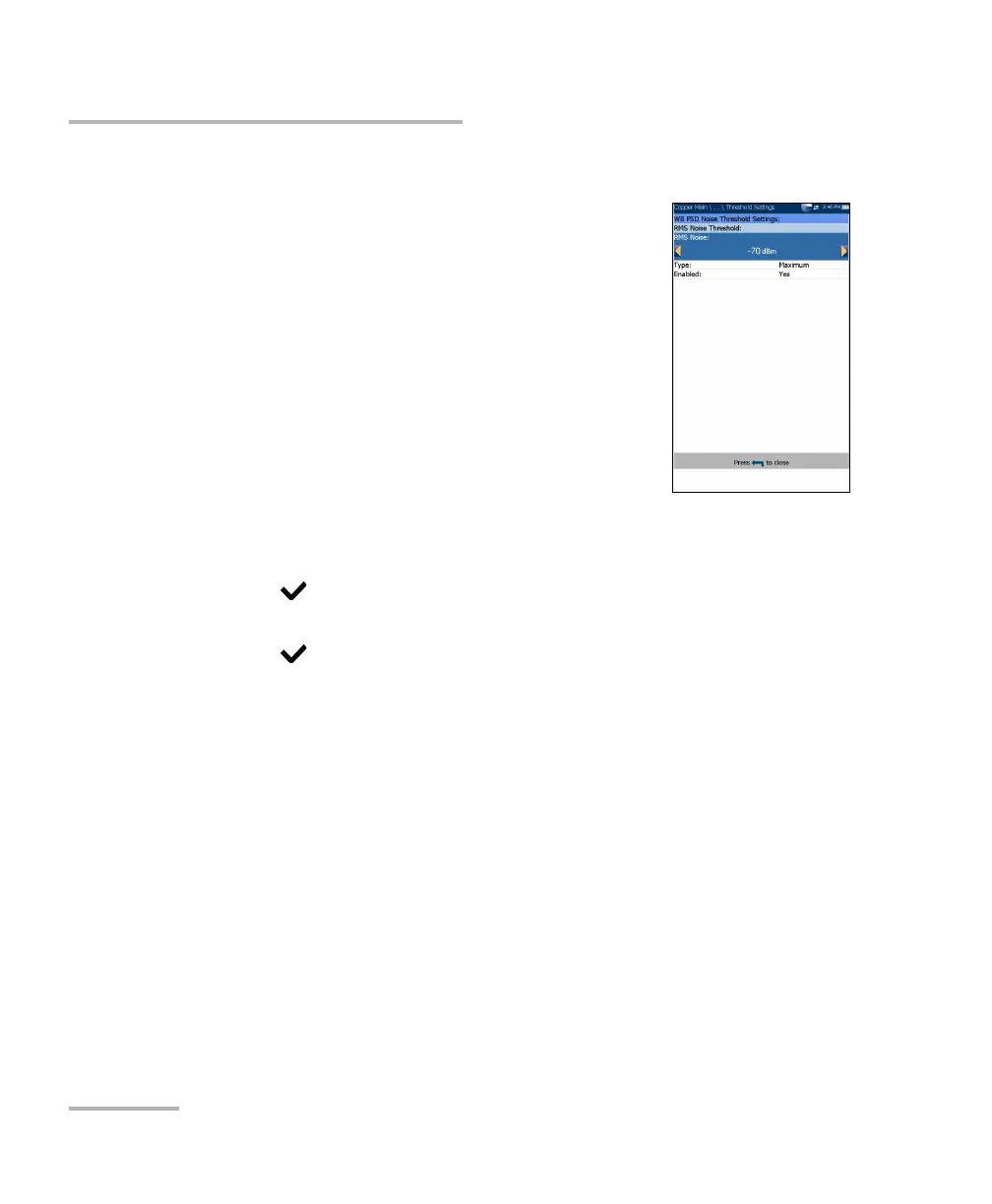
WB PSD Noise Threshold Settings
The Threshold Settings page allows you to set the
RMS Noise Threshold parameters for the test.
Type is the threshold limit for each pair: either
Maximum or Minimum.
Enabled is a flag to use the current threshold:
either Yes or No.
To set threshold values:
1. Press the up/down arrow keys to highlight the
desired parameter.
2. Press the left/right arrow keys to view and select
the options.
OR
3. Press on a value to open a list box of options or the alphanumeric
editor screen and use the navigation keys to scroll through.
4. Press to confirm the value.













 To Next Page