Noise Tests
Copper and G.fast/VDSL2/ADSL2+ Multi-play Test Set 187
WB PSD Noise
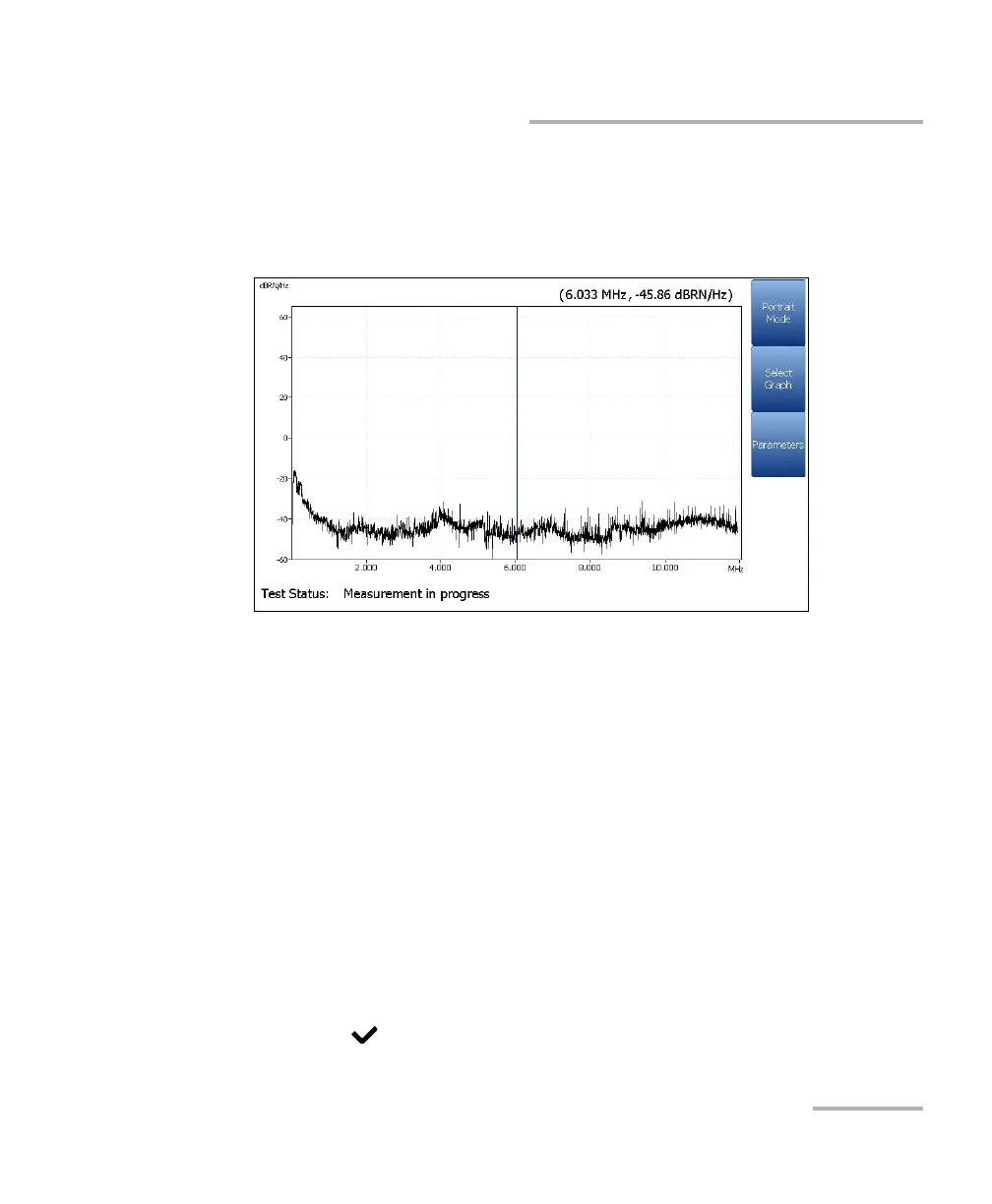
Landscape Mode function key allows you to view the test results in
landscape mode. Whether the keyboard is on the right or left is
dependent on your preferred Landscape Mode Settings configured in
Setup/Application Settings/General.
This mode generates the following function keys:
Portrait Mode is used to change the screen orientation from
landscape to portrait.
Select Graph opens a new selection of function keys which allow
you to maneuver the graph. (Same as above.)
Parameters displays a small strip window when selected allowing
you to change the Bandwidth, Noise Filter, Termination, and
Termination Resistance values from a list of options.
To select the parameter values in Landscape Mode:
1. Press the Parameters function key.
2. Press the up/down arrow keys to highlight the desired parameter.
3. Press the left/right arrow keys to view and select the options.
4. Press to confirm the value.













 To Next Page