Noise Tests
Copper and G.fast/VDSL2/ADSL2+ Multi-play Test Set 203
NEXT
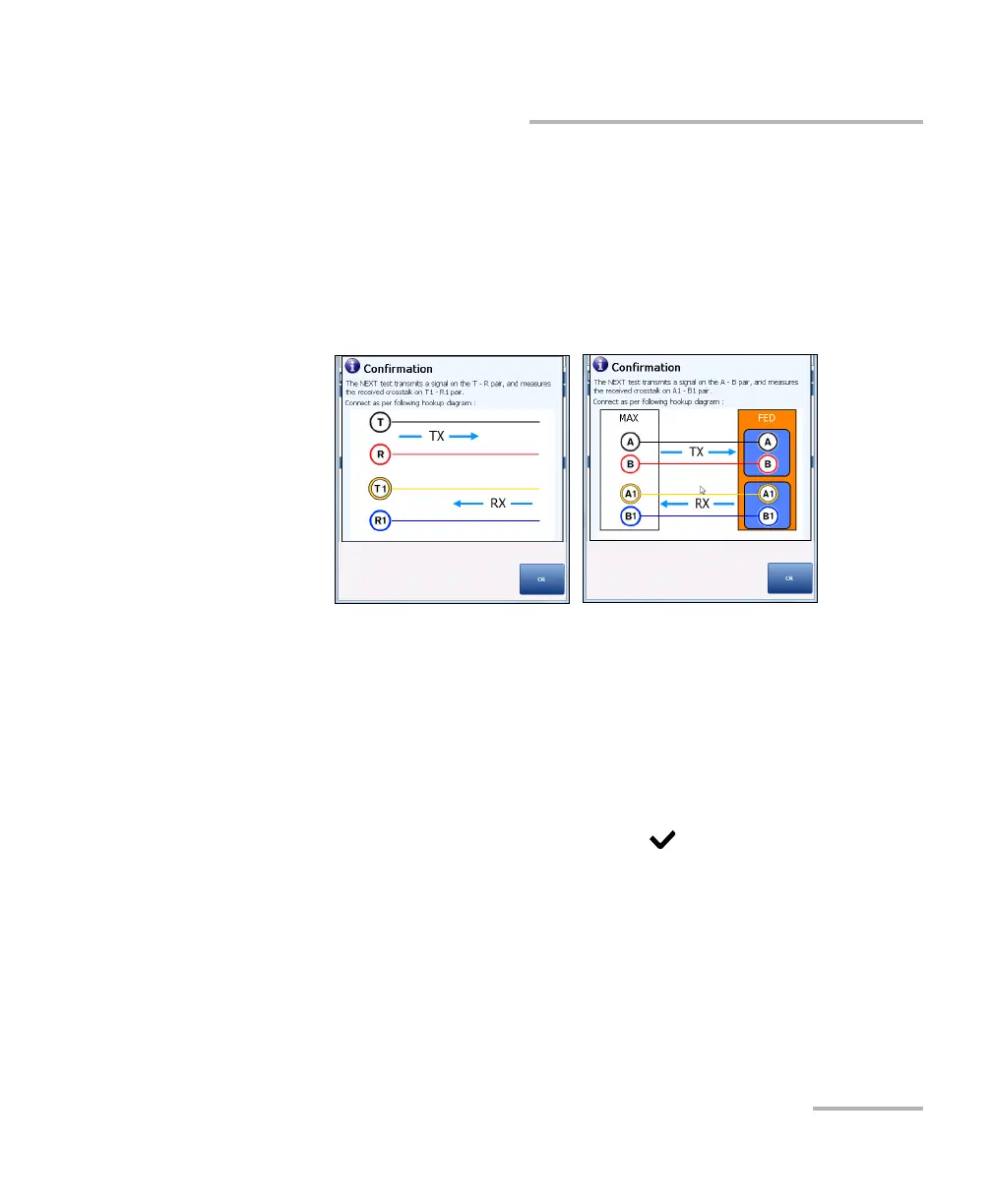
The Confirmation window is prompted before every NEXT test is
started if you selected Yes for the Show hookup diagram. You can
select No to hide the diagram next time you run the test.
However, you can check the connection diagram at any time by
pressing the Hookup Diagram button. In this case, the test does
not start when you press the Ok button to close the Confirmation
window.
Threshold Settings button opens a new page that allows you to set the
NEXT Spectrum Threshold.
Select Graph button changes to Graph Selected when pressed and
opens a new selection of function keys which allow you to maneuver
the graph as follows:
Cursor - press the left/right arrow keys to decrease/increase the
values by moving the cursor. Press and hold the left/right arrow
keys to accelerate the cursor. Press to recall the cursor and
place it in the middle of the current x-axis limits.













 To Next Page