Frequency Tests
Copper and G.fast/VDSL2/ADSL2+ Multi-play Test Set 217
WB Balance
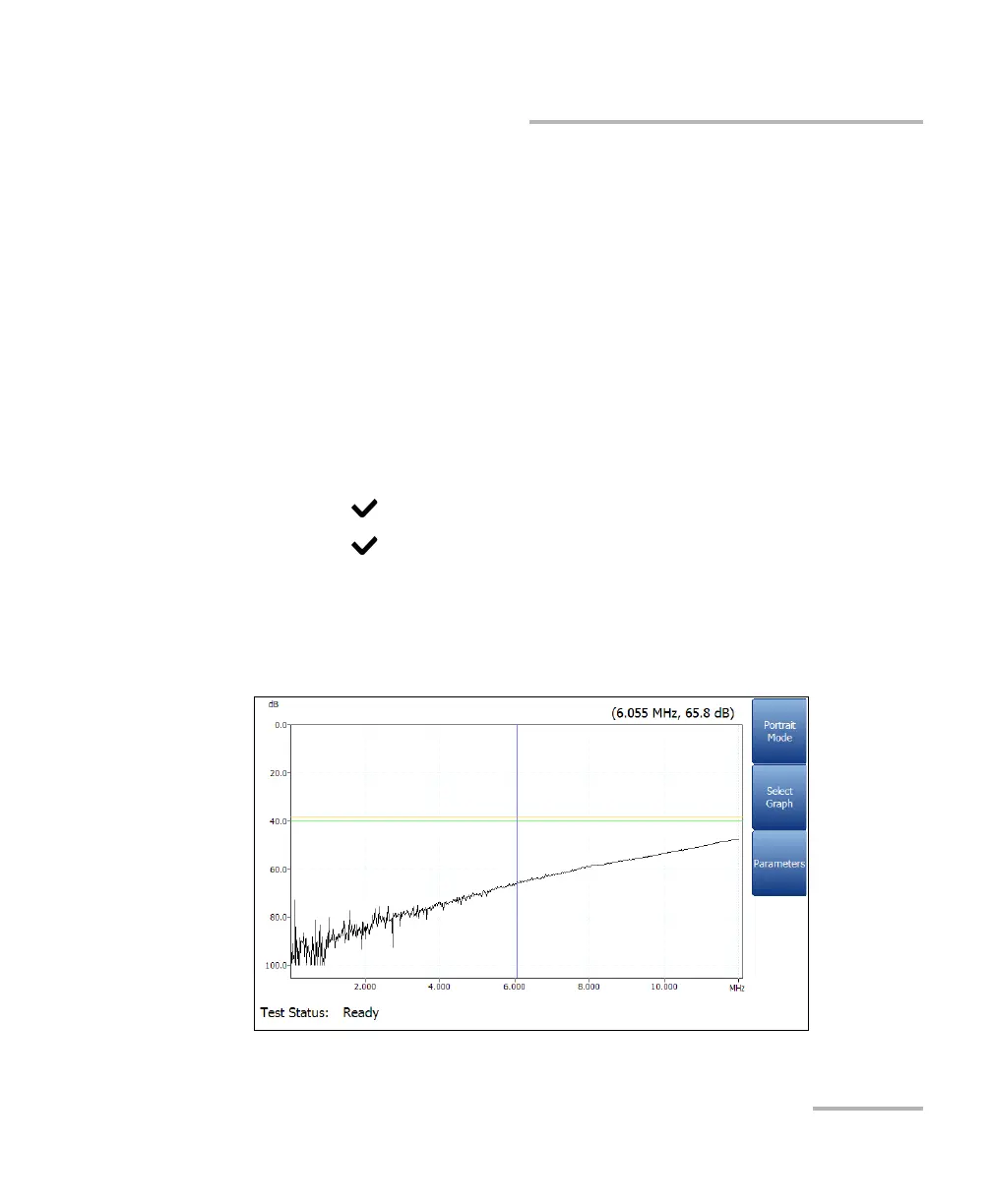
If Mask is enabled for the selected bandwidth, then:
Marginal is a marginal pass area on the graph represented in
yellow.
The end of tolerance or fail point is displayed as a red cursor value.
Test Status displays the current state of measurement or an error
message.
To select the parameter values in Portrait Mode:
1. Press the up/down arrow keys to highlight the desired parameter.
2. Press the left/right arrow keys to view and select the options.
OR
3. Press on a value to open a list box of options.
4. Press to confirm the value.
Landscape Mode function key allows you to view the test results in
landscape mode. Whether the keyboard is on the right or left is
dependent on your preferred Landscape Mode Settings configured in
Setup/Application Settings/General.













 To Next Page