TDR
276 MAX-635G
Result Details
Load Trace function key opens a new page that allows you to load a
trace from a list of previously saved TDR tests.
Clear Trace button deletes the loaded trace from the graph.
To select the parameter values in Portrait Mode:
1. Press the up/down arrow keys to highlight the desired parameter.
2. Press the left/right arrow keys to view, select the options, or
increase/decrease values.
OR
3. Press on a value to open a list box of options or the alphanumeric
editor screen and use the navigation keys to scroll through.
4. Press to confirm the value.
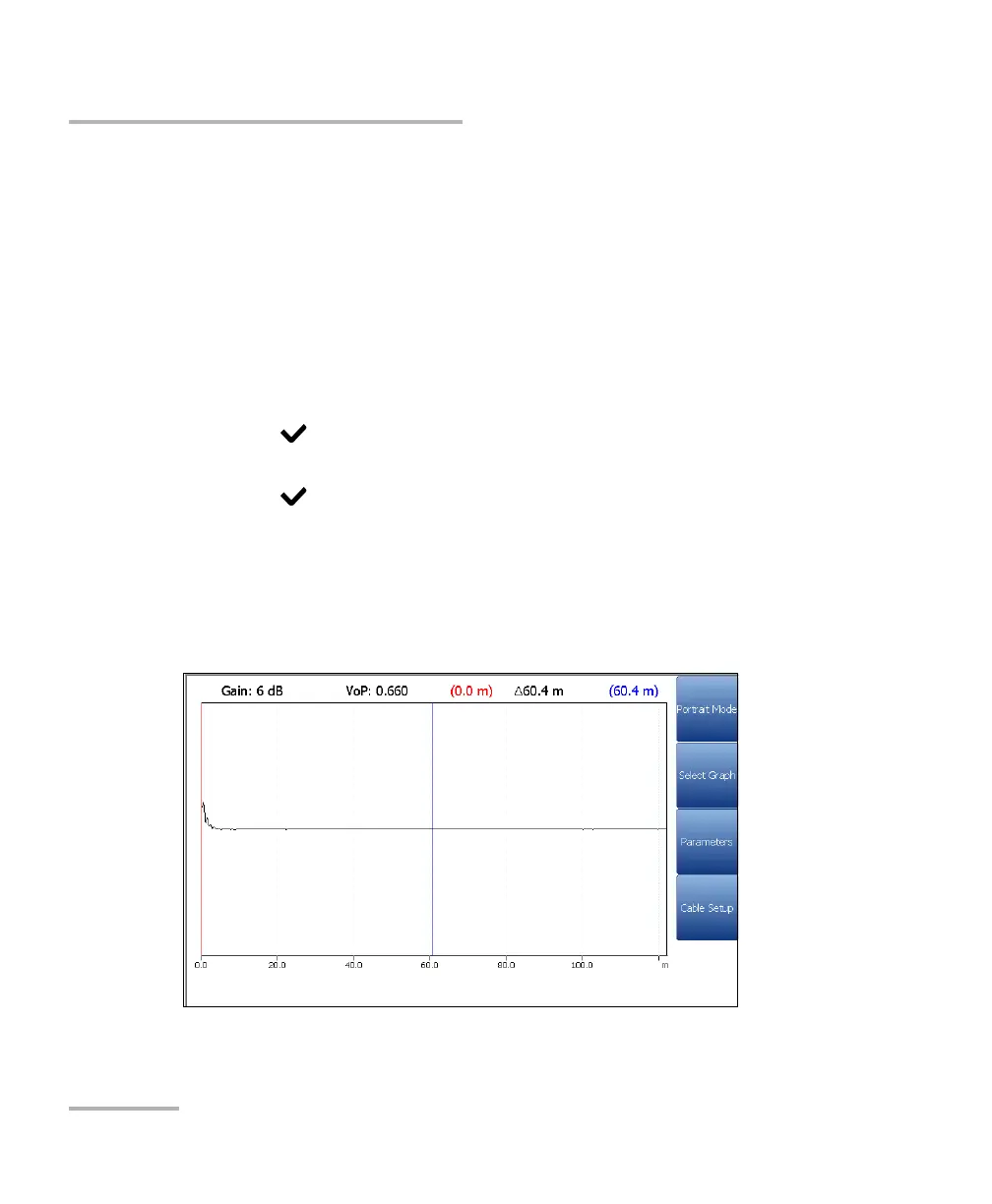
Landscape Mode is the best way to use the TDR and allows you to
view the test results in landscape mode utilizing the full length of the
high resolution, color screen. Whether the keyboard is on the right or
left is dependent on your preferred Landscape Mode Settings
configured in Setup/Application Settings/General.













 To Next Page