Copper Auto Tests
314 MAX-635G
User Auto Test
TDR Result
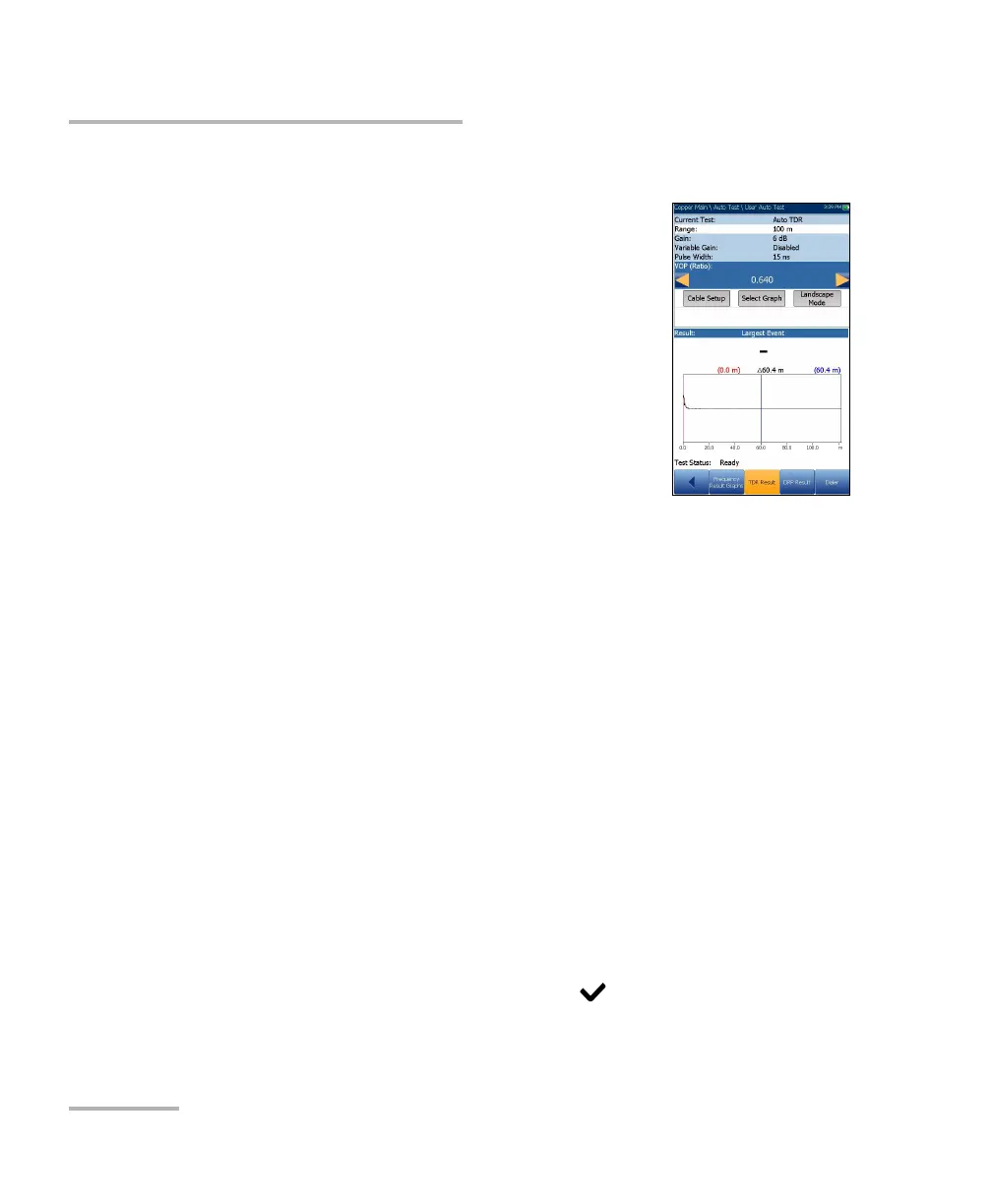
The TDR Result page displays the TDR test result
cable parameters and the distance to the most
significant reflection or Largest Event, in text and
graphical format in either Portrait or Landscape
Mode. The distance (Delta) value between cursor
and marker is displayed on the top of the graph.
Current Test displays the test being measured, for
example Auto TDR.
Range allows you to set the range from the given
list.
Gain is a non-editable value that is updated
dependent on whether the Range was set to Auto or a manual value.
Pulse Width is a non-editable value that is updated dependent on the
Range.
VOP allows you to change the velocity of propagation value for the
cable as defined in m/μsec (meters per microsecond), a ratio, or
percentage of the speed of light.
Cable Setup button allows you to view the Cable Parameters of the
TDR test.
Select Graph button changes to Graph Selected when pressed and
opens a new selection of function keys which allow you to maneuver
the graph as follows:
Cursor/Marker allows you to select the cursor (blue) or marker
(red) independently by toggling the function key. The footer
updates to reflect either Move cursor or Move marker. Press the
left/right arrow keys to decrease/increase the values by moving the
cursor/marker. Press and hold the left/right arrow keys to
accelerate the cursor/marker. Press to recall the cursor/marker
and place it in the middle of the current x-axis limits.













 To Next Page