Setting Up DSL/IP Tests
Copper and G.fast/VDSL2/ADSL2+ Multi-play Test Set 329
Test Configuration
Profile Default resets the current test setup to the factory default
profile. If selected, a dialogue box pops up to confirm that all single
and auto test settings will revert to factory test settings.
Save Profile opens the alphanumeric editor screen allowing you to
create a new profile name and copy all parameters from the currently
loaded profile.
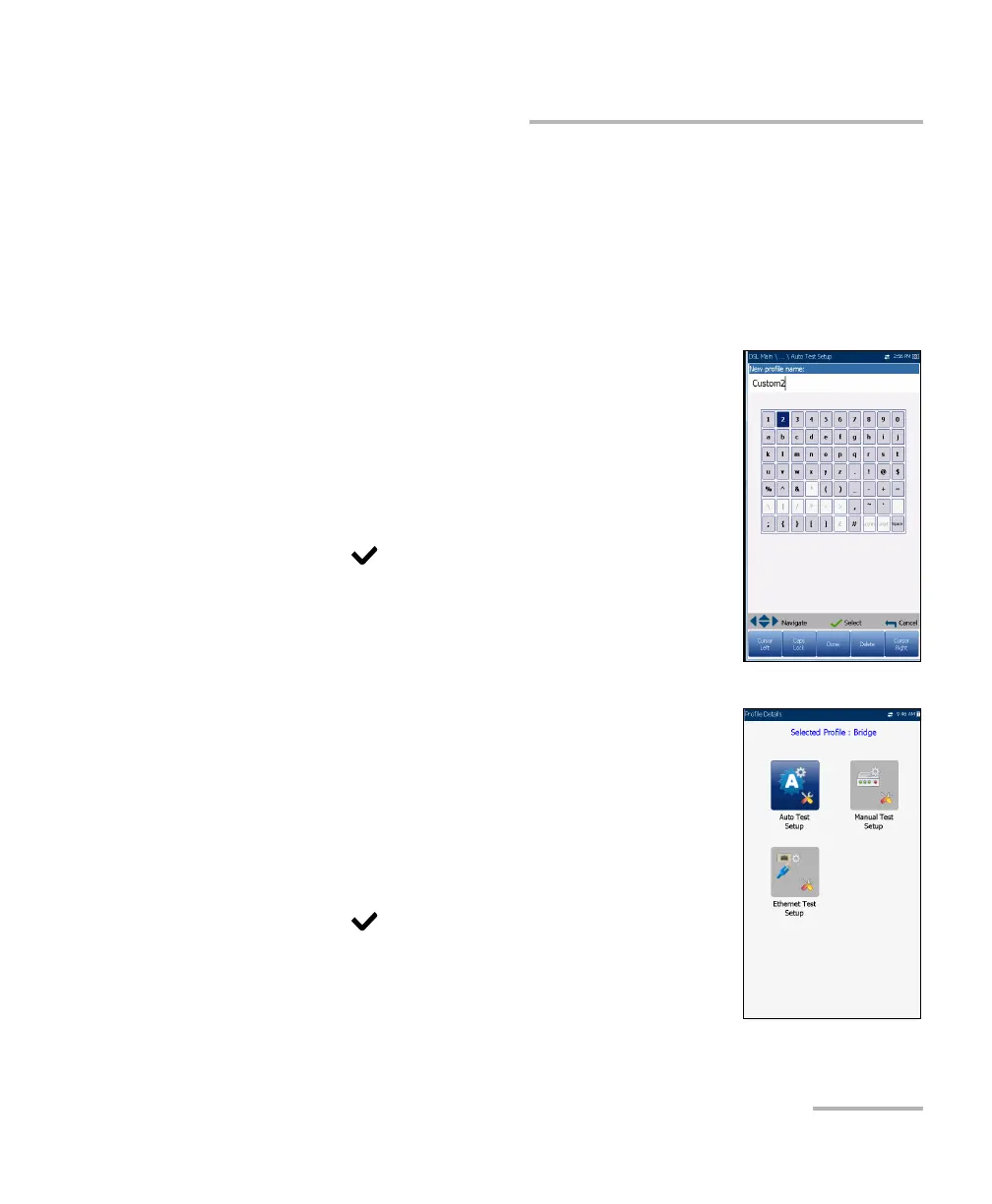
Setup Profile Name
This alphanumeric editor screen allows you to change
parameter values and save changes to a new word.
To use the editor screen:
1. Press the up/down left/right arrows to navigate the
on-screen keyboard.
2. Press to confirm each selection.
3. Use the on-screen function buttons to create or
edit the word.
Profile Details Menu
You can view any of your saved profiles on the
MaxTester from the Profile Details menu by selecting
the desired test setup icon. This sub-menu displays an
icon for each test: Auto Test, Manual, and Ethernet.
To select a test:
1. Press the up/down left/right navigation keys to
select the desired icon.
2. Press to display the test profile details.













 To Next Page