Setting Up DSL/IP Tests
330 MAX-635G
Test Configuration
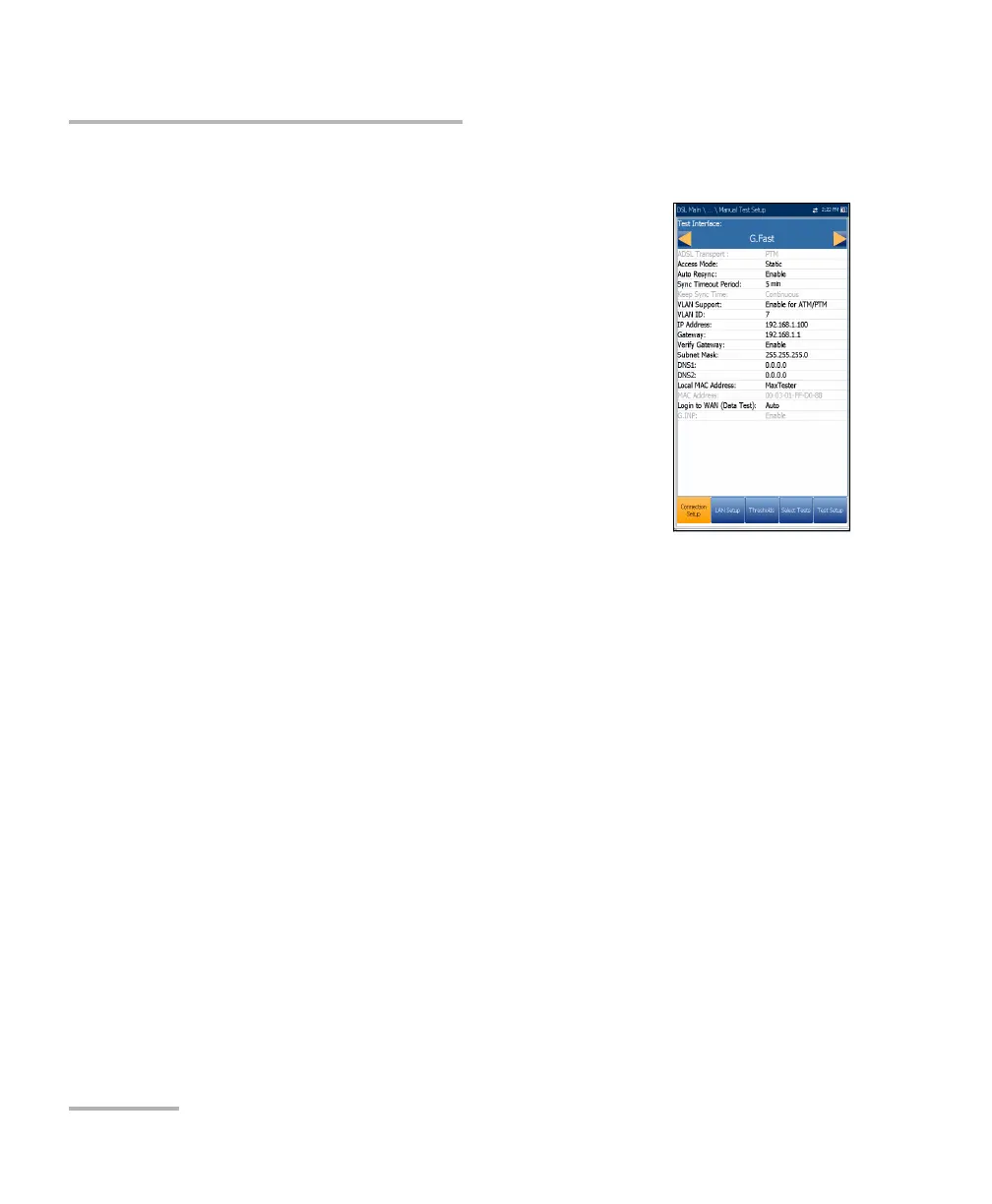
Connection Setup
The Connection Setup tab allows you to configure the
line and access modes, etc of your test dependent on
your unit’s Software Options and model
Information.
The V2XAA unit does ADSL Annex A, VDSL2 Bonding,
and Vectoring. ADSL Annex A is on pair 1 and bonding
uses pair 1 and pair 2.
The Test Interface setup options for the V2XAA
module are the following:
ADSL2+ - if VDSL2 option disabled.
VDSL2/ADSL2+ - if VDSL2 option enabled
ADSLMulti supports G.DMT, T1.413, and G.Lite.
ADSL2+ Bonding - if VDSL2 option disabled, Bonding option
enabled.
VDSL2/ADSL2+ Bonding - if VDSL2 and Bonding options enabled.
VDSL2-30a - if VDSL2 option enabled.
The V2XAB unit does ADSL Annex A and Annex B. ADSL Annex A is on
pair 2 and ADSL Annex B is on pair 1.
The Test Interface setup options for the V2XAB module are the
following:
VDSL2/ADSL2+ (xB/P1) - if VDSL2 option enabled, ADSL Annex B
mode.
ADSLMulti (xB/P1) - supports G.DMT only.
VDSL2/ADSL2+ (xA/P2) - if VDSL2 option enabled, ADSL Annex A
mode.
ADSLMulti (xA/P2) - support G.DMT and T1.413 only.
ADSL2+ (xB/P1) - if VDSL2 option disabled, ADSL Annex B mode.













 To Next Page